Trail management software

Run your whole
trail network
from one place.

For trail builders and the organizations that run trails.
TrailsIQ covers the whole life of a trail, from the first site visit through years of upkeep. That includes maintenance, live conditions, your crew in the field and the public pages your visitors read.

Get started freeSee pricing

Free plan: 10 trails, 3 field workers, no card.

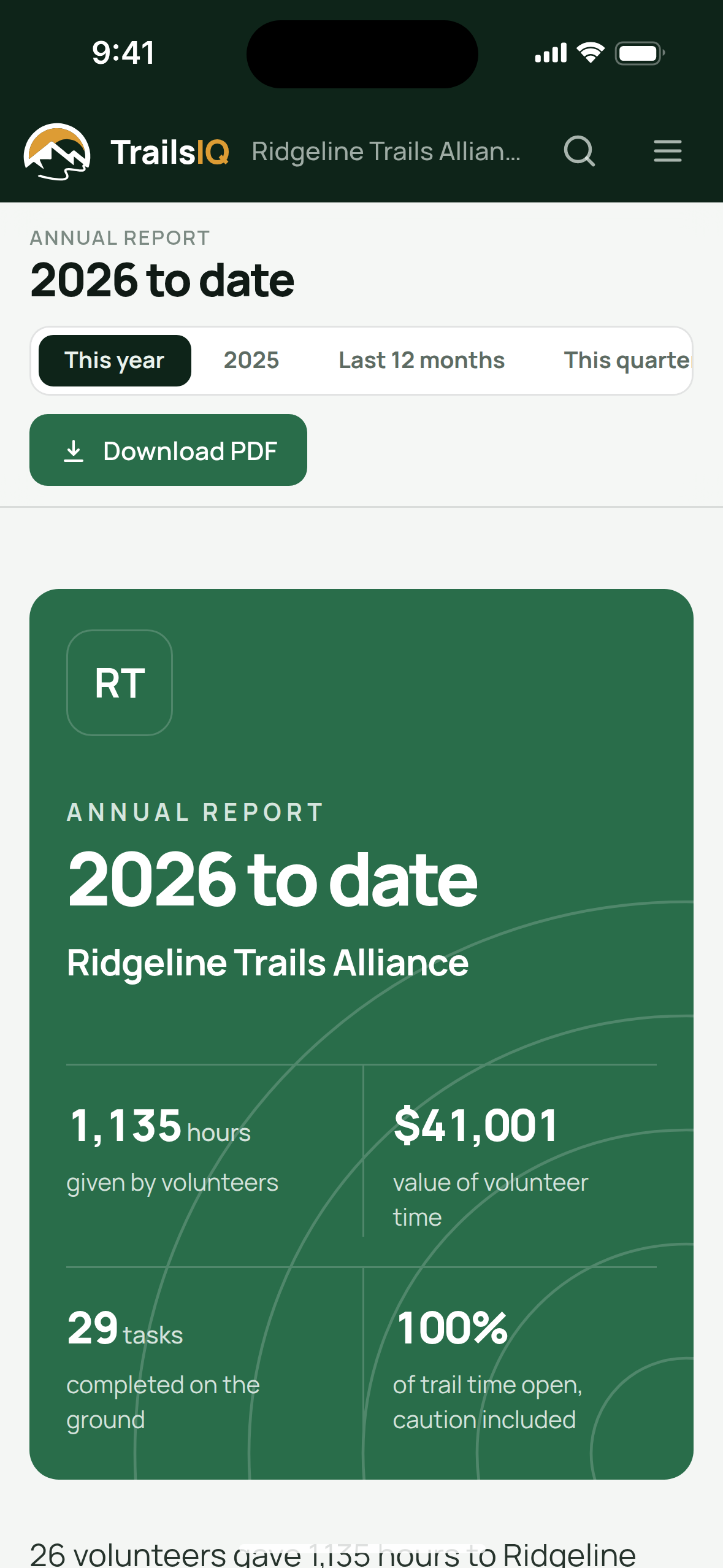
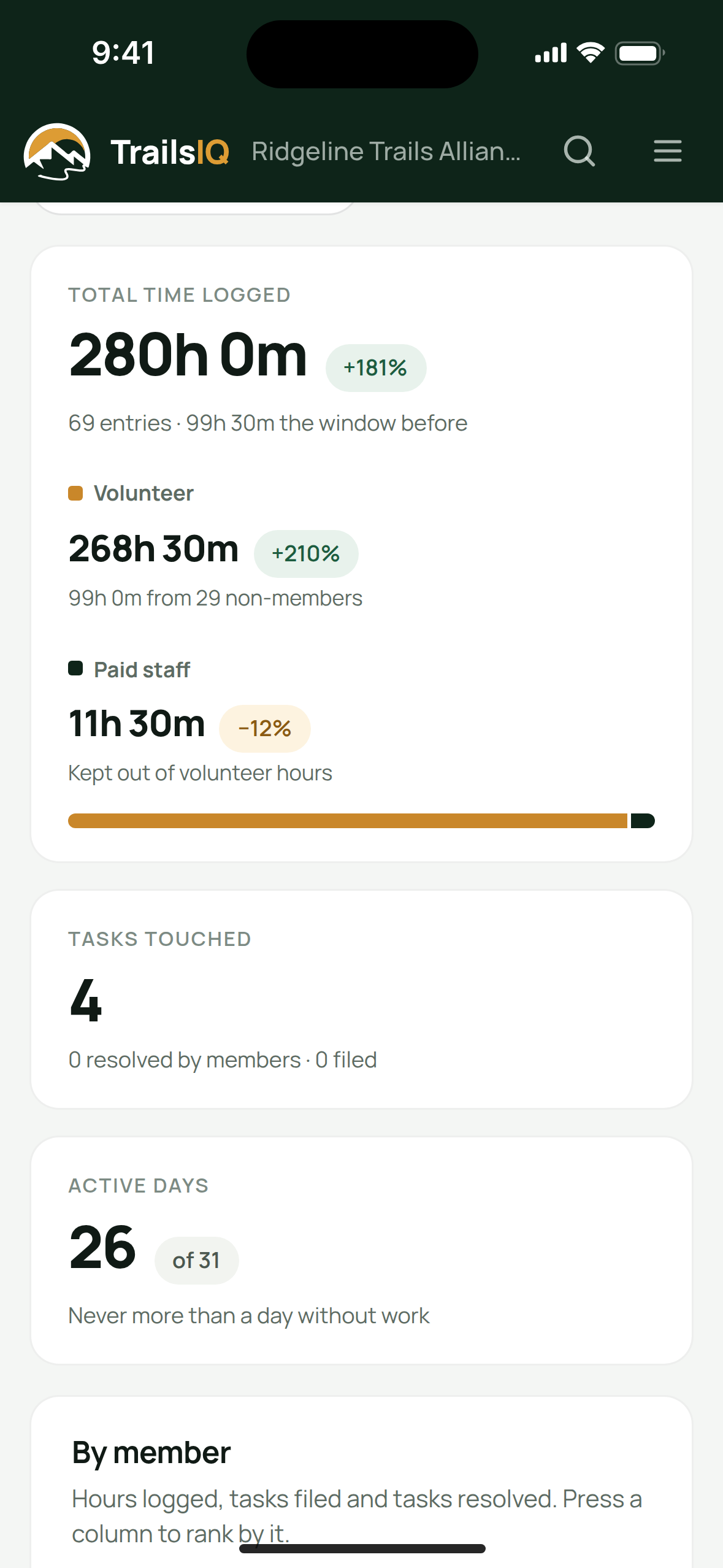
The annual volunteer report on a phone
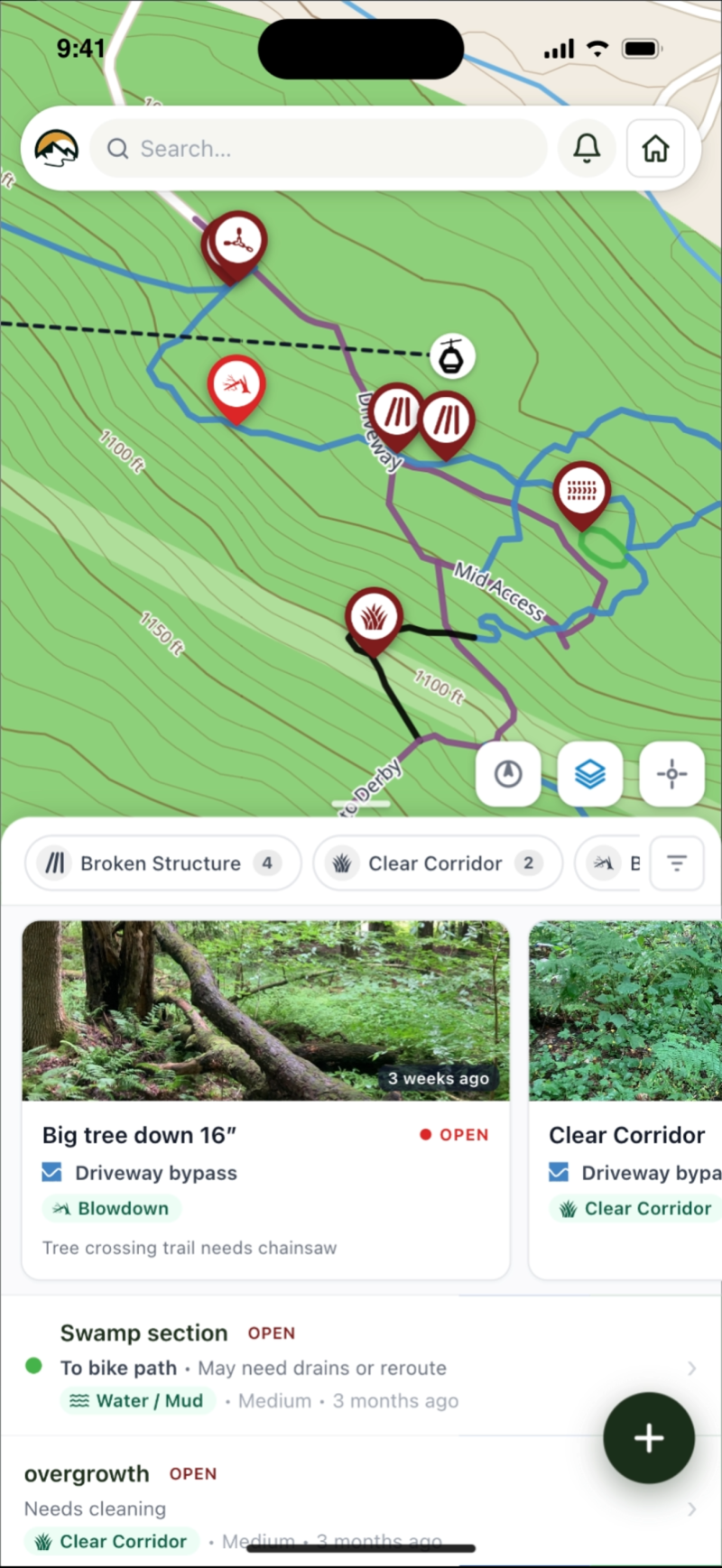
The field app map with maintenance items listed underneath
An organization's trail conditions in TrailsIQ Go

Download the free app

Everything a trail organization needs, in one place

Most teams run their trails with a spreadsheet, a group chat, a folder of GPX files and someone's memory. TrailsIQ puts all of it in one system: what you have, what condition it is in, what needs doing, who did it and what the public is told.

01 — Organizing

Your team, crew and volunteers

Organize your team, crew and volunteers, along with your inventory, expenses and work hours.
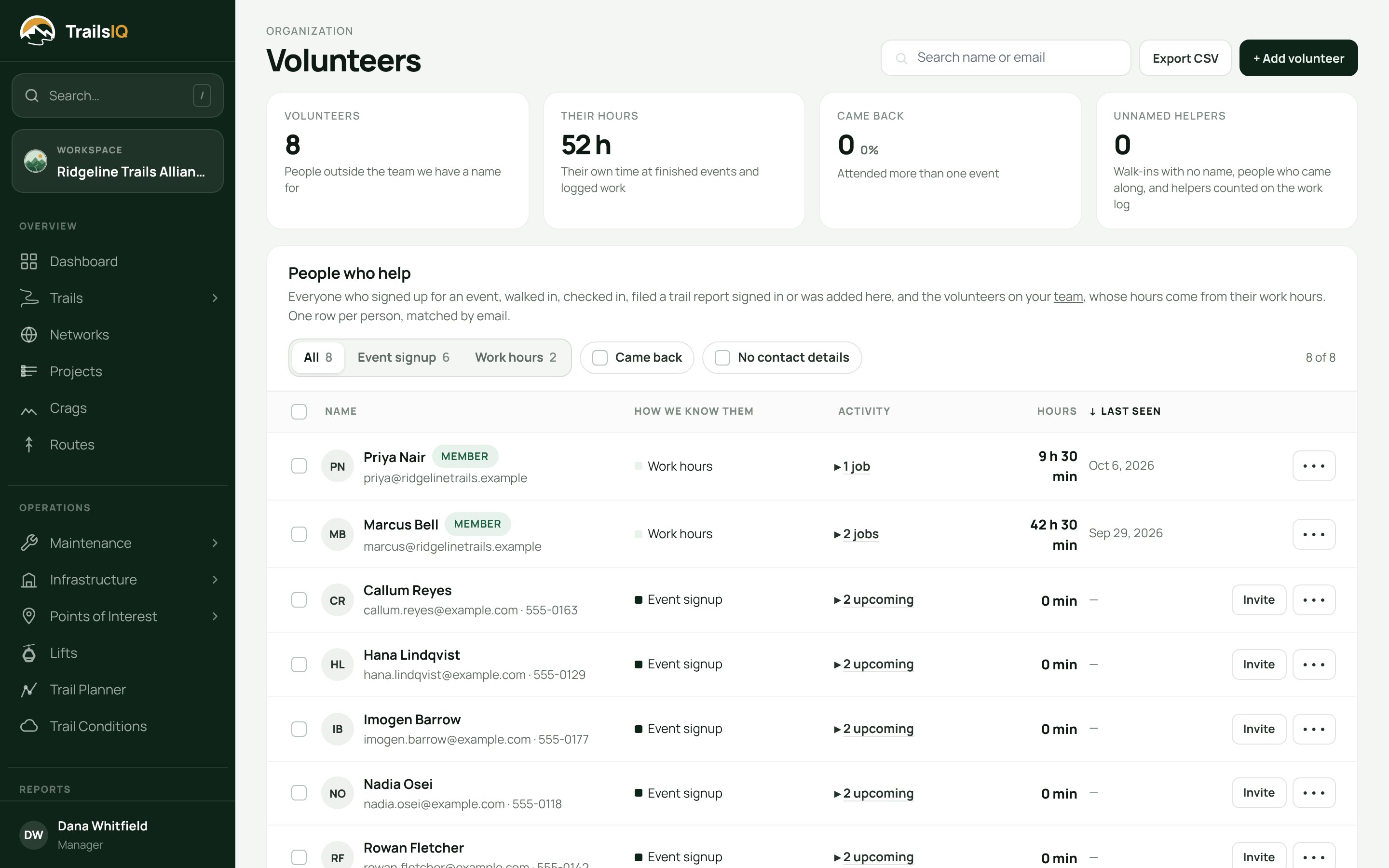
The volunteers page on the dashboard, with events and hours
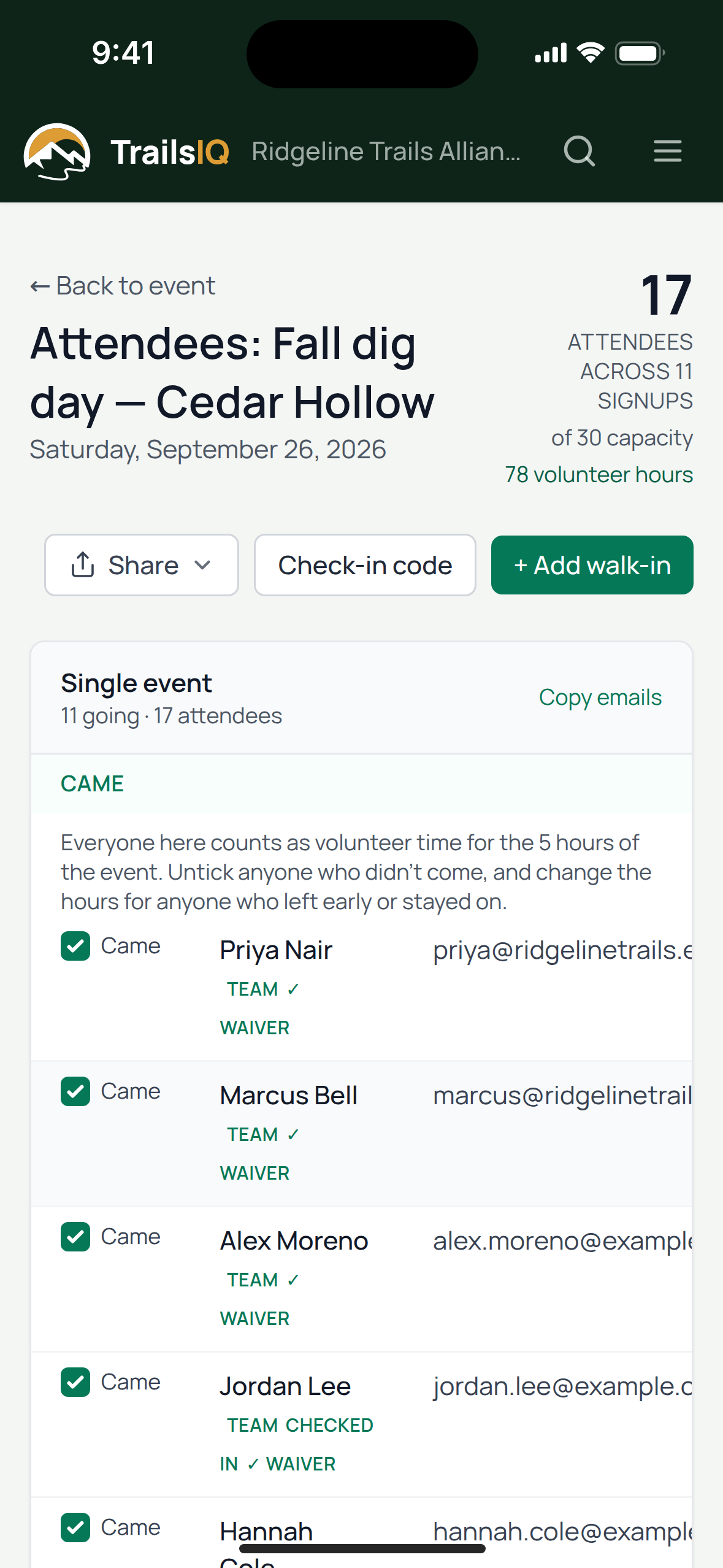
Checking who came to a volunteer workday on a phone

02 — The work

Trails, maintenance and inspections

Manage your trails, conditions, maintenance, structures and inspections, and stay ahead of the work.
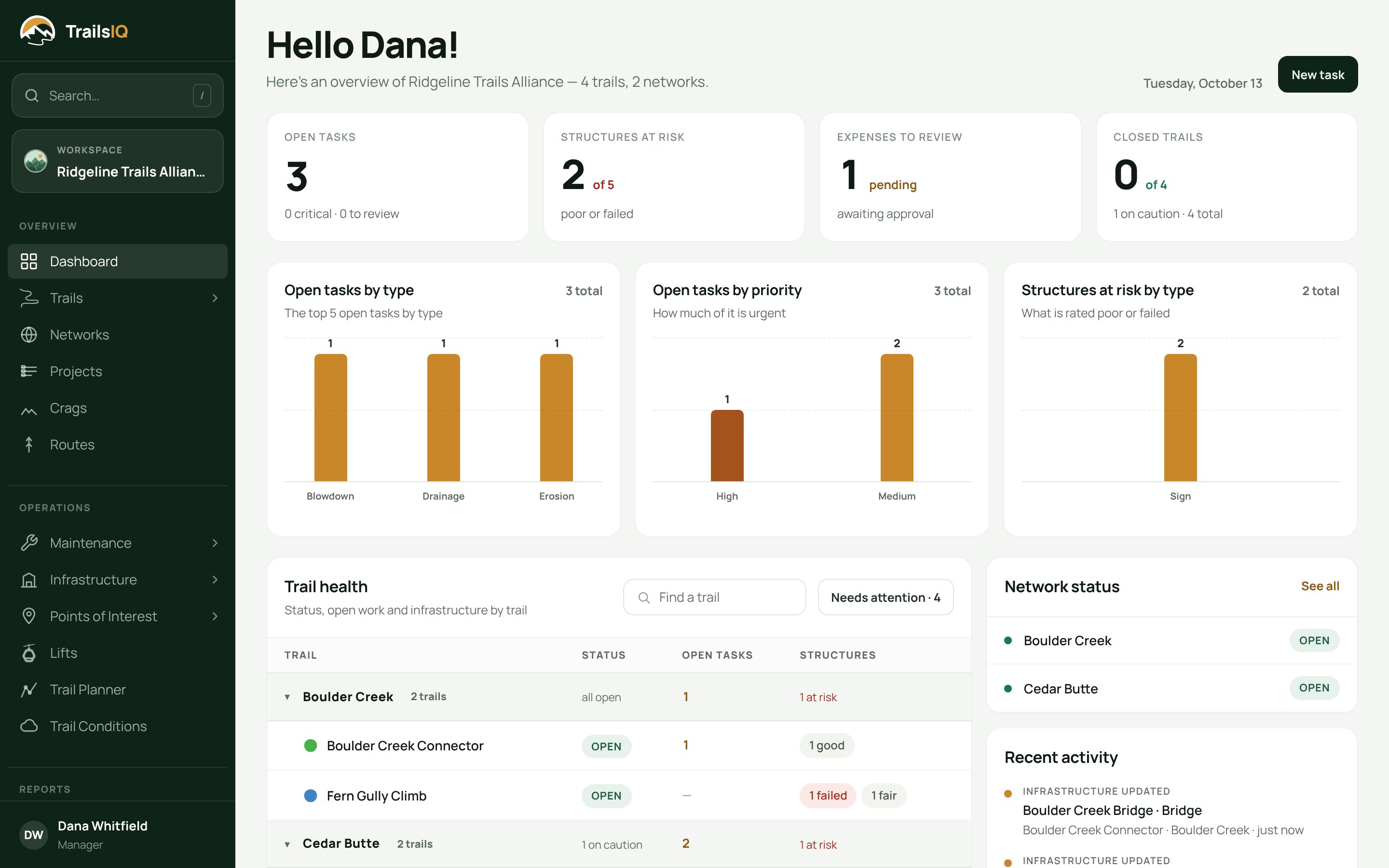
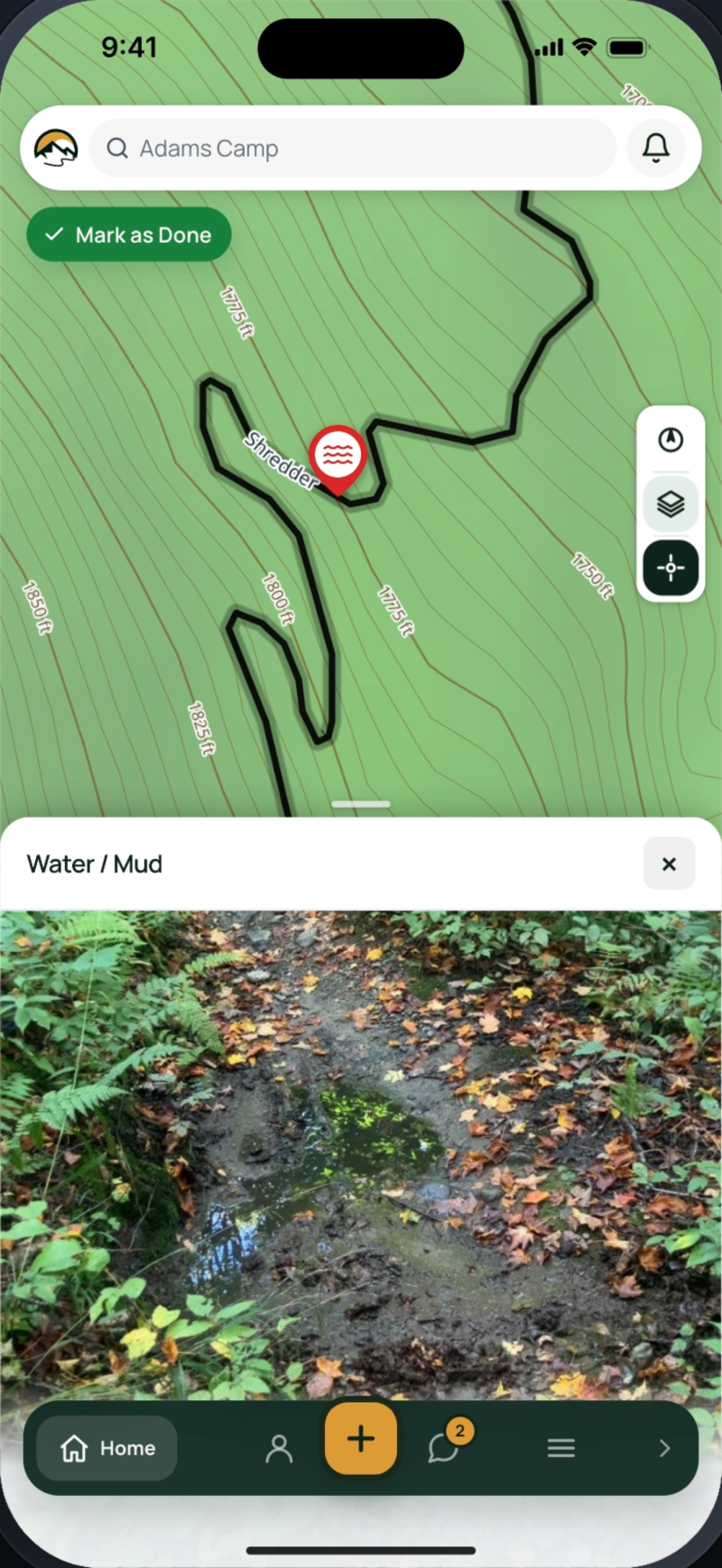
The dashboard: trail health, open maintenance and structures due
Choosing what kind of work to file in the field app

03 — Reports

Every hour and dollar, in a graph

Export your data as easy-to-read graphs, by day, week, month, year or any custom range.
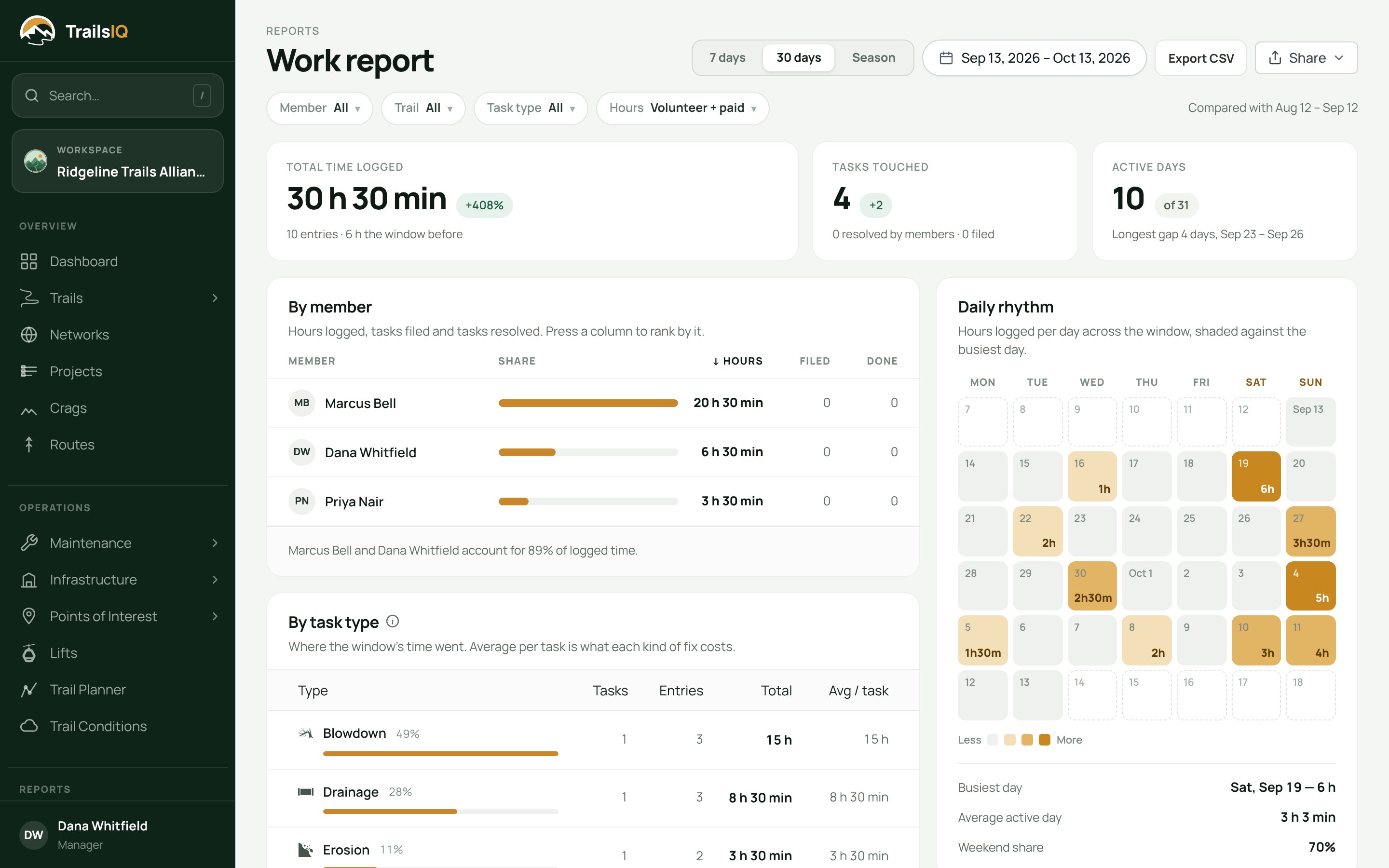
The work report: hours by day and by person over a season
Volunteer and staff hours as a report on a phone

04 — Community

Website, events and donations

Build your website, raise money, run your events and keep your members and sponsors close.
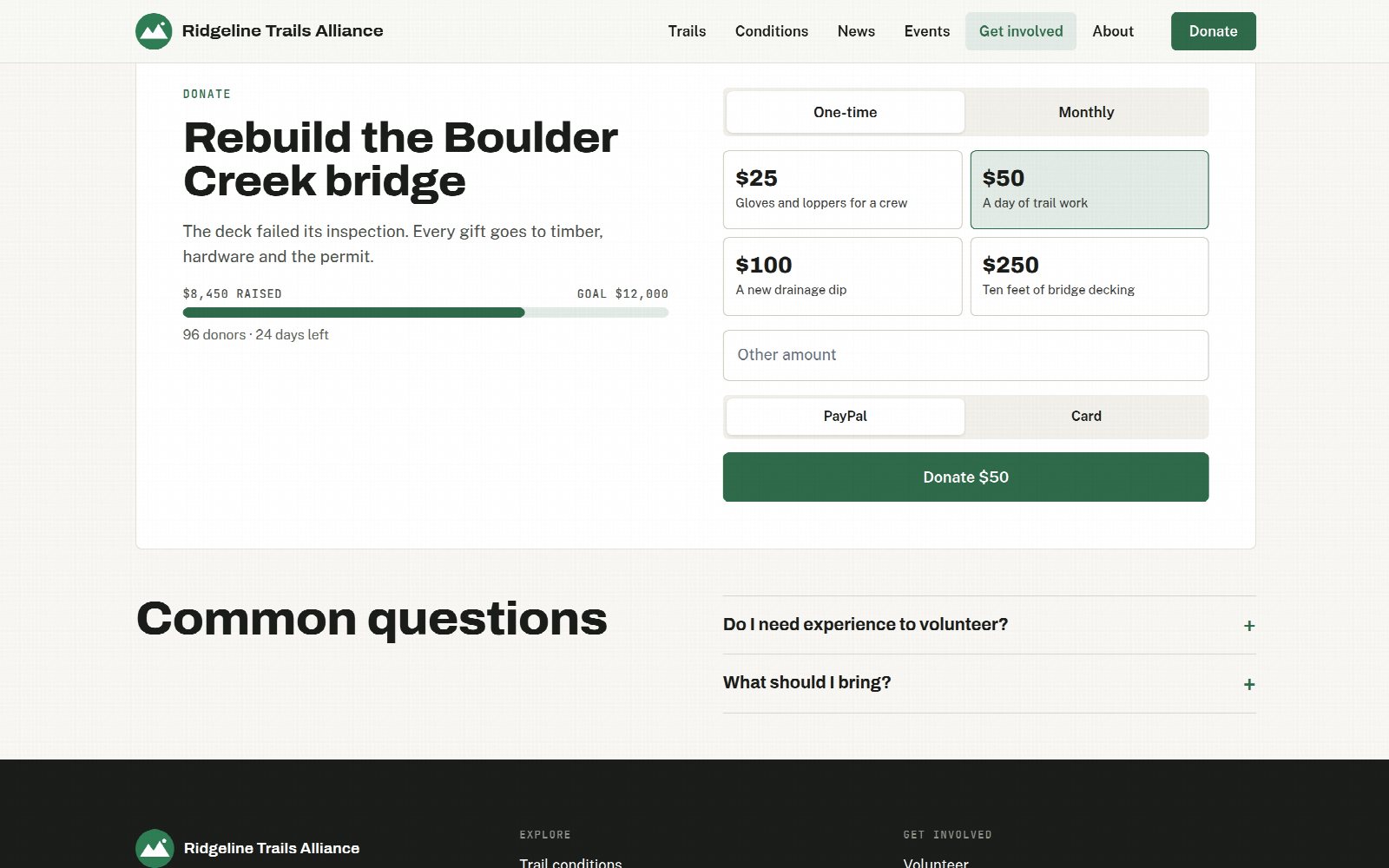
A fundraiser on an organization's own website
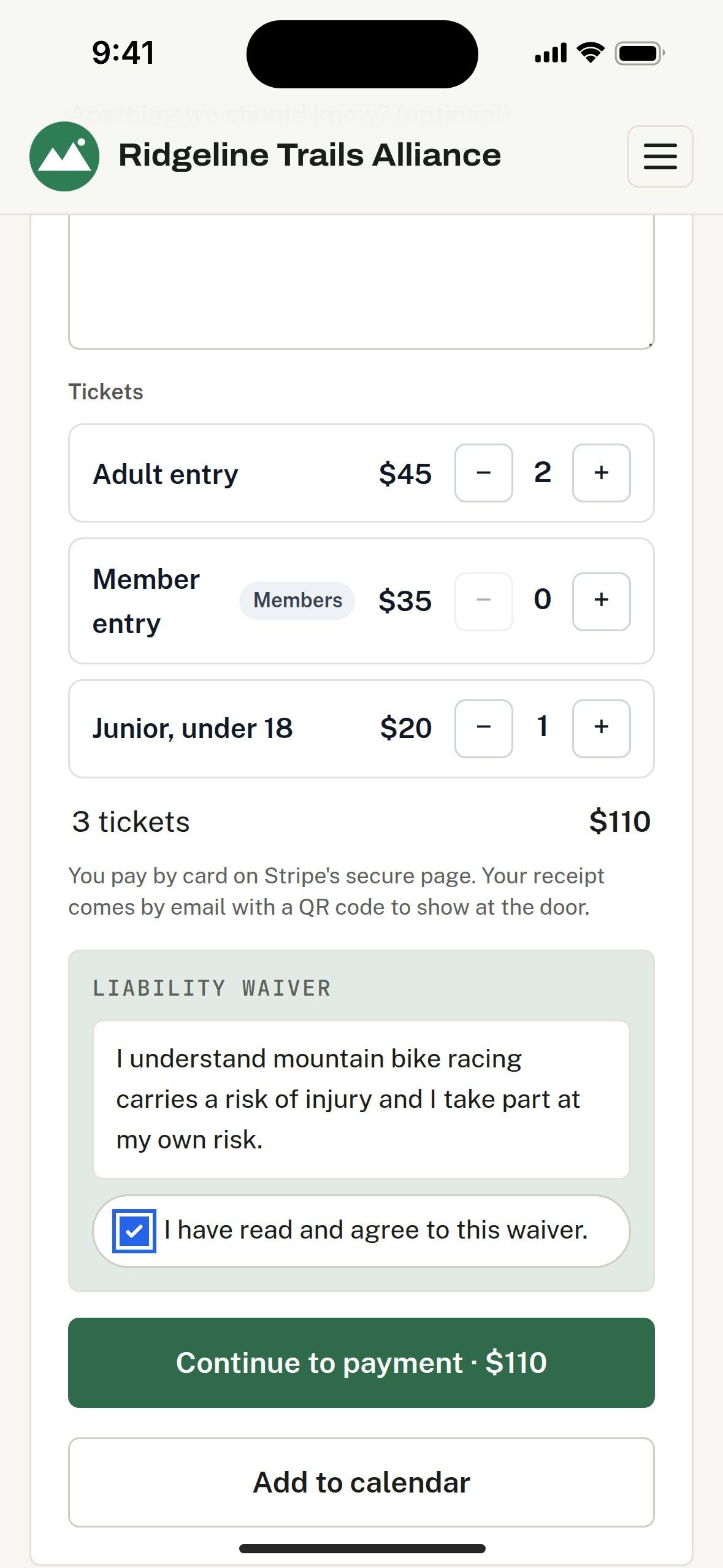
Buying event tickets on the organization's website

Fix what broke, check what is standing, plan what is next

Things break and someone fixes them. Structures get inspected before they fail. New trail gets planned before anyone starts digging. Most of a season is those three jobs, over and over.

Maintenance and work management

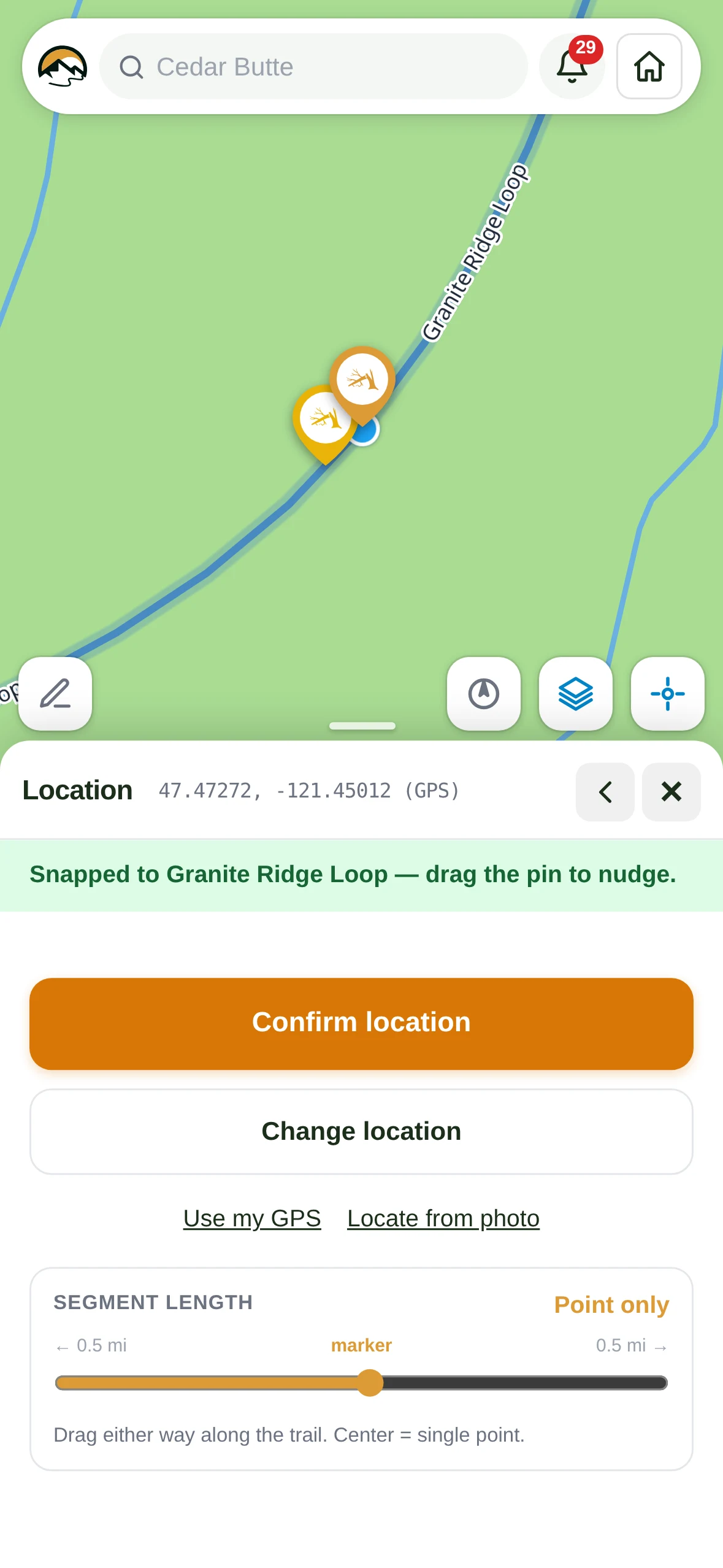
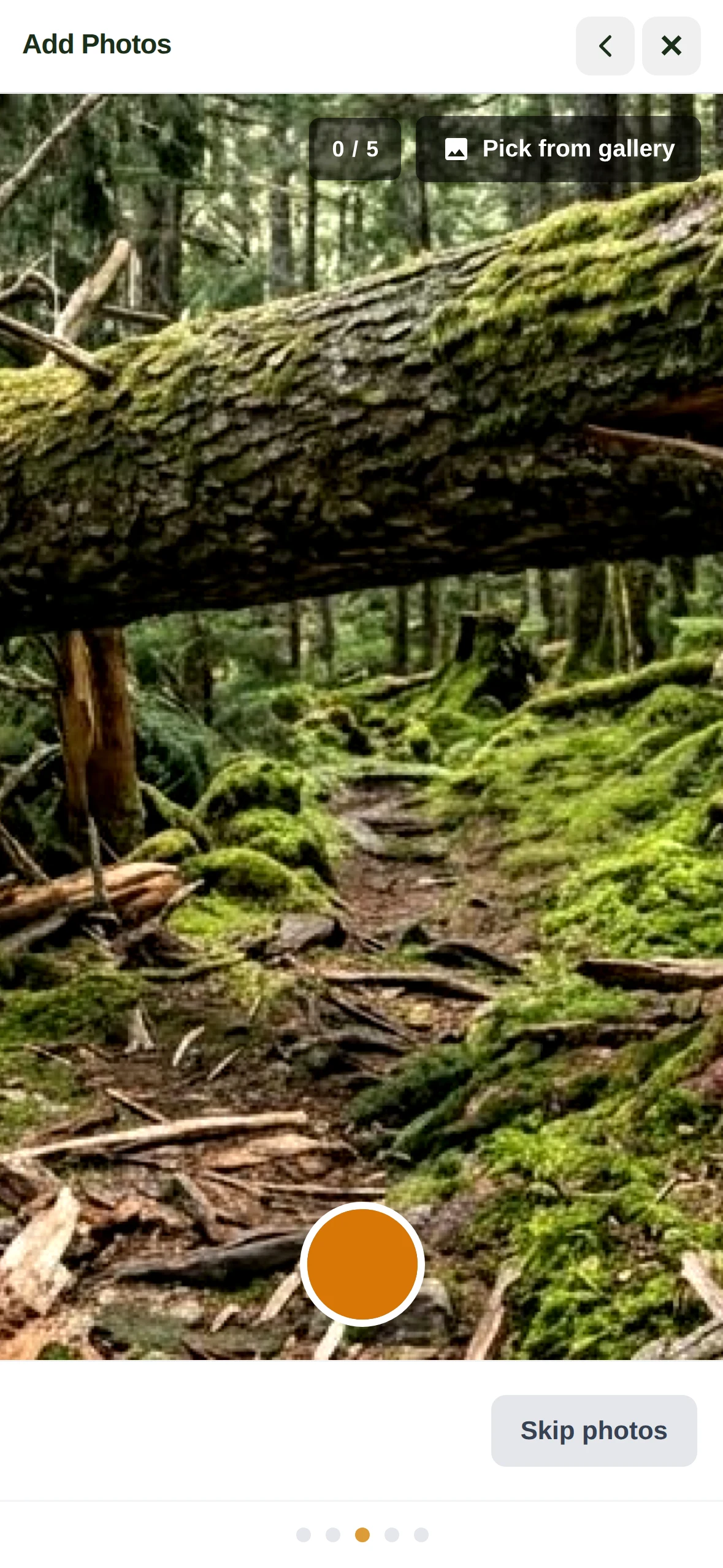
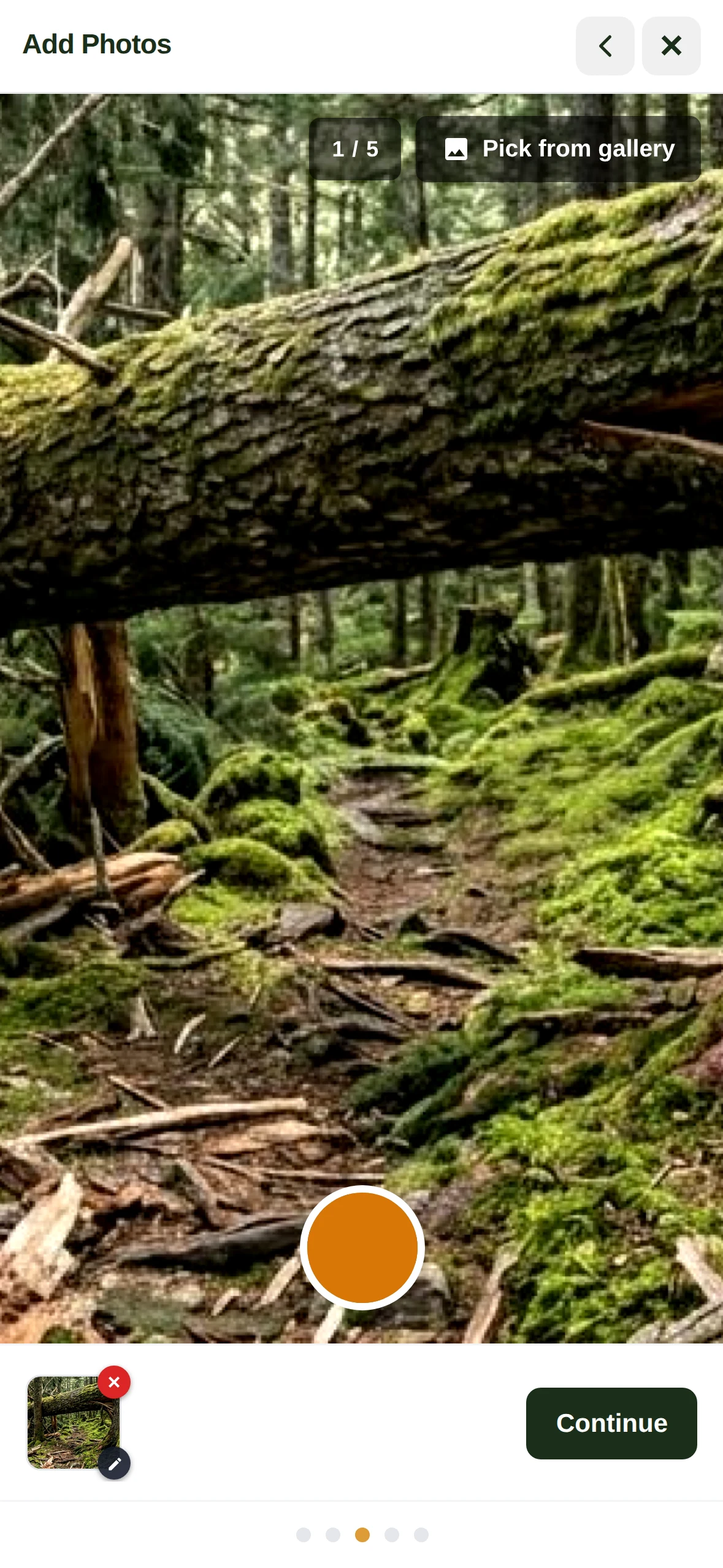
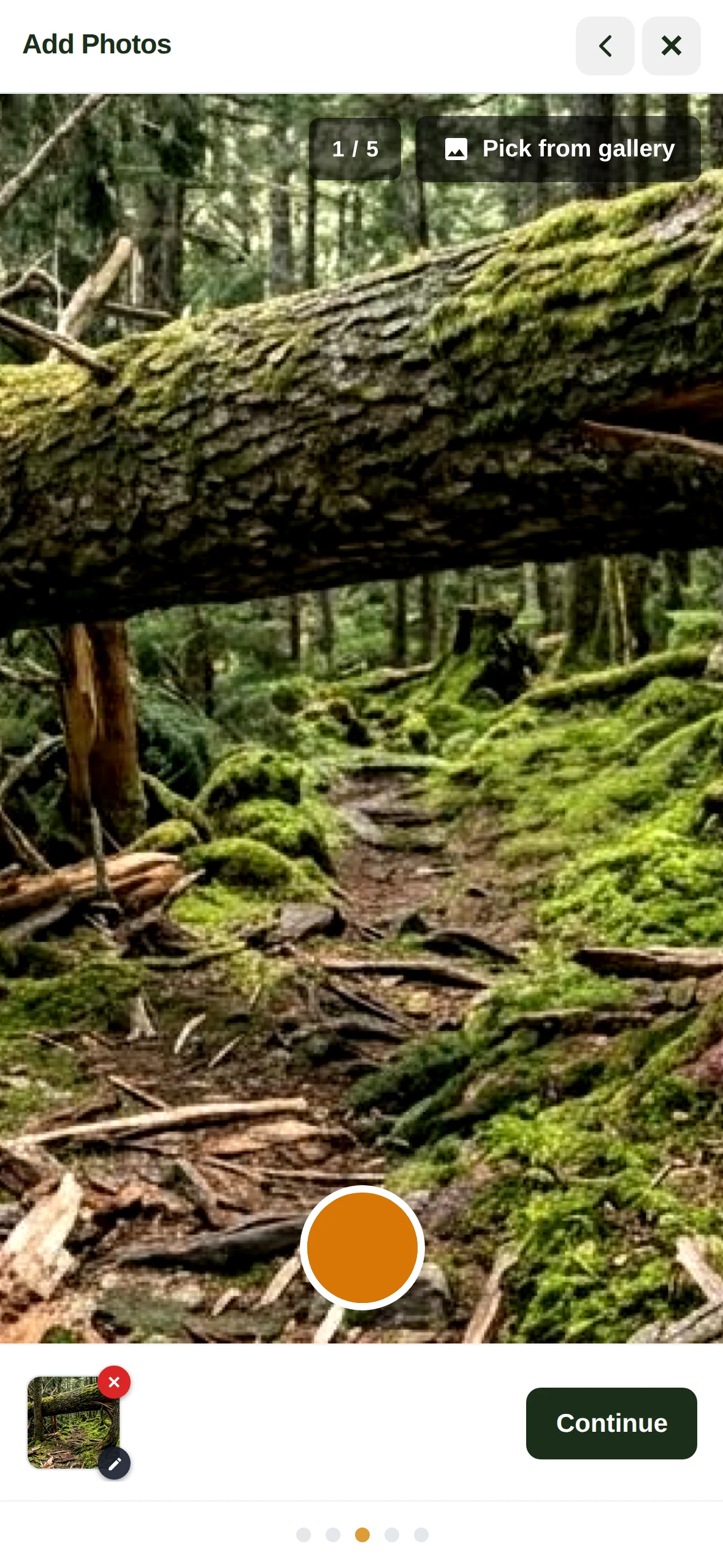
A blowdown, a washed-out corner, a broken bridge board. Whoever is standing in front of it files it against the trail, with a photo and the location. Then it is reviewed, assigned, worked and closed, with the hours and the conversation kept on the item instead of in someone's messages.
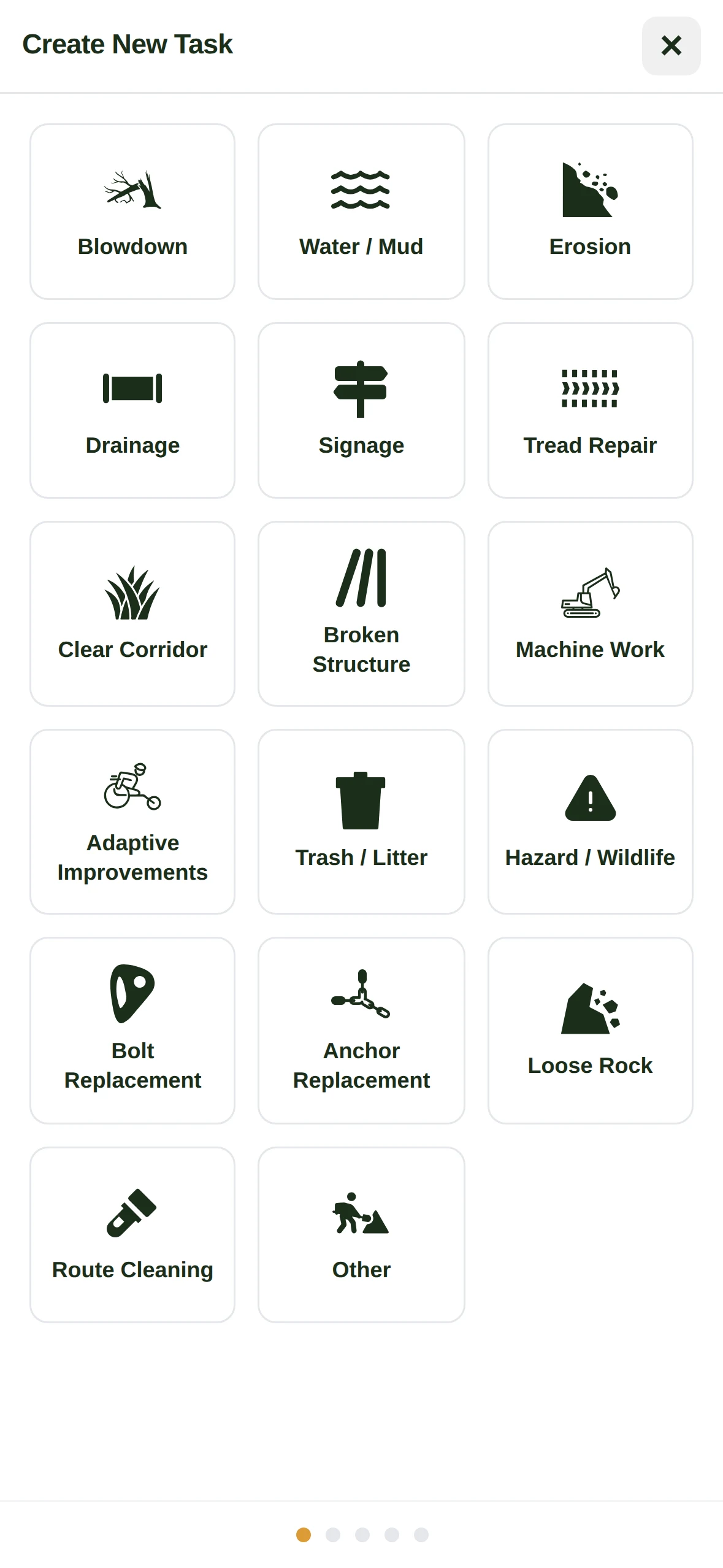
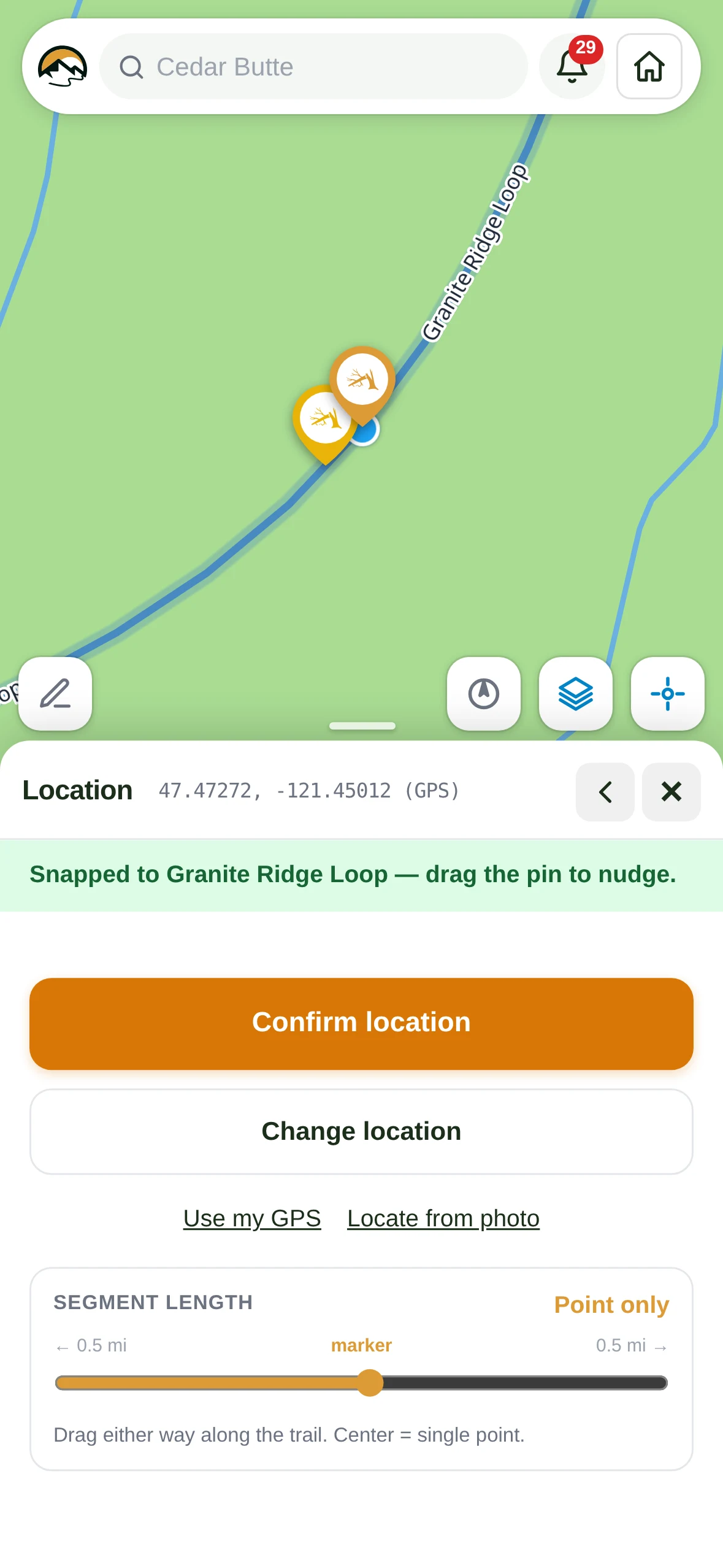
  • Filed where it was found Photo, location and type in a few taps, even with no signal.
  • Duplicates caught as you file Similar items close by on the same trail show up before a second one is created.
  • The conversation stays on the item Questions, photos and decisions stay with the work instead of in a group chat.
  • Hours against the work Hours are logged from the field, so the season's totals add up on their own.
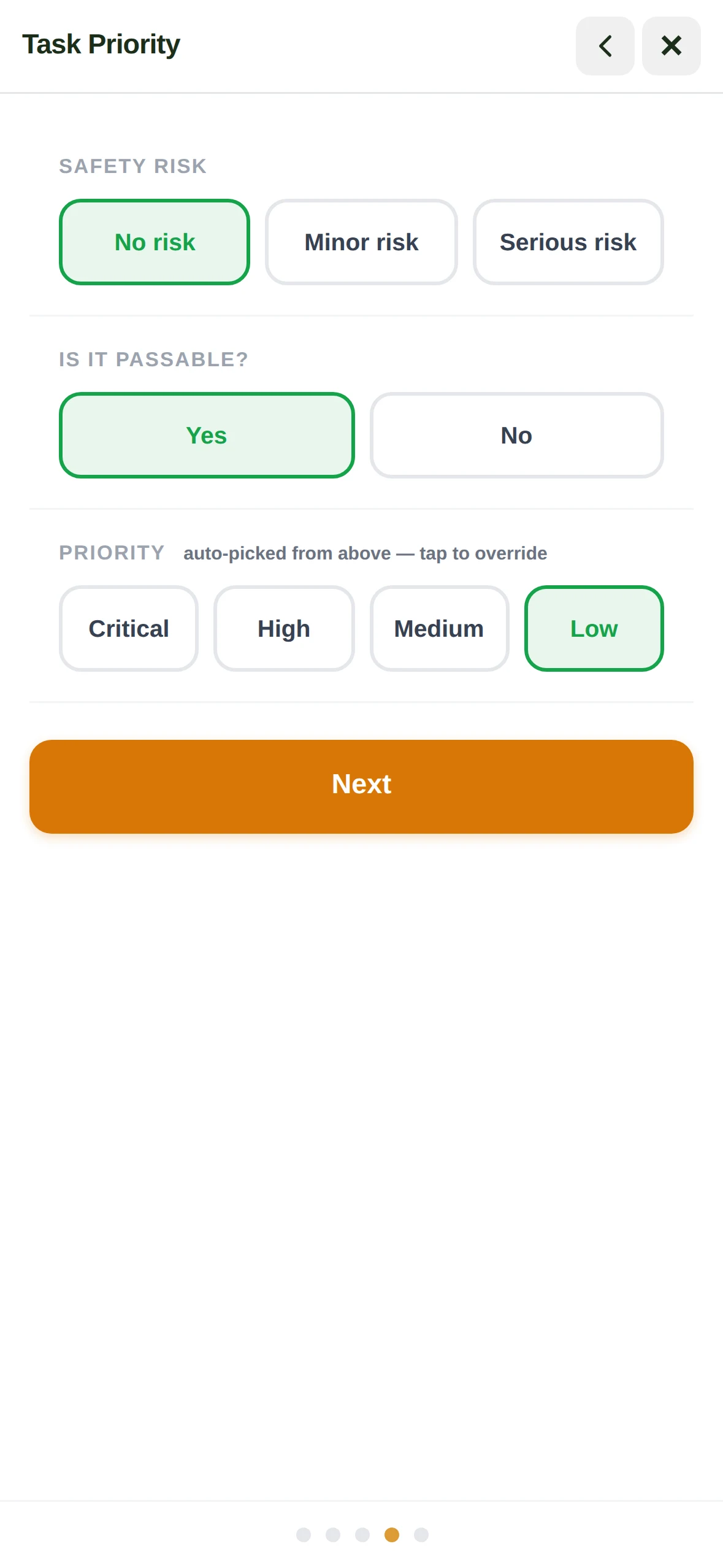
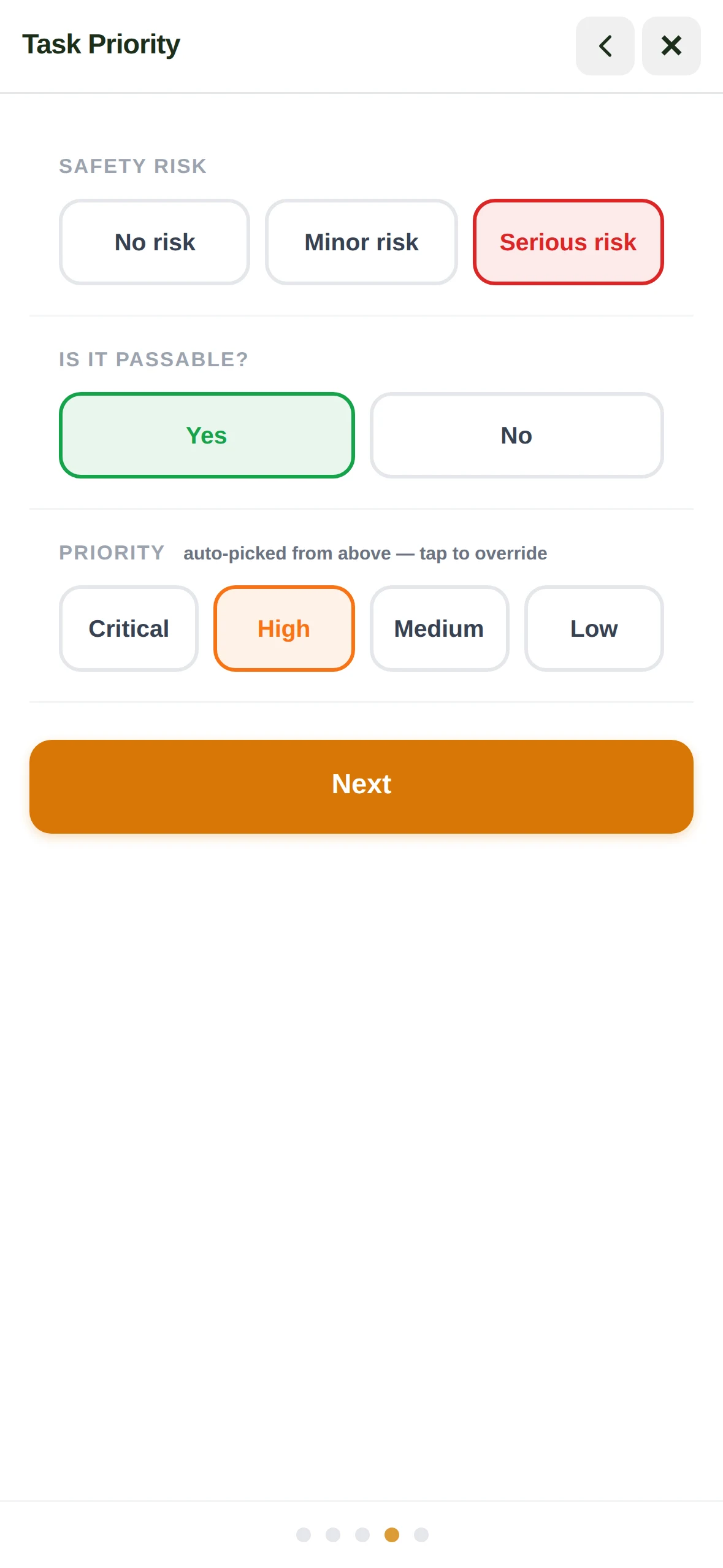
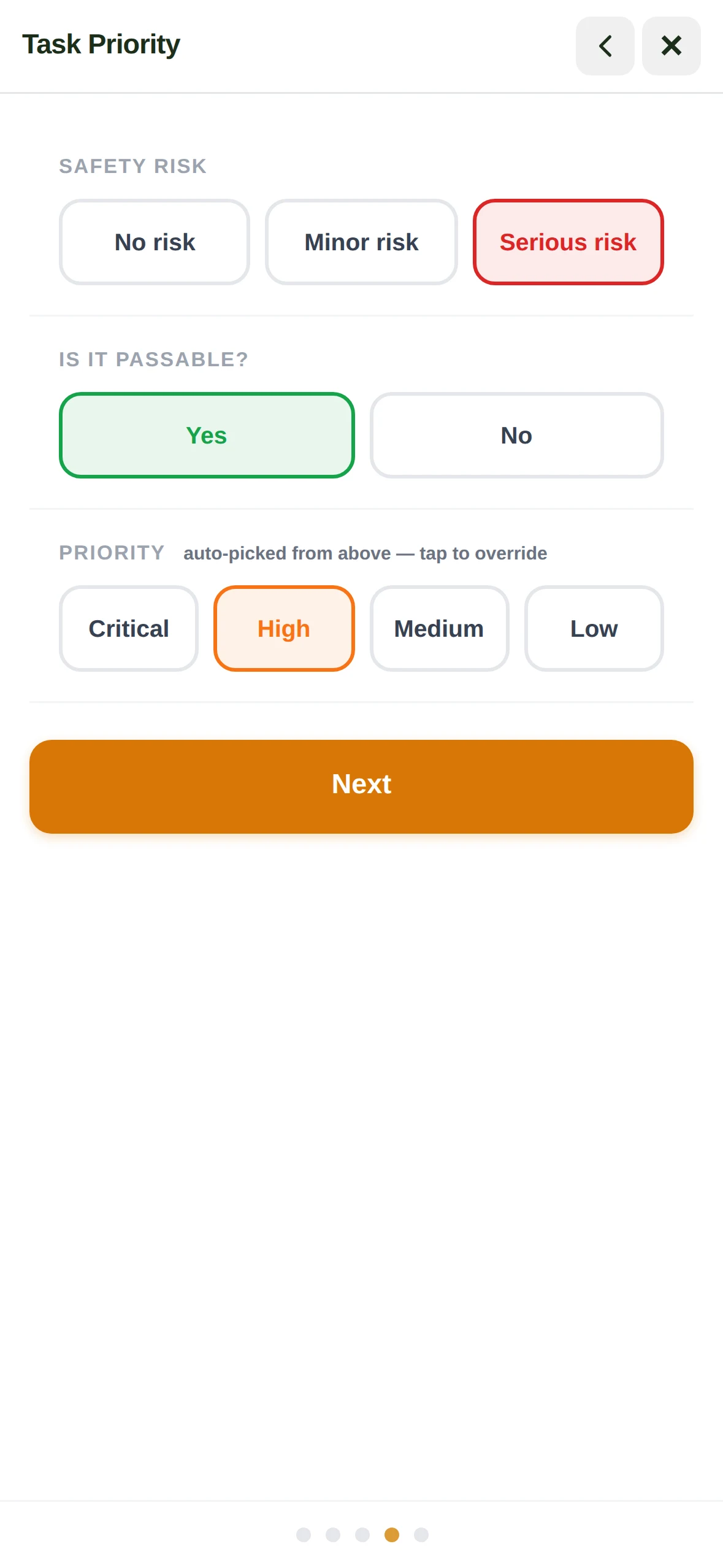
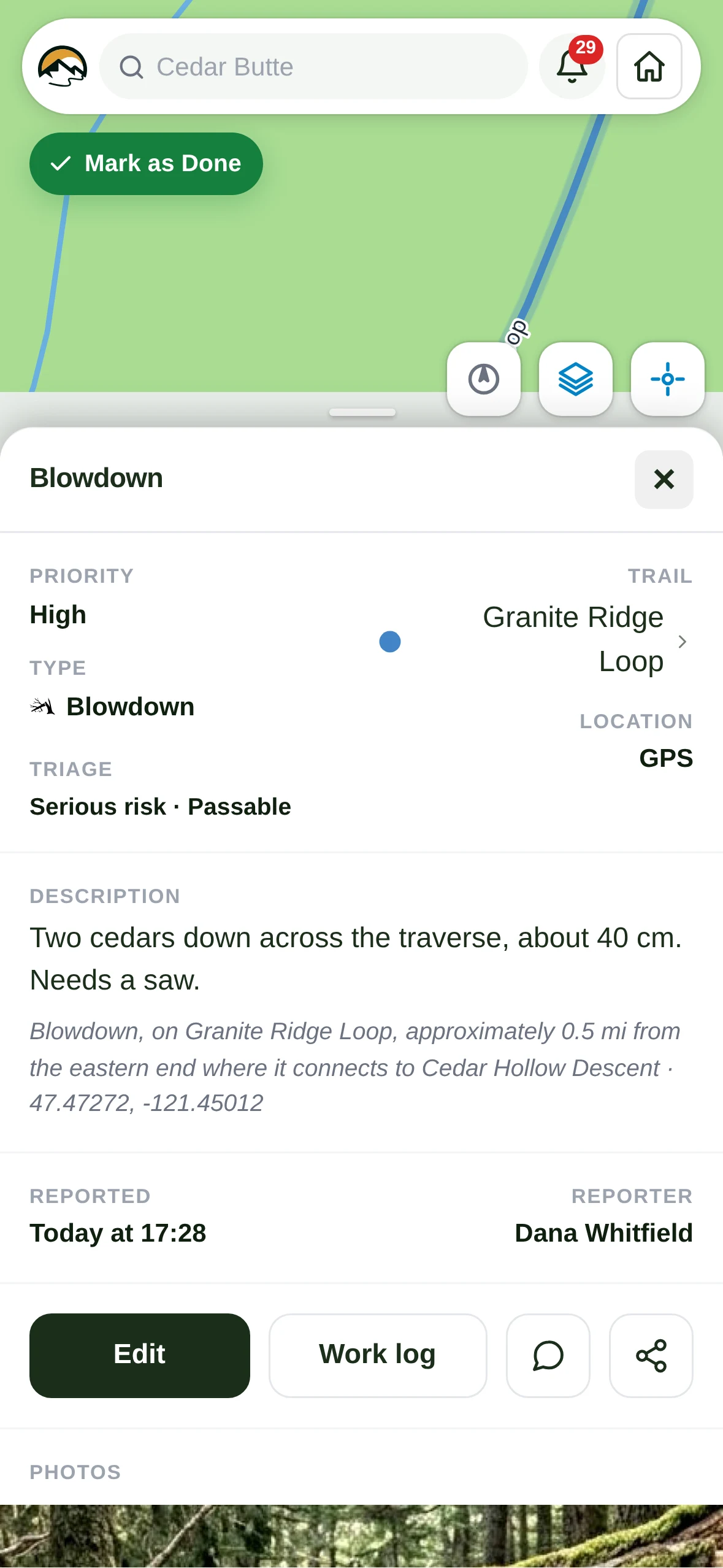
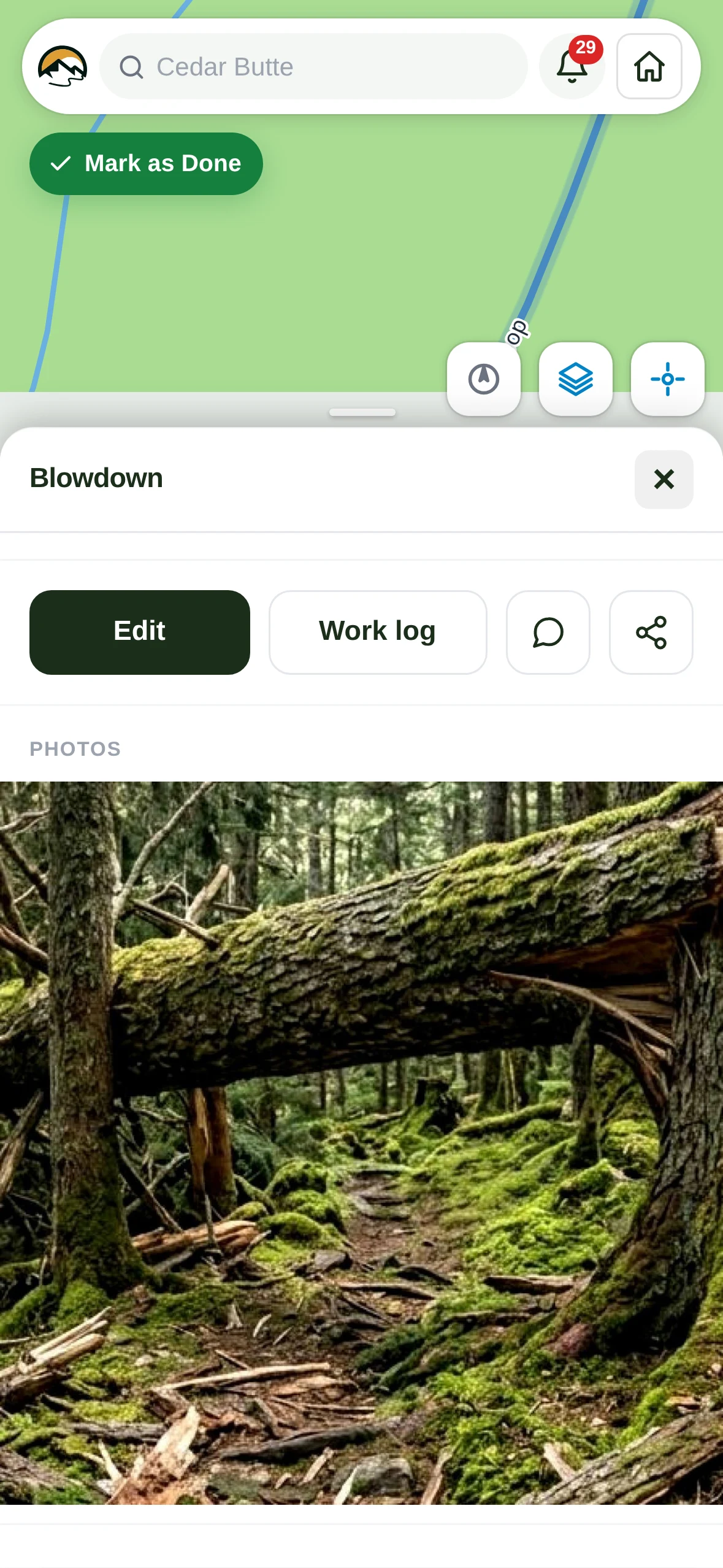
The field app: filing a blowdown from the trail, from the type picker to a saved task

Structure inspection

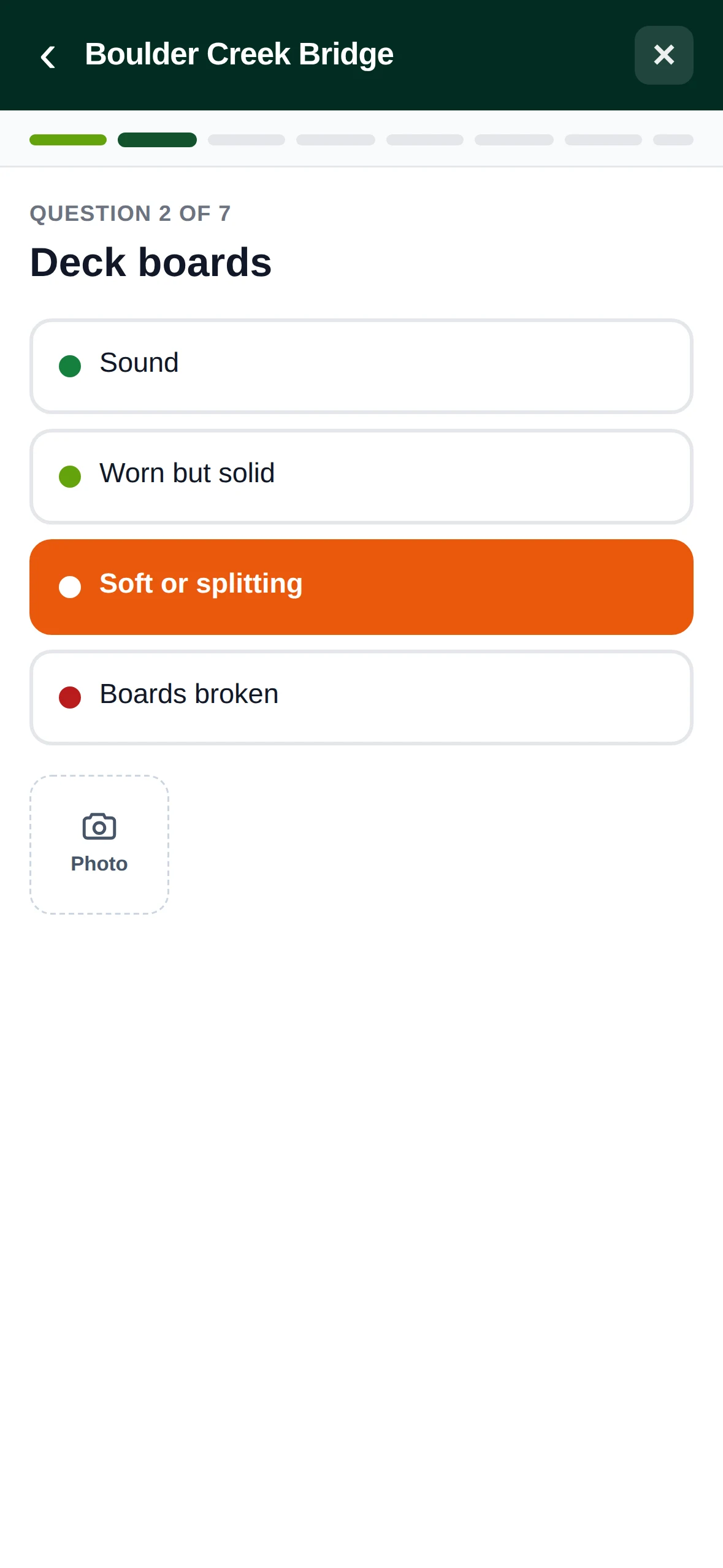
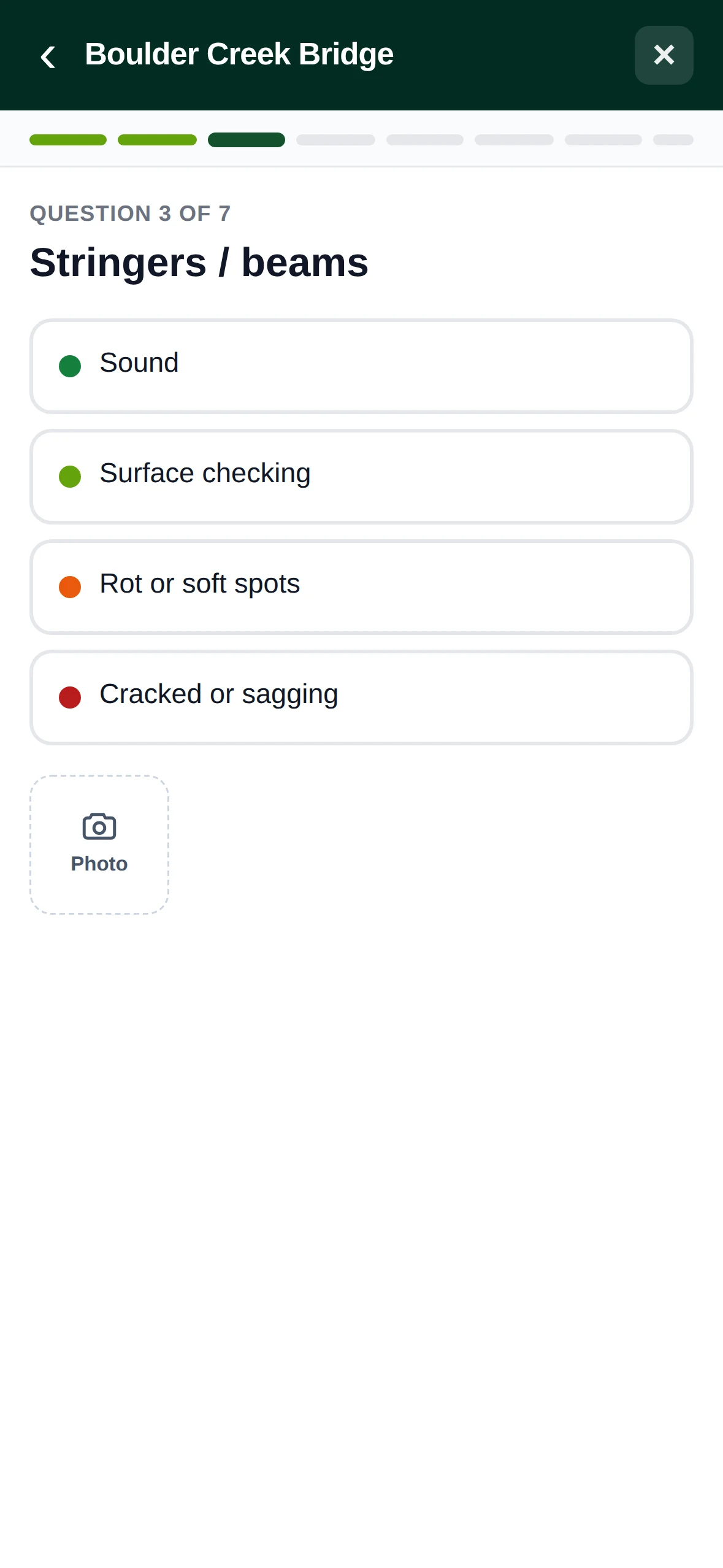
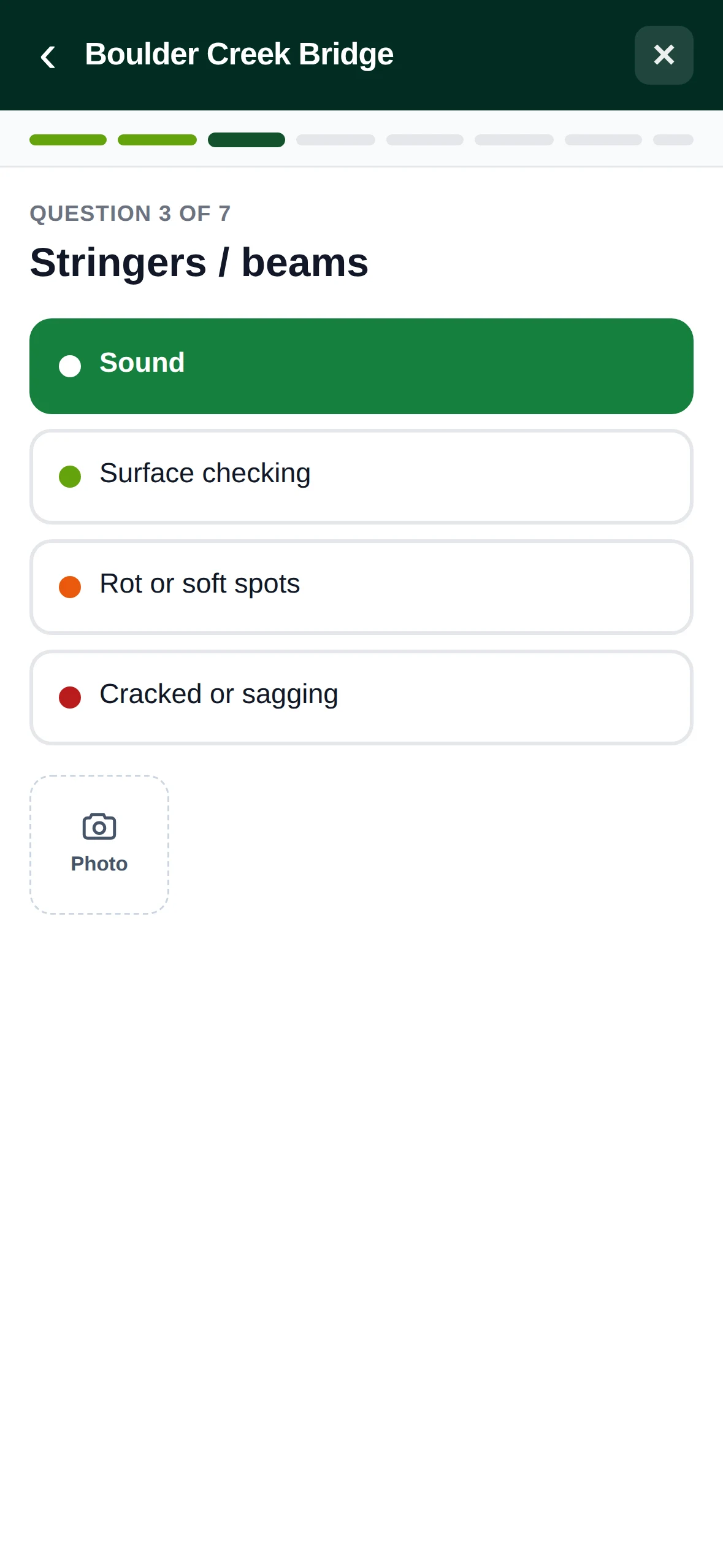
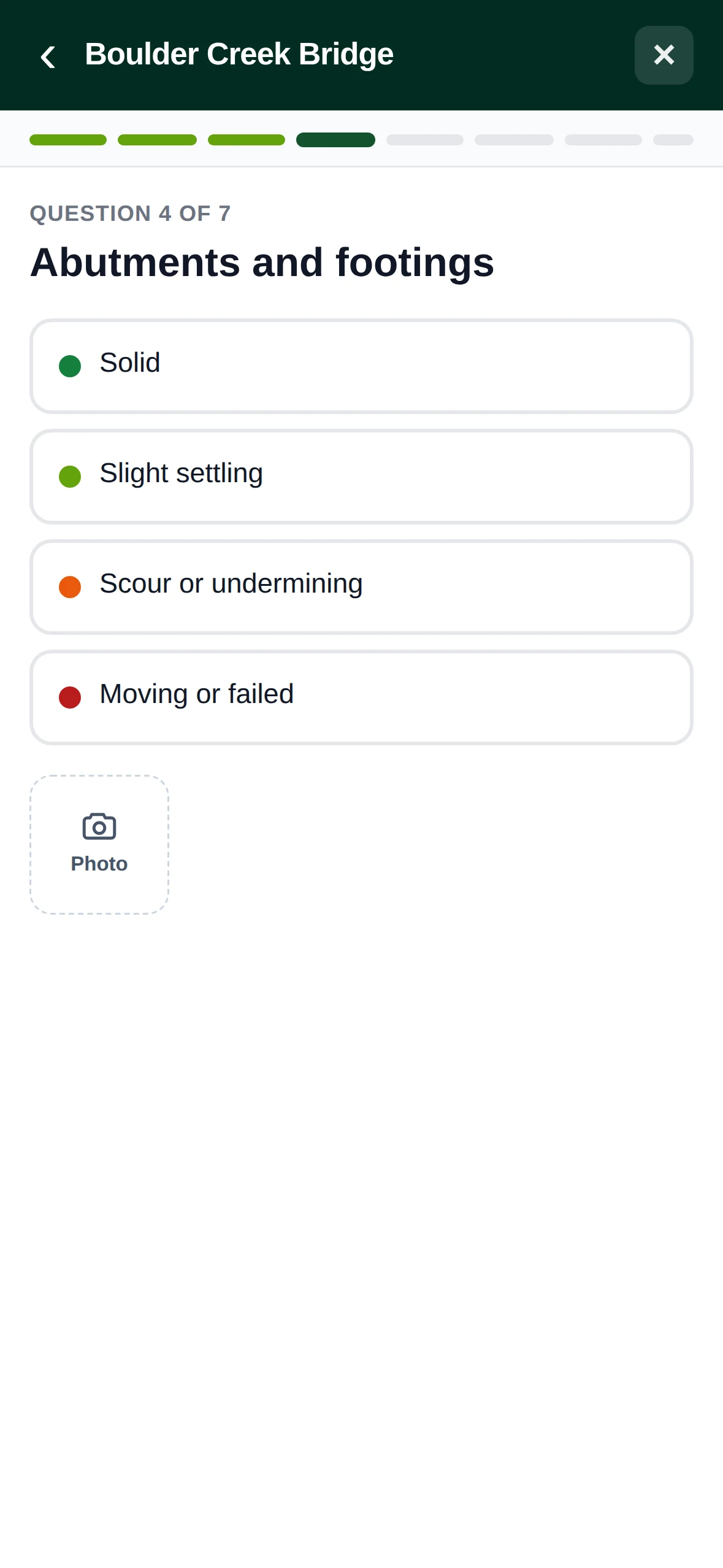
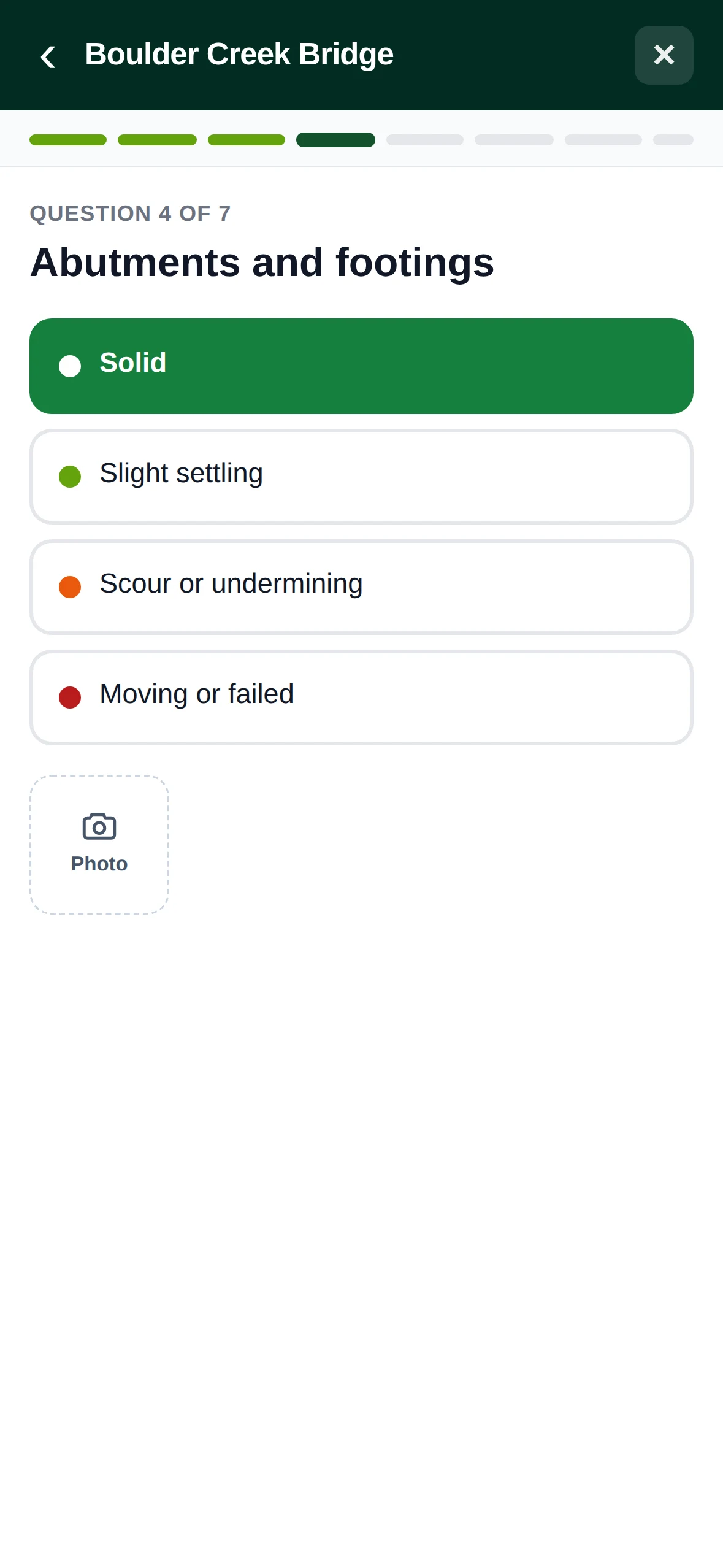
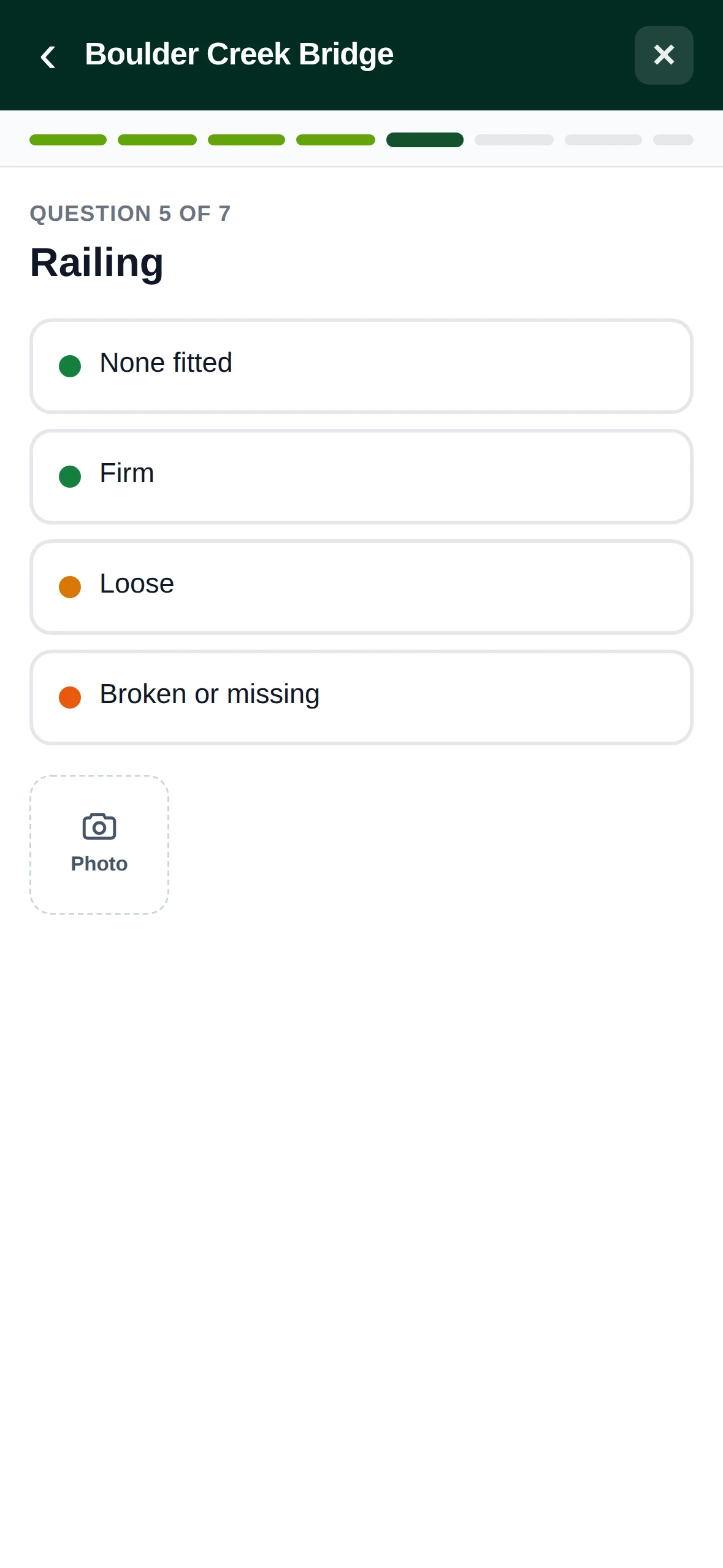
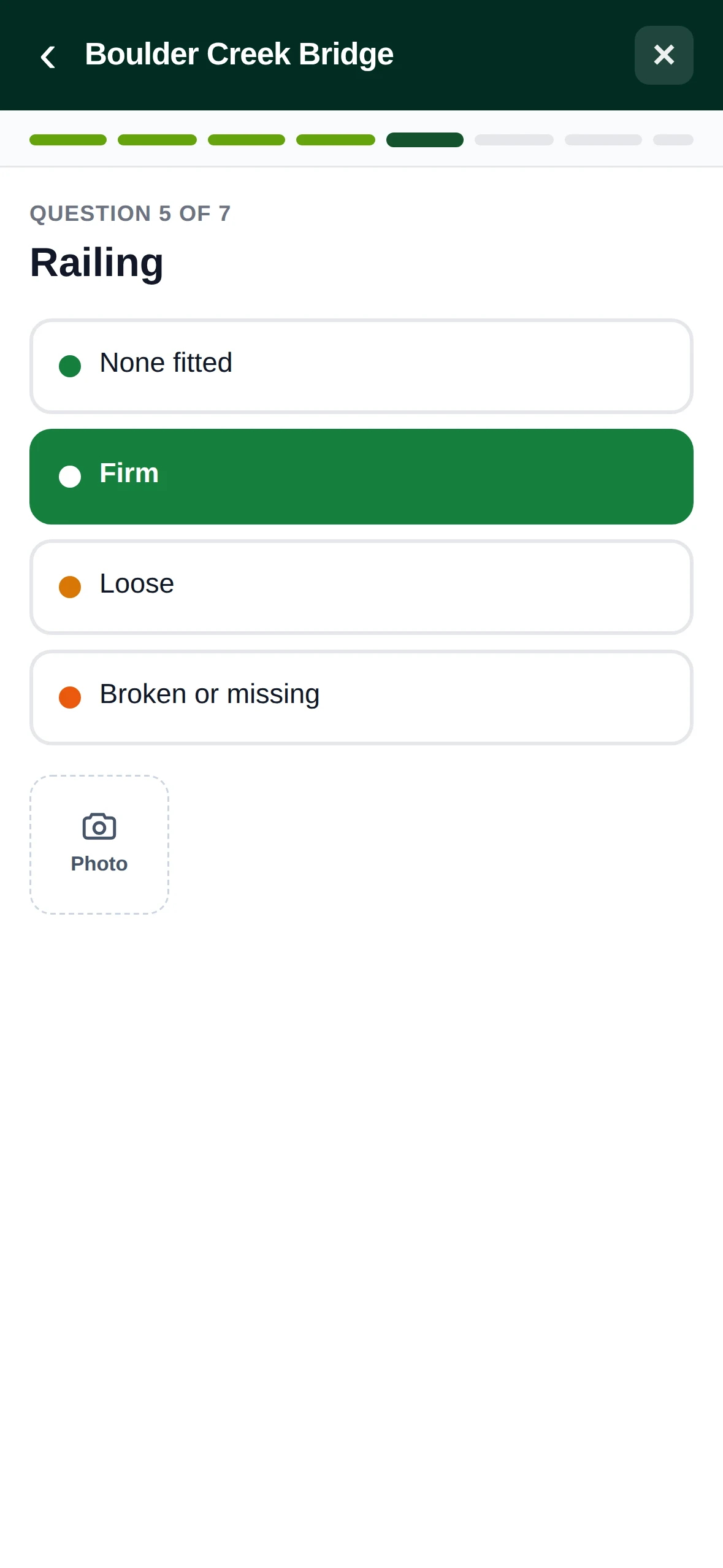
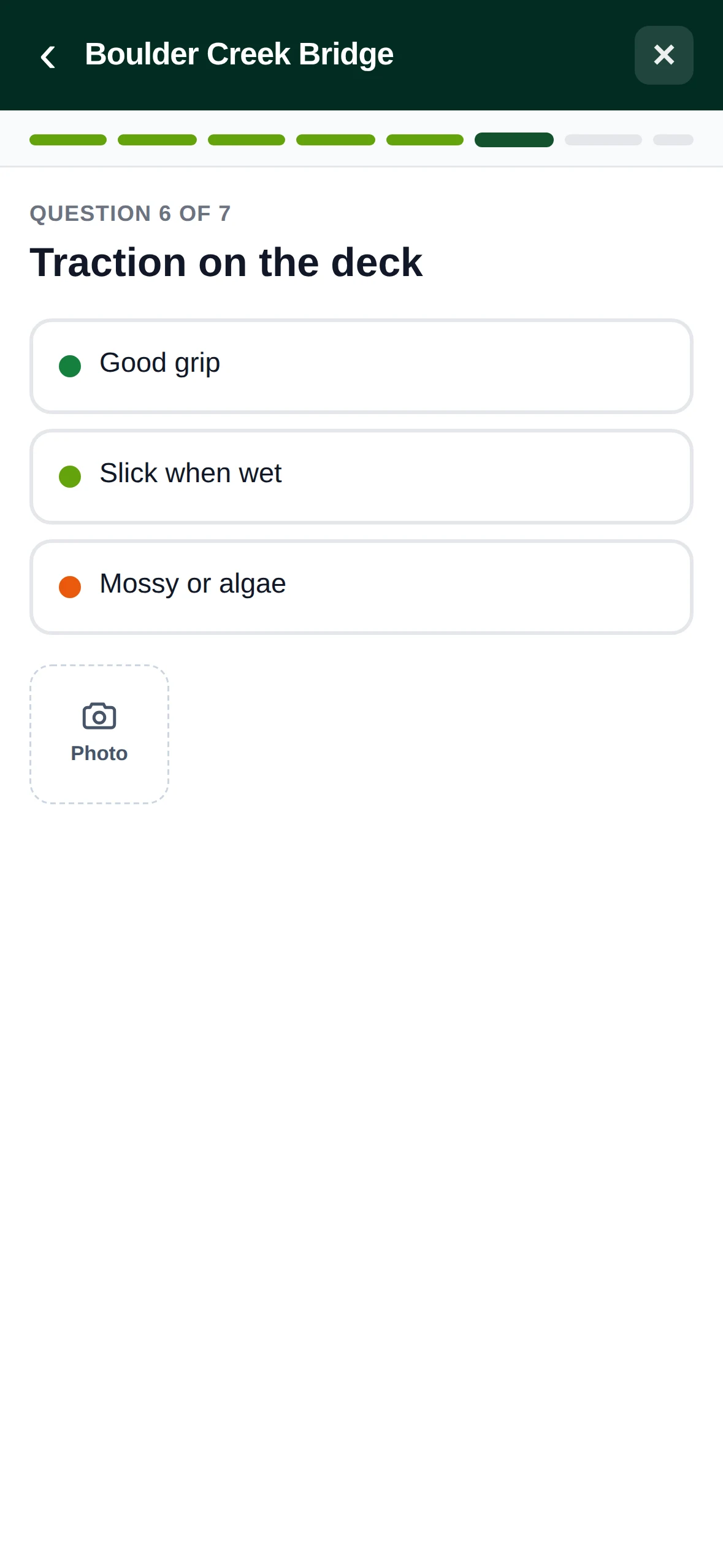
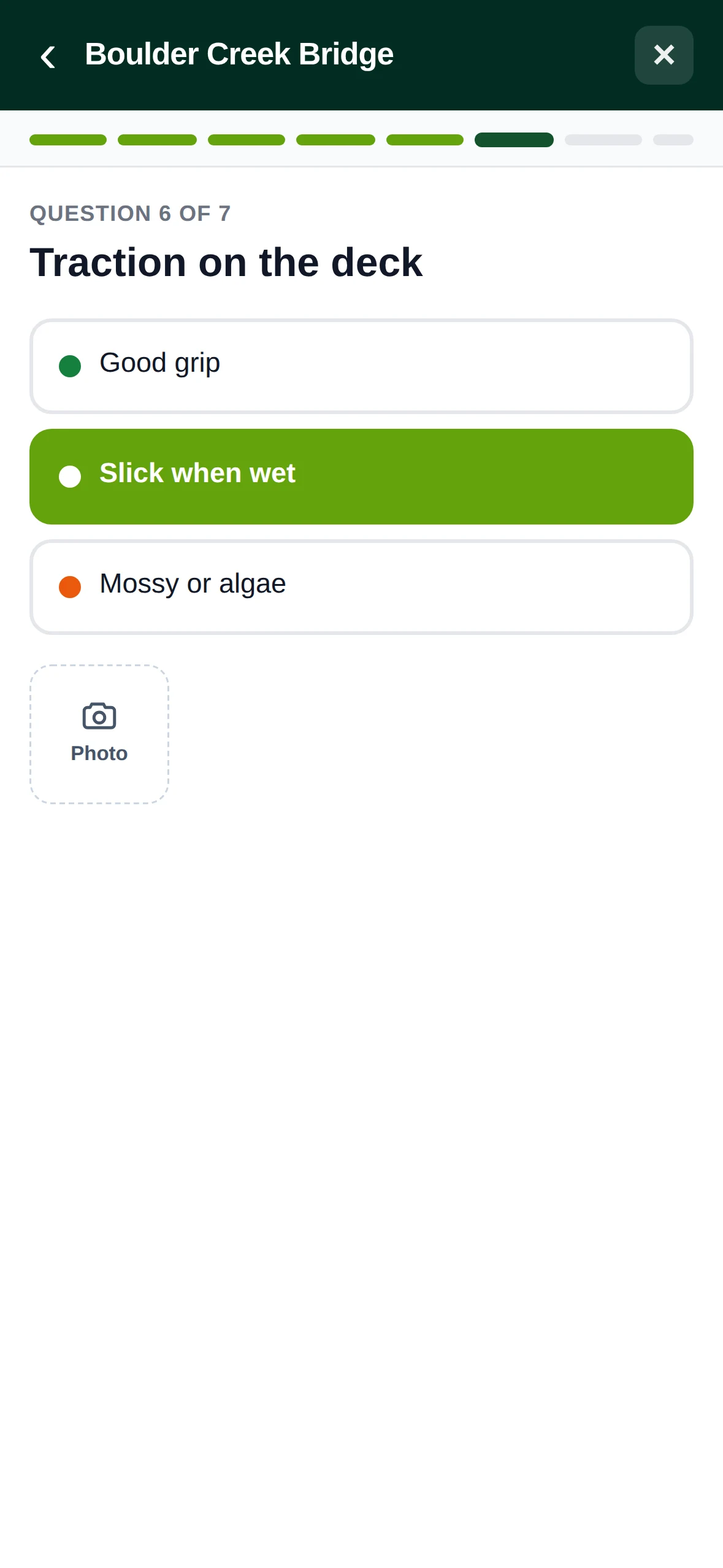
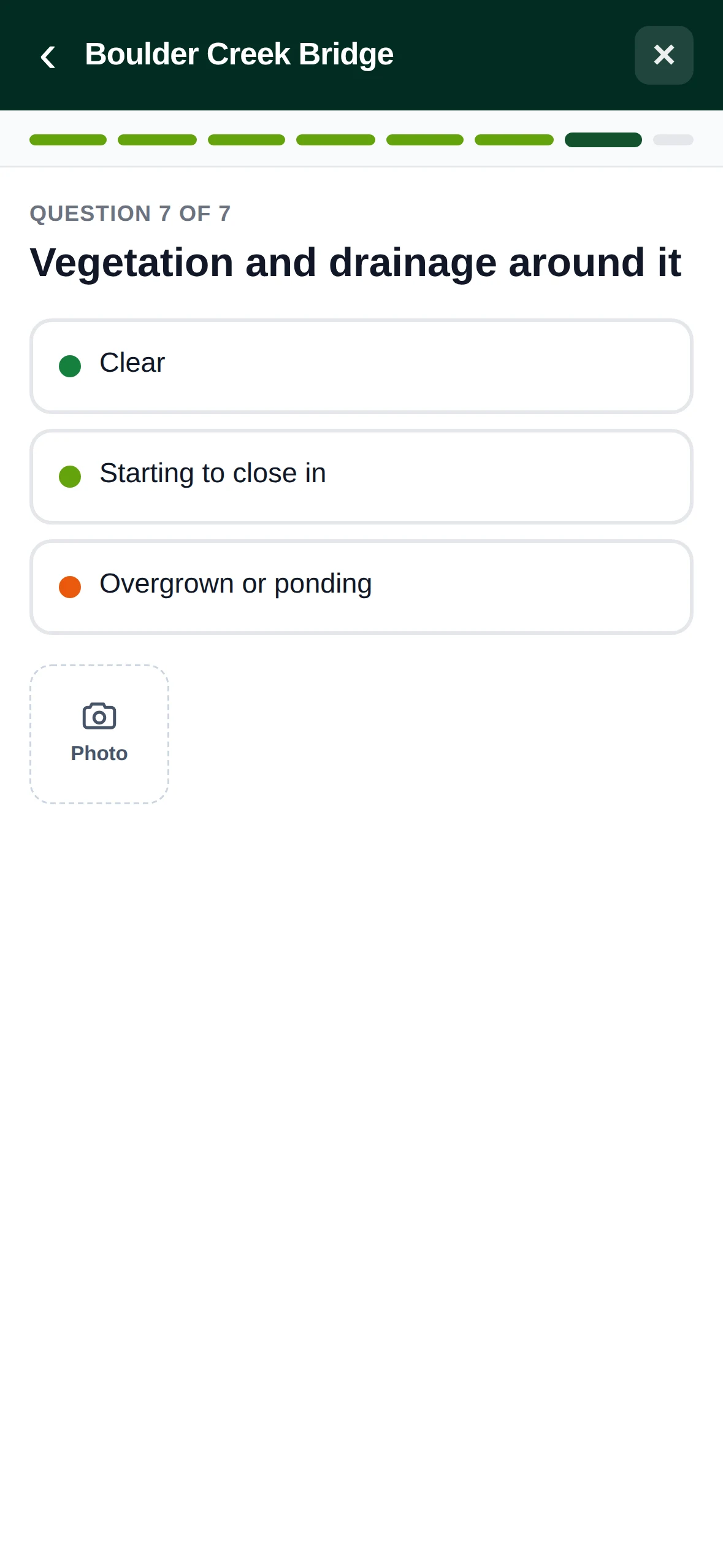
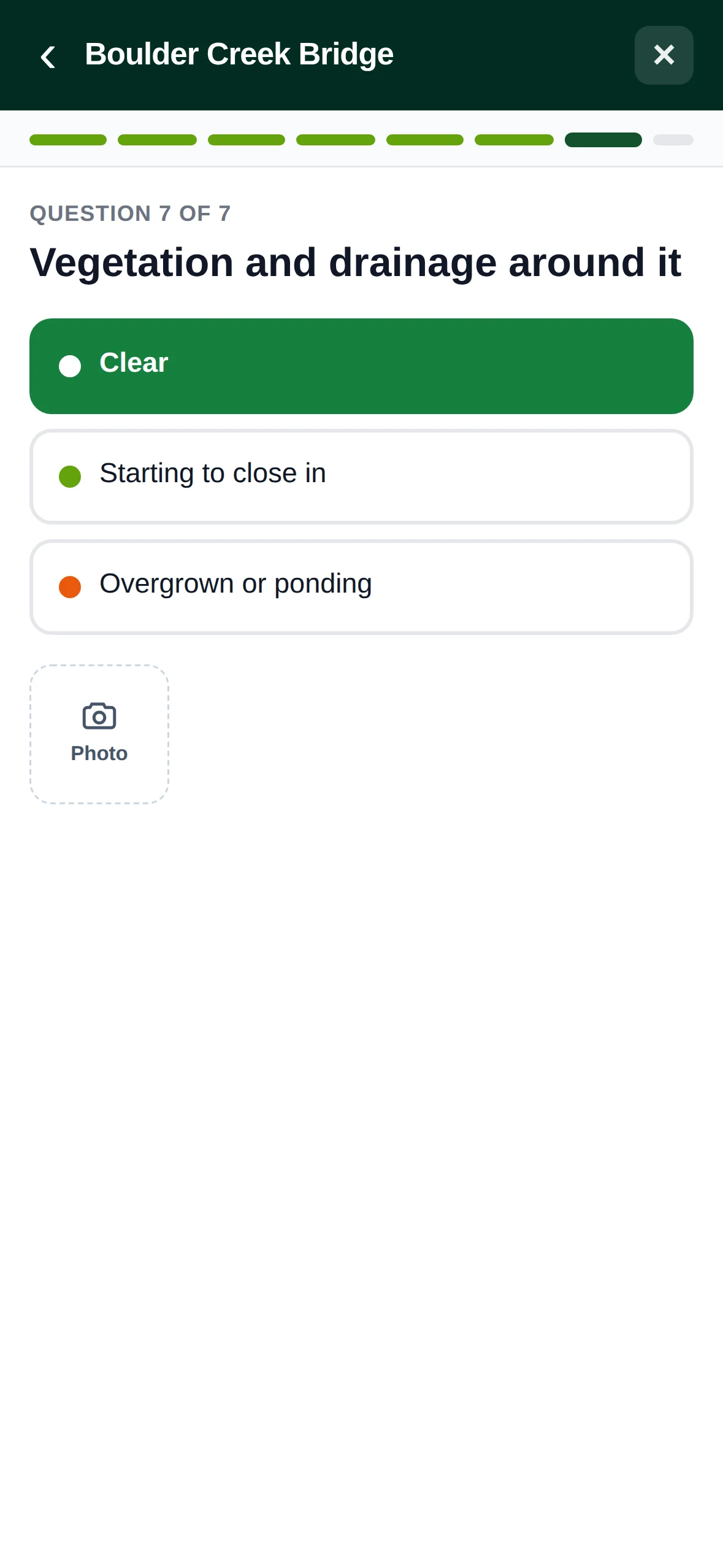
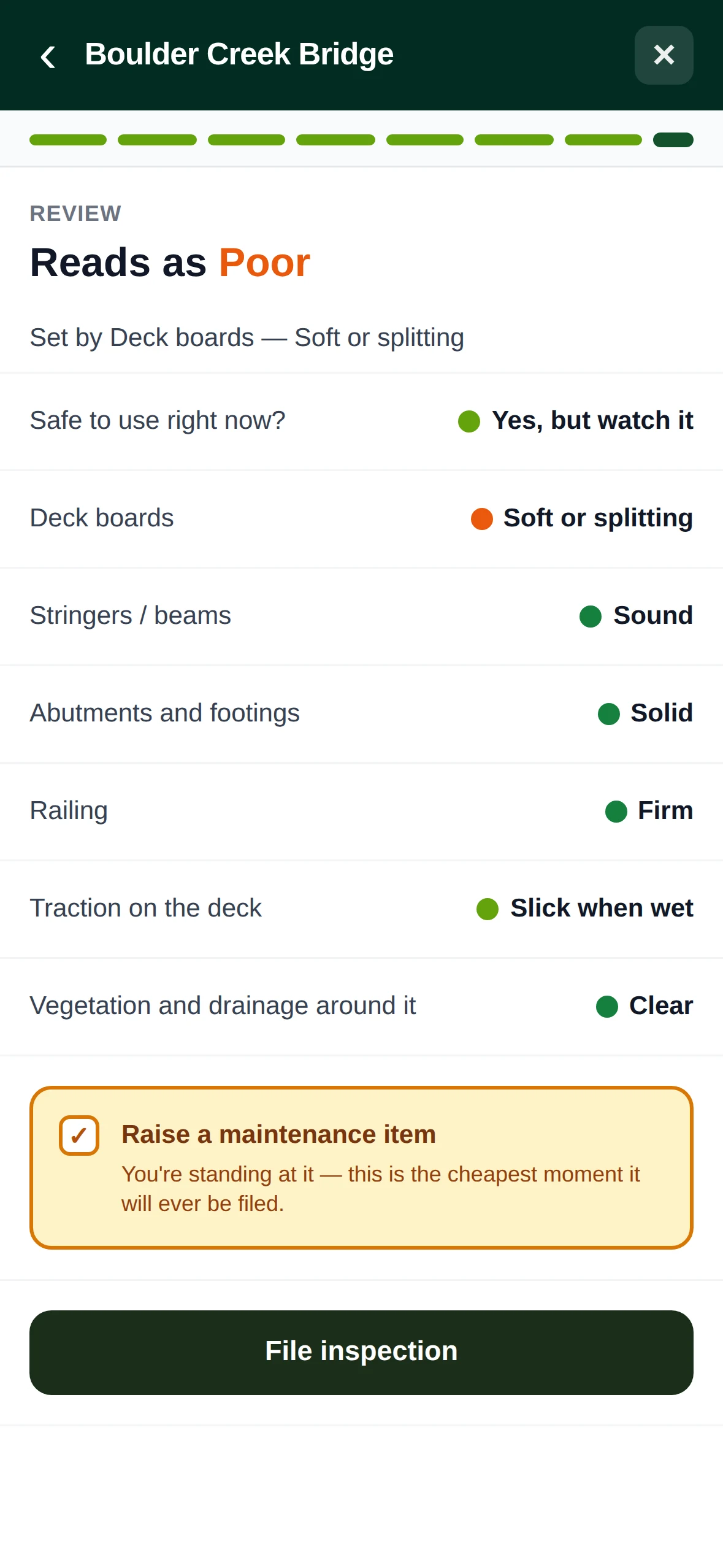
A bridge is something you look after for years, not a one-off task. Bridges, gates, kiosks, signs and culverts each keep their own history. They are inspected on a schedule, one question at a time, with photos you can mark up. Each inspection gives a rating and sets the date of the next one, and anything that needs fixing becomes a task without being retyped.
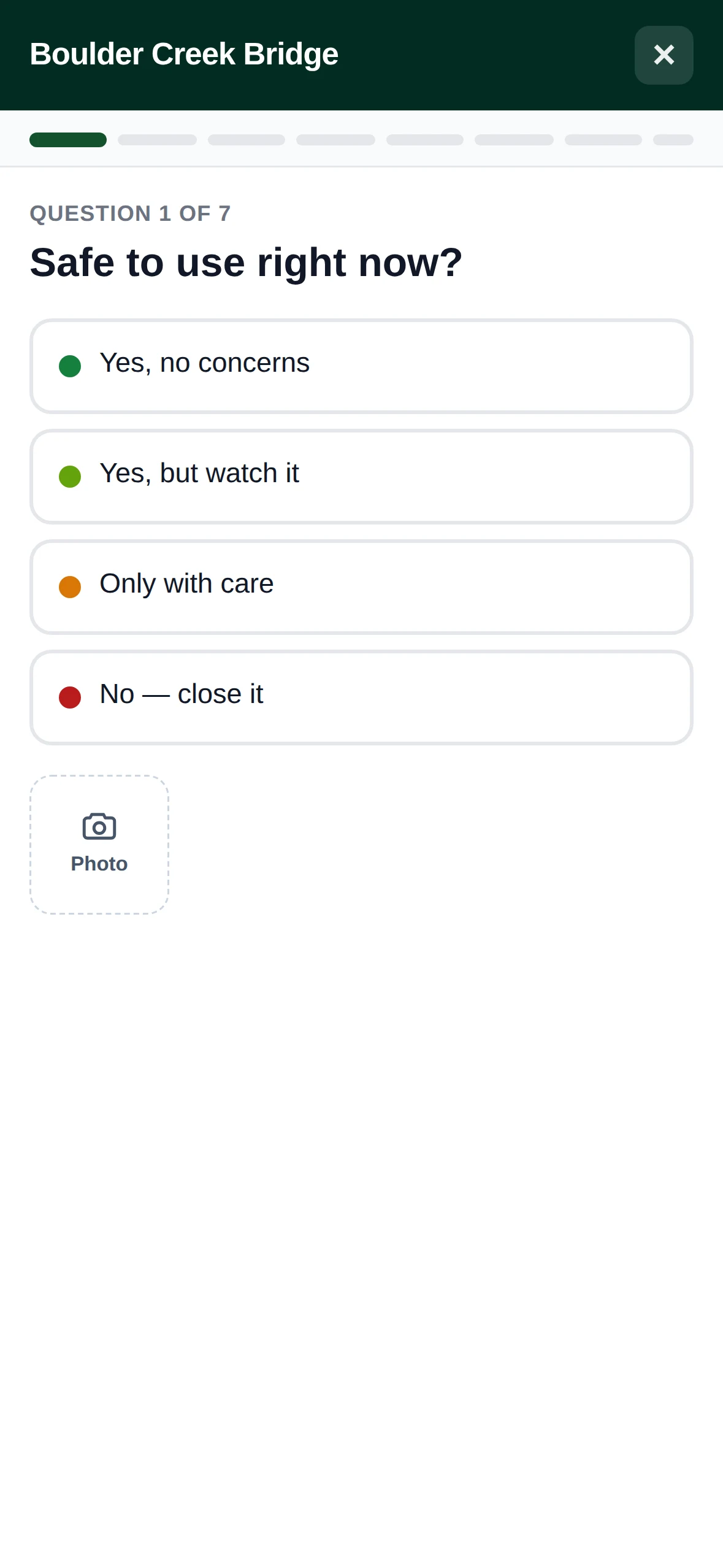
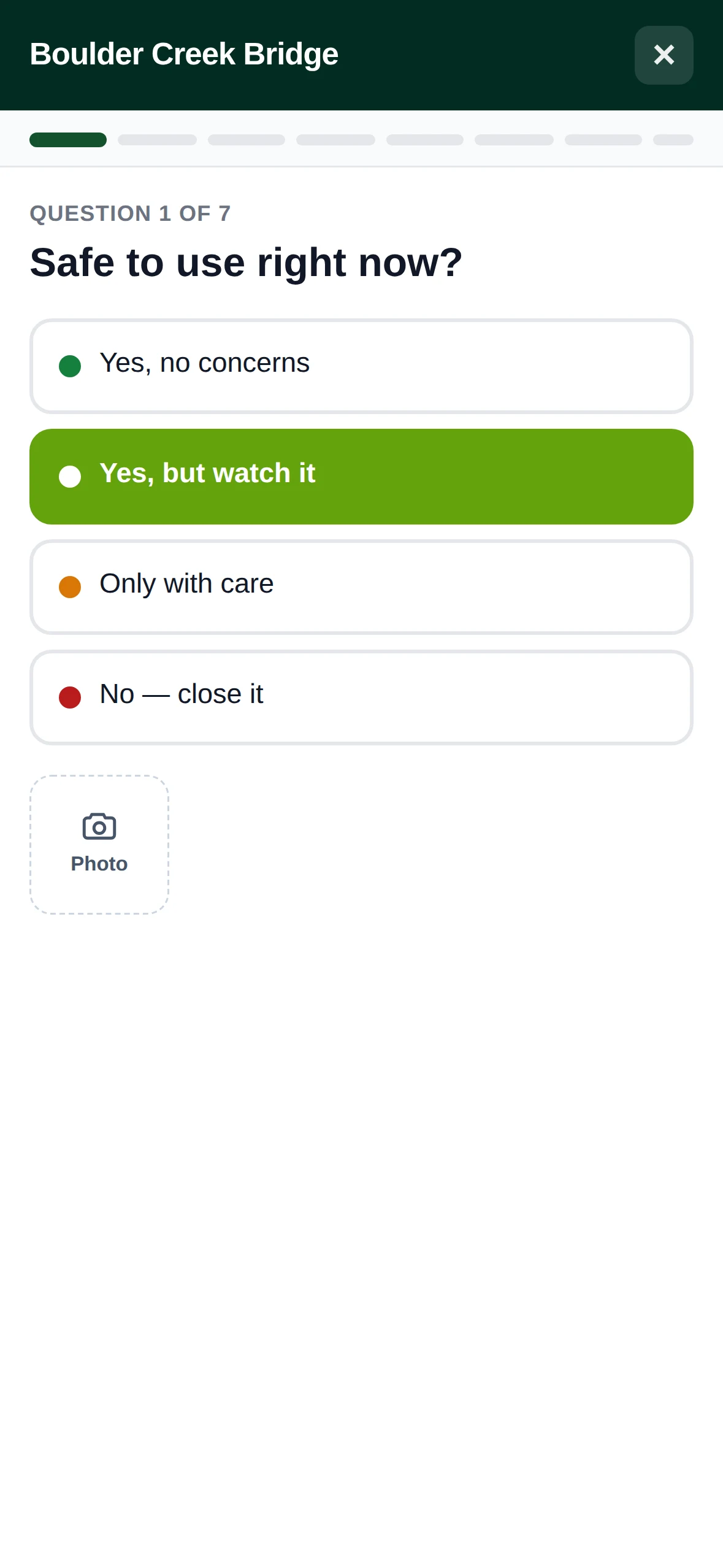
  • Questions for each type A bridge and a sign get different questions.
  • One question at a time Built to be filled out on the structure, not reconstructed back at the office.
  • Each rating next to the last Every inspection is compared with the one before, so a slow decline shows up.
  • A finding becomes a task Anything flagged during the inspection is filed against the structure, with the location already set.
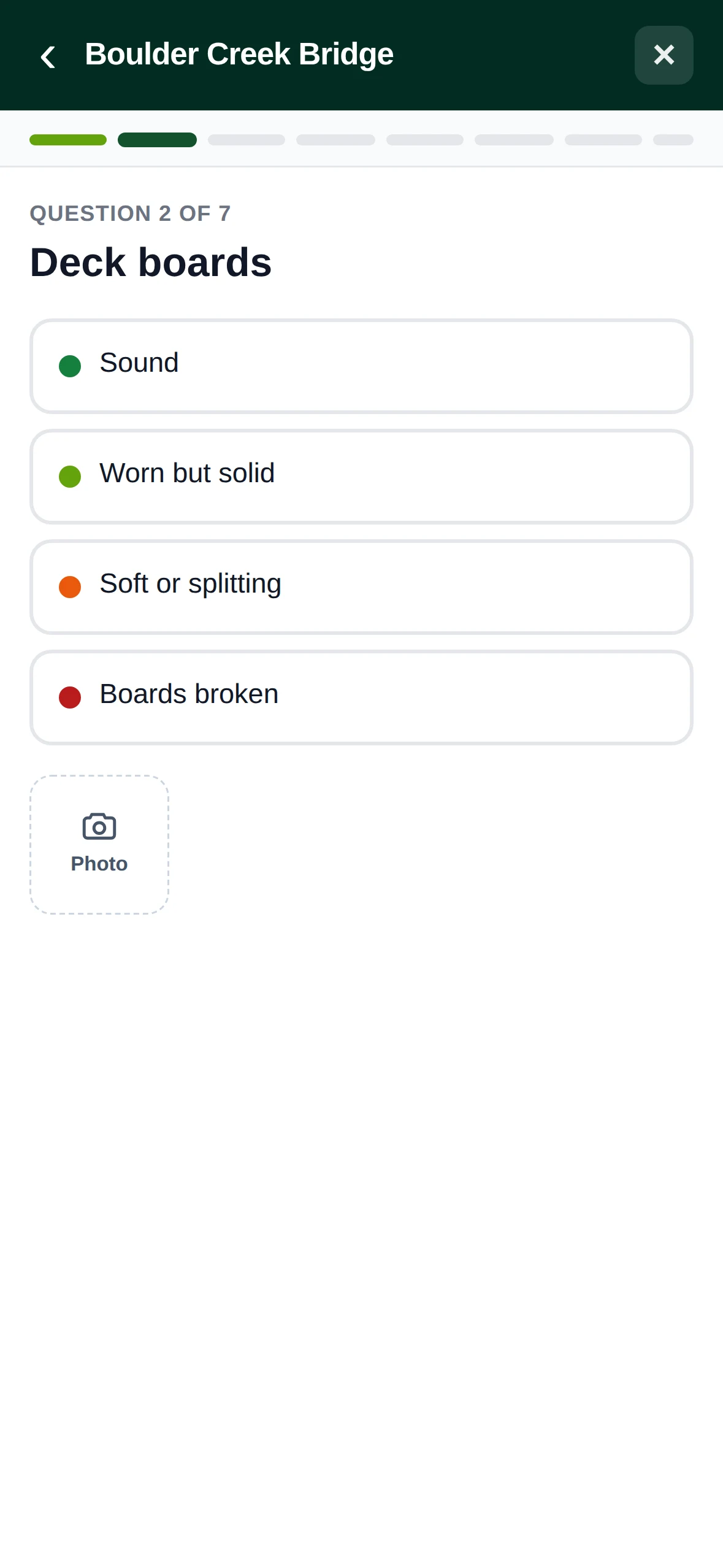
The field app: a seven-question bridge inspection and the record it produces

Planning and design

Walk the line and record it, draw it on the map, or give the route finder two points and a grade to hold. TrailsIQ reads the terrain underneath, flags the sections that won't hold up, prices the build by width and surface, and turns the result into a proposal you can send to a landowner or a council.
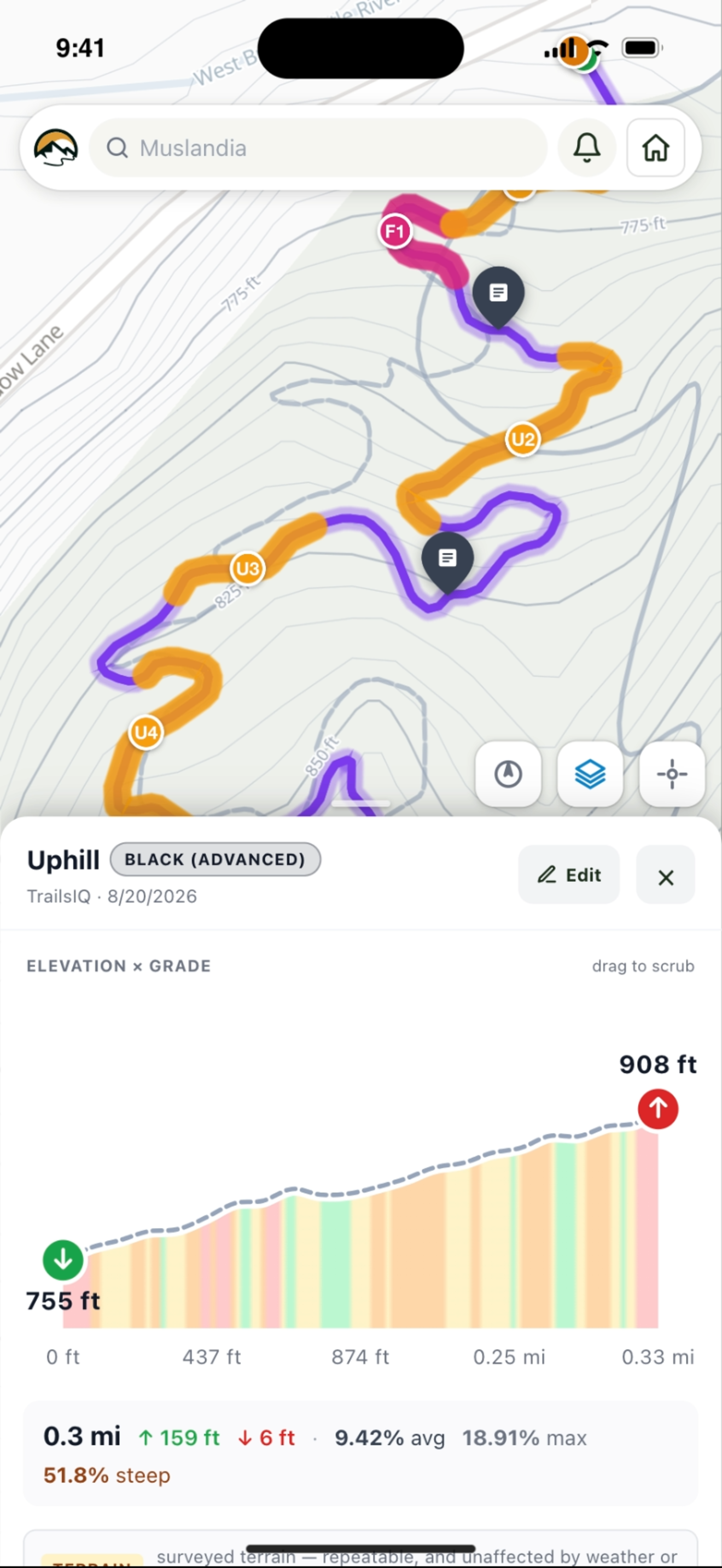
  • Read the terrain Slope, aspect and contours from public elevation data.
  • Check it will last Every section is checked against the half rule and fall-line grade.
  • Compare alternate lines Put two routes over the same ground side by side and see the difference in cost.
  • Send a proposal Share a page with the cost, the elevation profile and the map.
The trail planner open on a phone, with drafts and the record, suggest and draw tools

From what somebody found to what somebody fixed

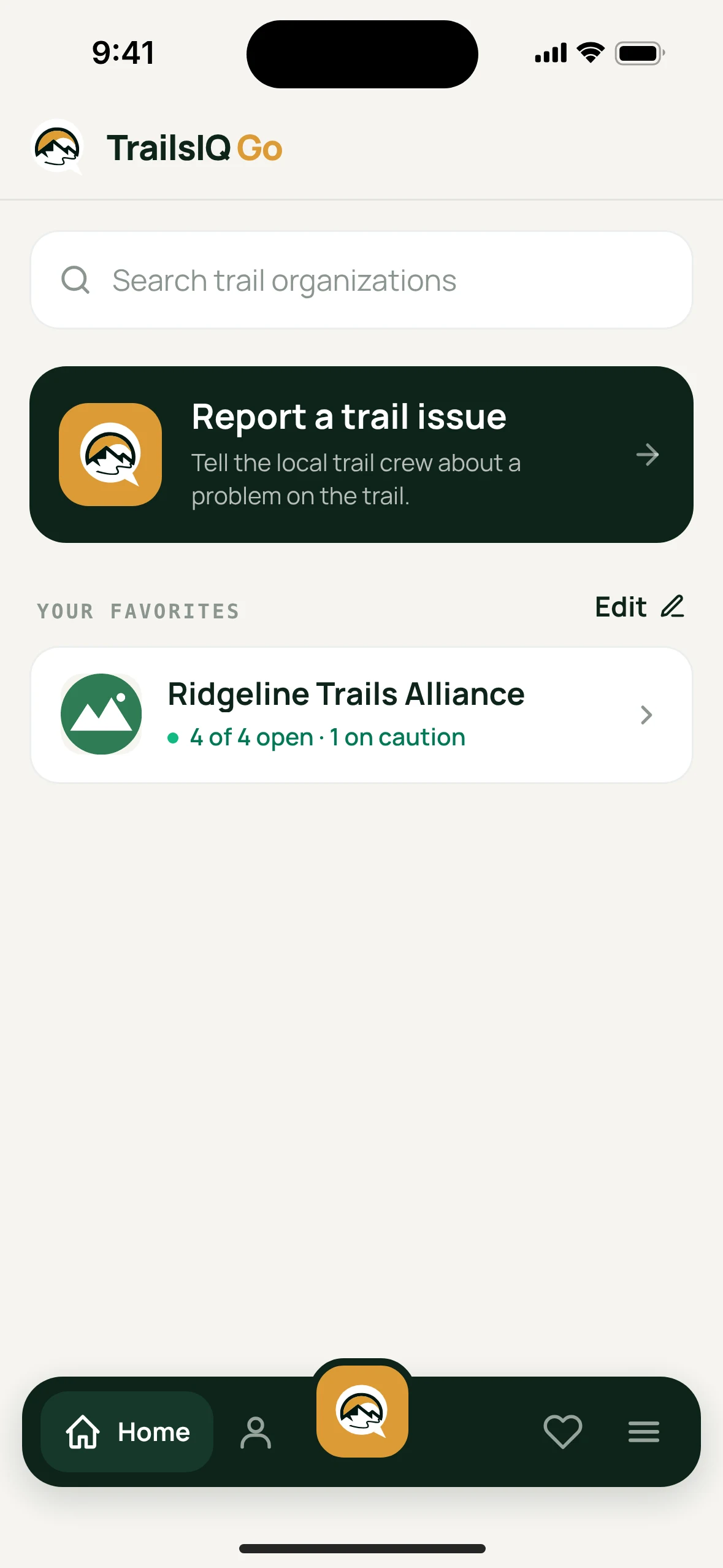
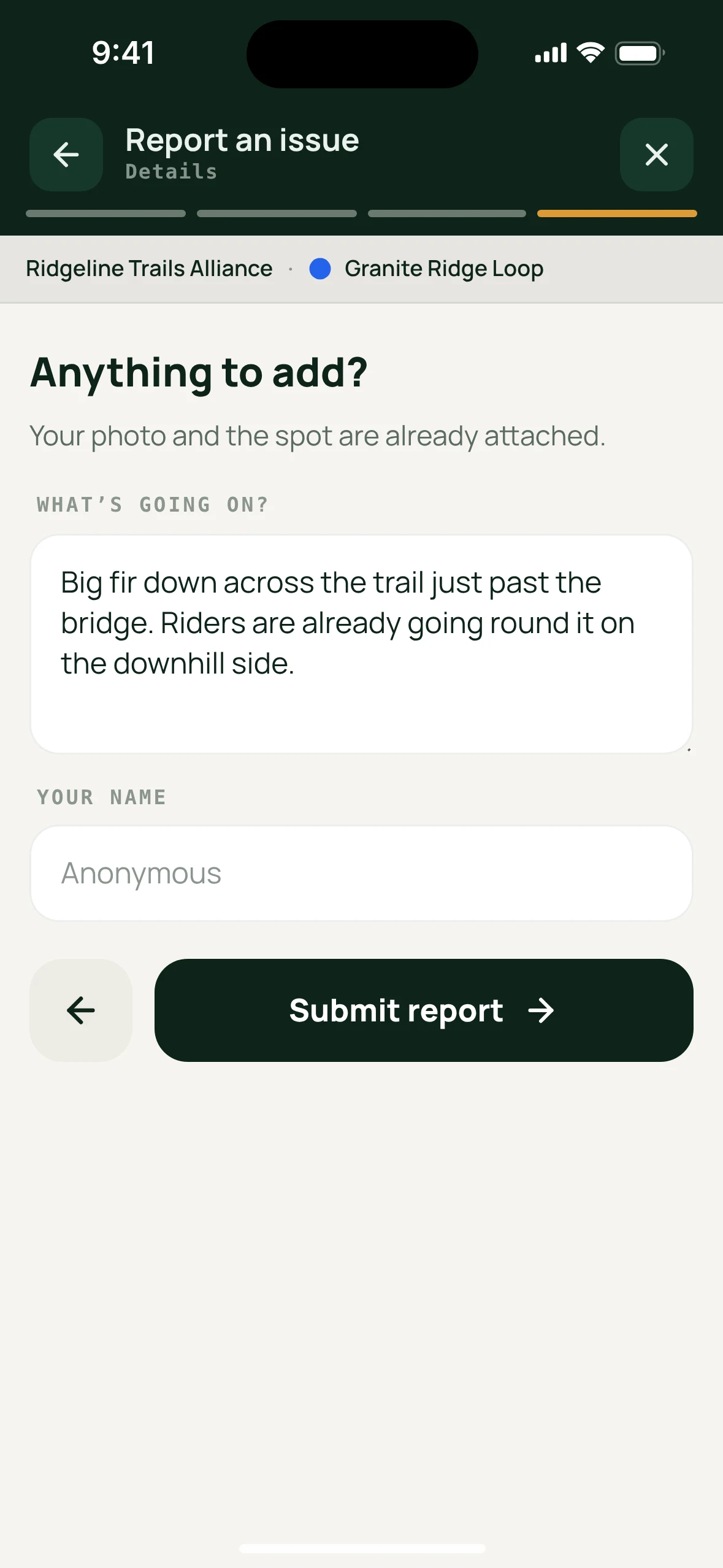
A trail user opens your report page on their phone, marks where they are, adds a photo and describes what they found. It arrives as a maintenance item on the right trail, with the location and photo already attached, in the same review list your own crew uses.
  • No account, no install required Works in any phone browser, and as an installable app.
  • Nothing goes live unreviewed Reports wait for someone on your team to approve or reject them.
  • You choose which trails show A closed or internal trail never appears in the list.
  • Followers stay informed They get a notification when a trail's condition changes or you post a daily report.
TrailsIQ Go's home screen, with Report a trail issue
TrailsIQ Go: a trail user saying what they found

A complete toolkit for trail managers

Tools for trail conditions, maintenance, infrastructure, planning, crews, volunteer hours and your public site. Your account only shows the tools your team turns on, so the menu stays as simple as your work.

Trails and networks Import the trail files you already have (GPX, KML or GeoJSON) in bulk. Then group trails into networks and give each one its own difficulty, surface, direction and season. Live trail conditions Every trail has a status that your crew sets and your visitors can see. TrailsIQ also checks the weather for each network twice a day, so conditions stay current even in a week when nobody logs in. Maintenance that starts on the trail Log a downed tree, an eroded corner or a broken bridge board right on the trail, with a photo and the location. Then review it, assign it and close it out. Infrastructure and points of interest Keep a record of every bridge, staircase, kiosk, sign and trailhead you inspect, plus the viewpoints, campsites and water sources visitors ask about. The field app, offline Built around the map, for use with one hand and no signal. Download a whole network before you head out and the map, the photos and the task list all go with you. Trail planner Walk a line with GPS, draw it, or let the route finder suggest one that holds a sustainable grade. Then price the build and send a proposal a landowner can read. Your public site, and what visitors report A website on your own domain with live conditions, news and an events calendar. Its report page lets hikers and riders tell you what they found, with the location, and the report goes straight to your review list. Volunteer hours, ready for funders Every volunteer hour from tasks, timesheets and workdays is counted in one place. People check in with a QR code, walk-ins included, and volunteers are kept separate from paid staff. The annual report shows what that time is worth in dollars, for your board and donors. Crew, hours and the shed Log time against the job it was spent on and file expenses from the field for approval. The inventory tells you how much lumber is at which trailhead and who has the chainsaw. Lifts and counters Give chairlifts, gondolas, T-bars and carpets a daily status. Import TRAFx counter readings for the trail each counter is on, so you know how much a trail is used instead of guessing. Terrain you can read Slope shading, aspect and contour lines built from public elevation data, all on one map instead of spread across three other tools. Reporting and records See what was found, what was fixed, what it cost and who did it, over any period you choose. Seasonal checklists show that each walk-through actually happened.

Slope, wetlands and property lines, on your map

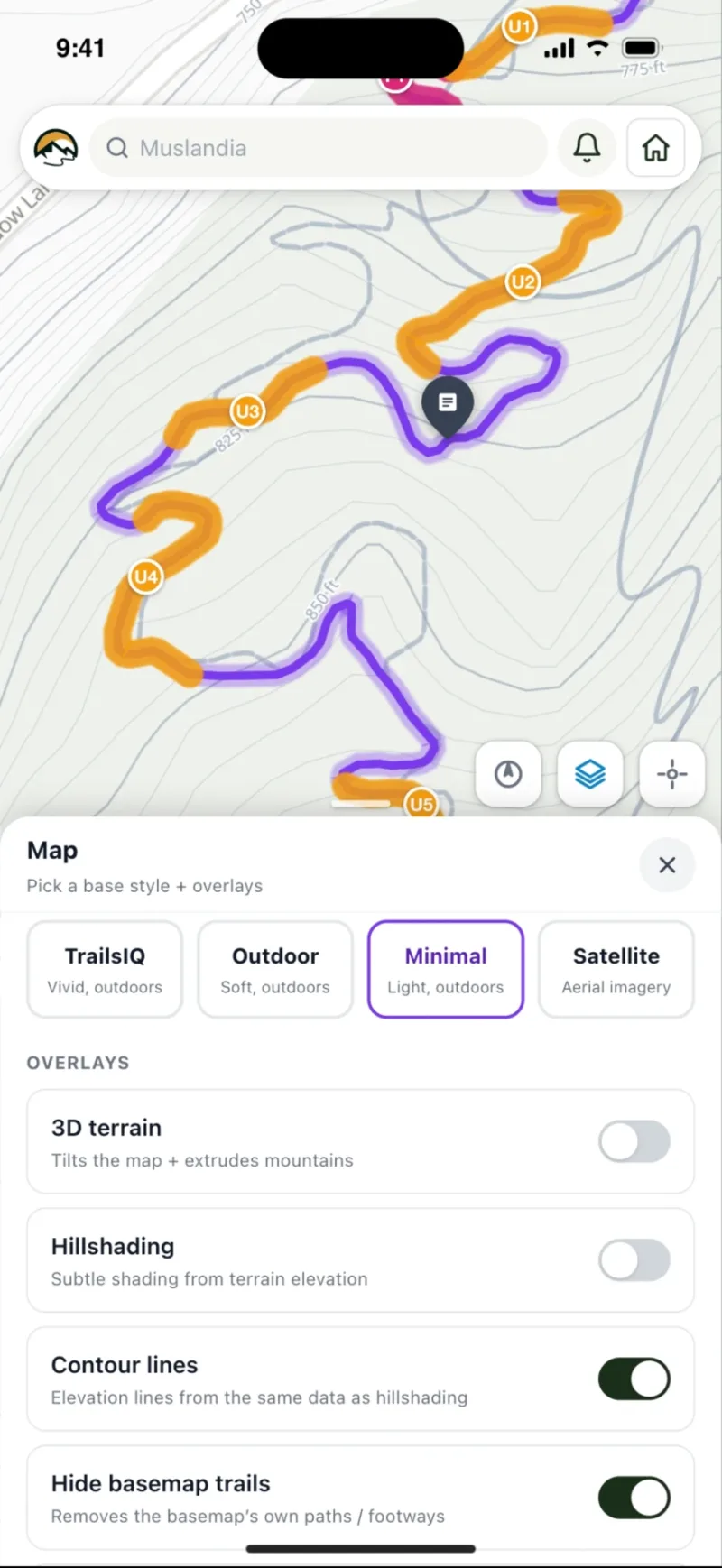
Where a trail can go depends on the ground: how steep the hillside is, which way it faces, whether that flat spot is a wetland, and who owns the land. TrailsIQ has its own base map and shows all of that on top of it.

Slope angleAspectContours and hillshadingWetlands and streamsProperty linesPublic landWeather radar

Property lines include the owner's name where the state publishes it, which so far means Vermont, Massachusetts, New York, Wisconsin and Florida. Most of the rest of the country has the BLM township and section grid, the survey lines deeds are written against rather than ownership itself. Aerial photos cover the lower 48.

Contours and hillshading are on every plan. The other layers come with Core and up. What each plan allows
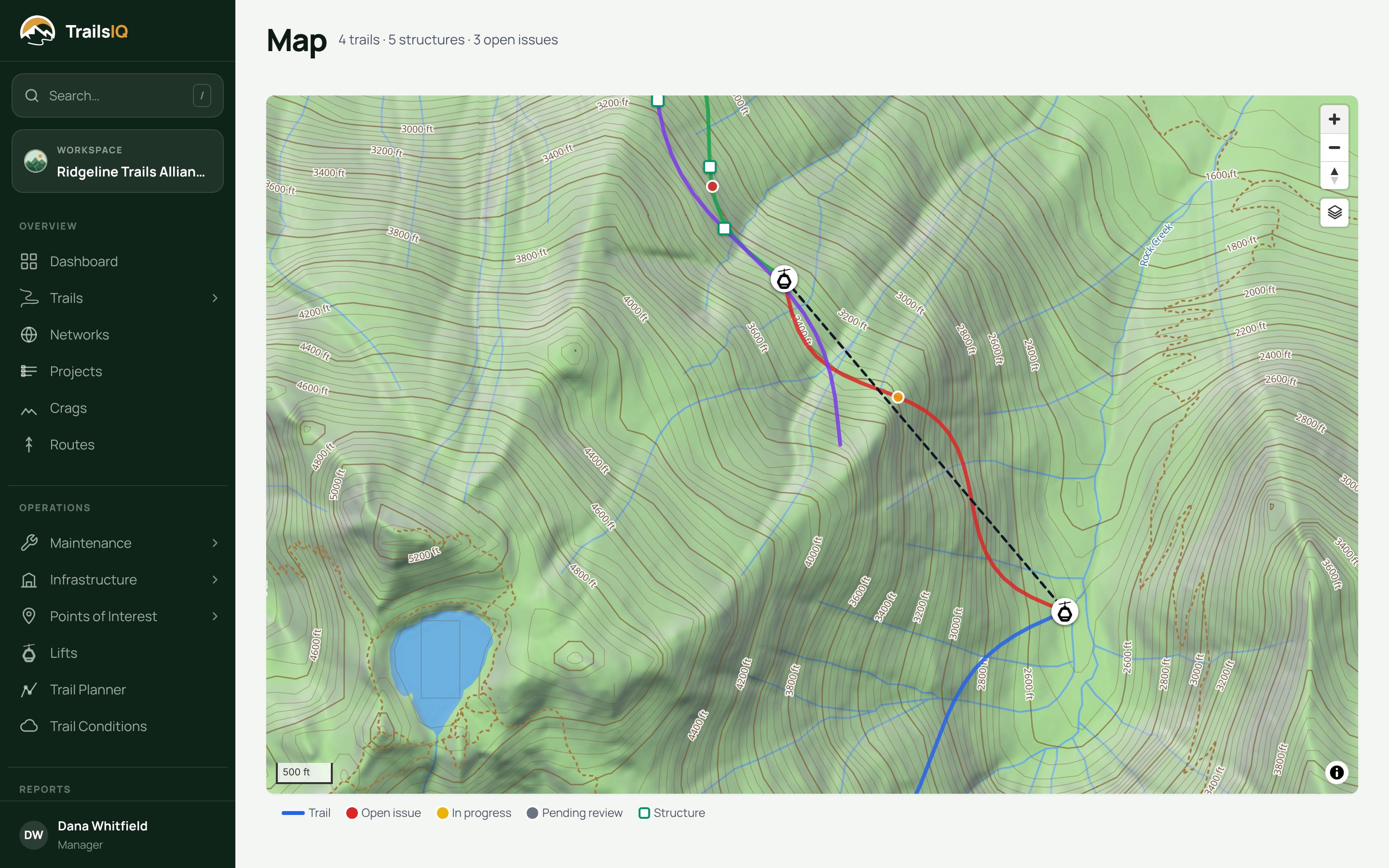
The TrailsIQ map on the dashboard, zoomed in on a trail network

Stop running your trails out of a spreadsheet

Start free with 10 trails and your whole crew on the field app. Upgrade when your network grows.

Get started freeCompare plans