← All documentation
 3 min
TrailsIQ overview
Follow one fallen tree from a public report to a finished task, with inspections, work hours and the annual report along the way.
 2 min
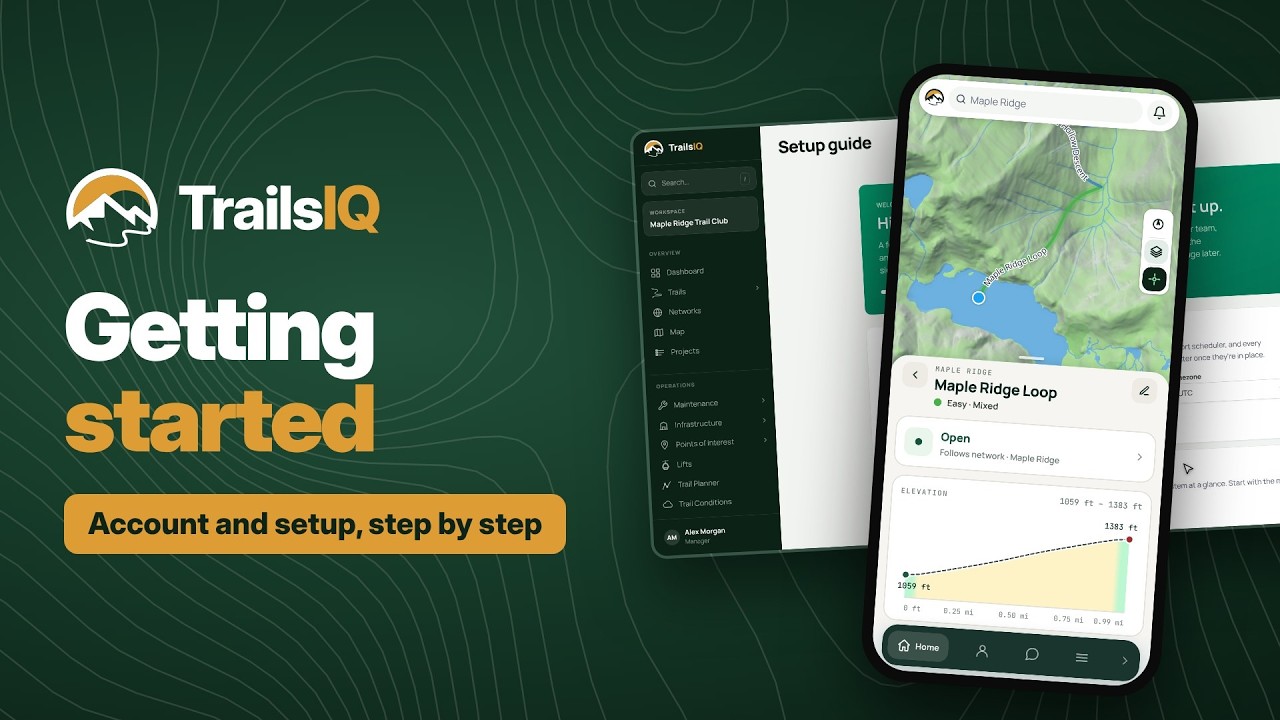
Getting started
Create your account, set up your organization and work through the setup guide.
 2 min
Invite your team
Invite people by email with the right role, see how they accept on their phone, and change what a person or a whole role can do.
 3 min
Your first task
File a maintenance task in the field app with every option explained, then open it on the phone and on the dashboard.
 4 min
Adding a trail
Import a file, draw the line in the Trail planner or walk it with the field app, then go through every option a trail has.
 3 min
Bridges, signs and gates
Add a bridge in the field app, inspect it, and see its history, materials calculator and plans on the dashboard.
 4 min
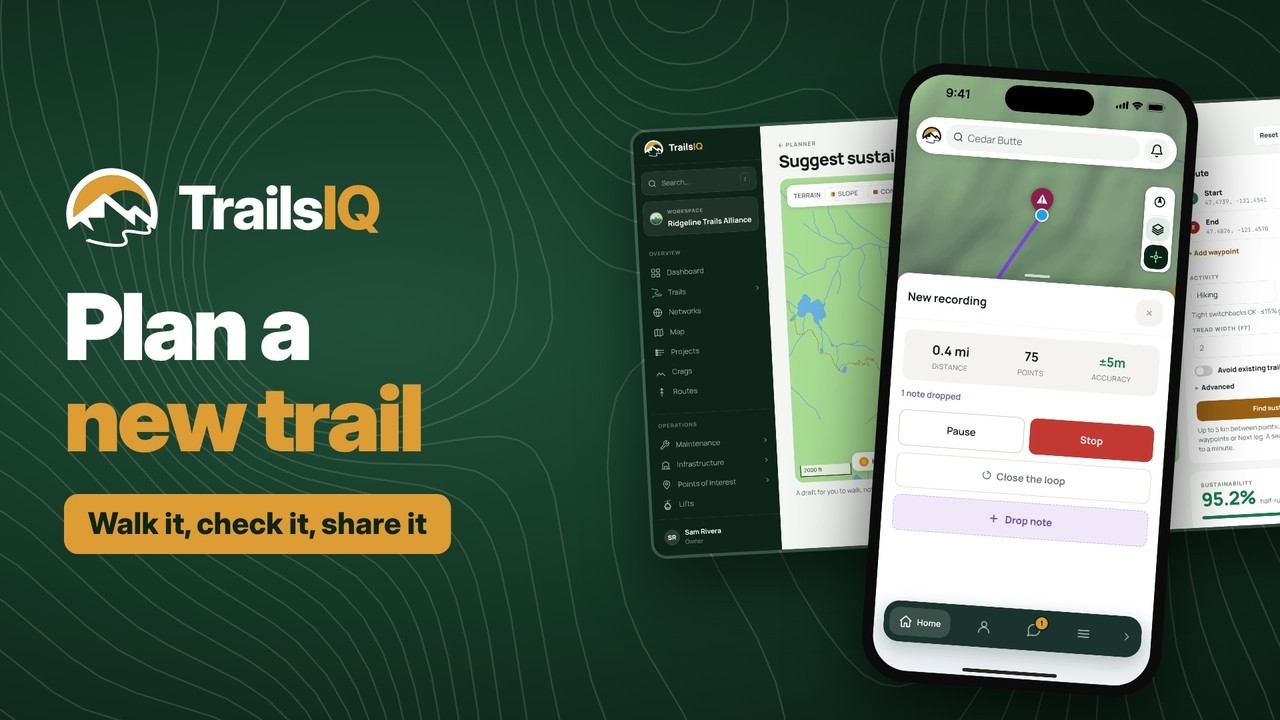
Plan a new trail
Walk a new line, read the half rule and grade analysis, price the build, and share a proposal before turning it into a trail.
 3 min
Working offline
Lose signal and keep working: check tasks, change a trail's status and file a task with a photo, then download a whole network before a backcountry trip.
 2 min
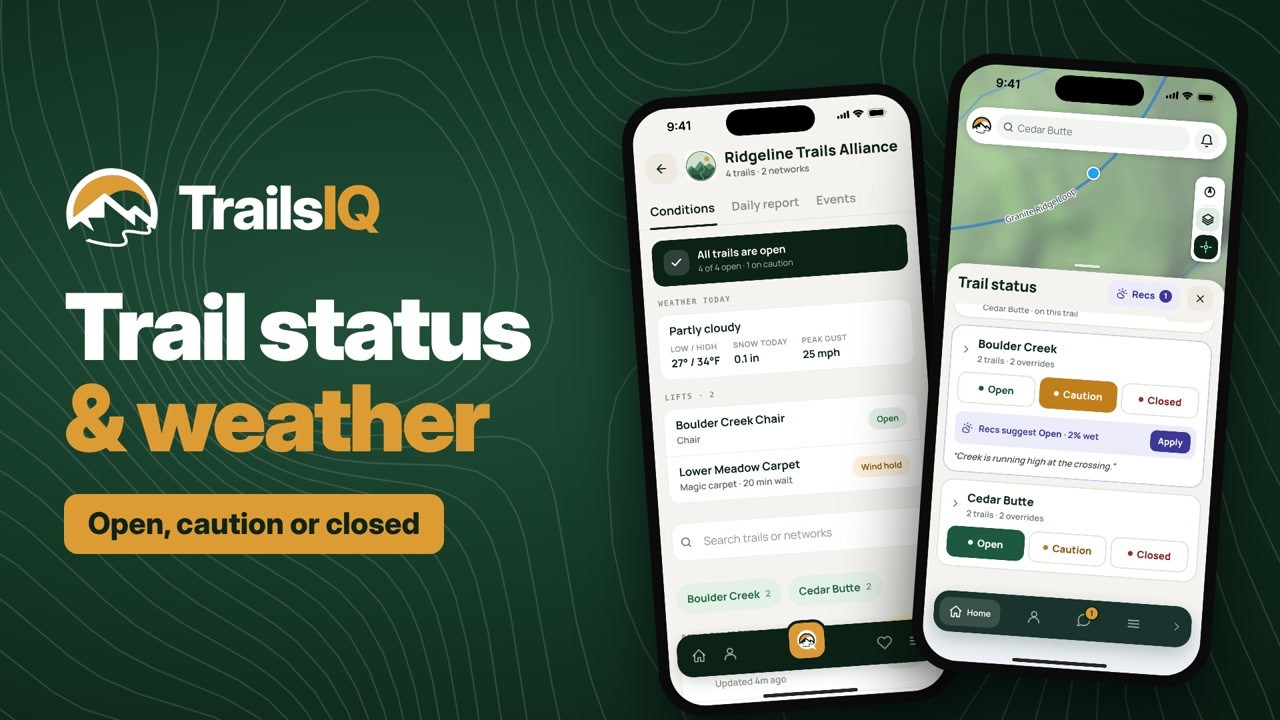
Trail status and weather
Set each network to Open, Caution or Closed, see how the forecast suggests a change and why, and choose how much to automate.
 2 min
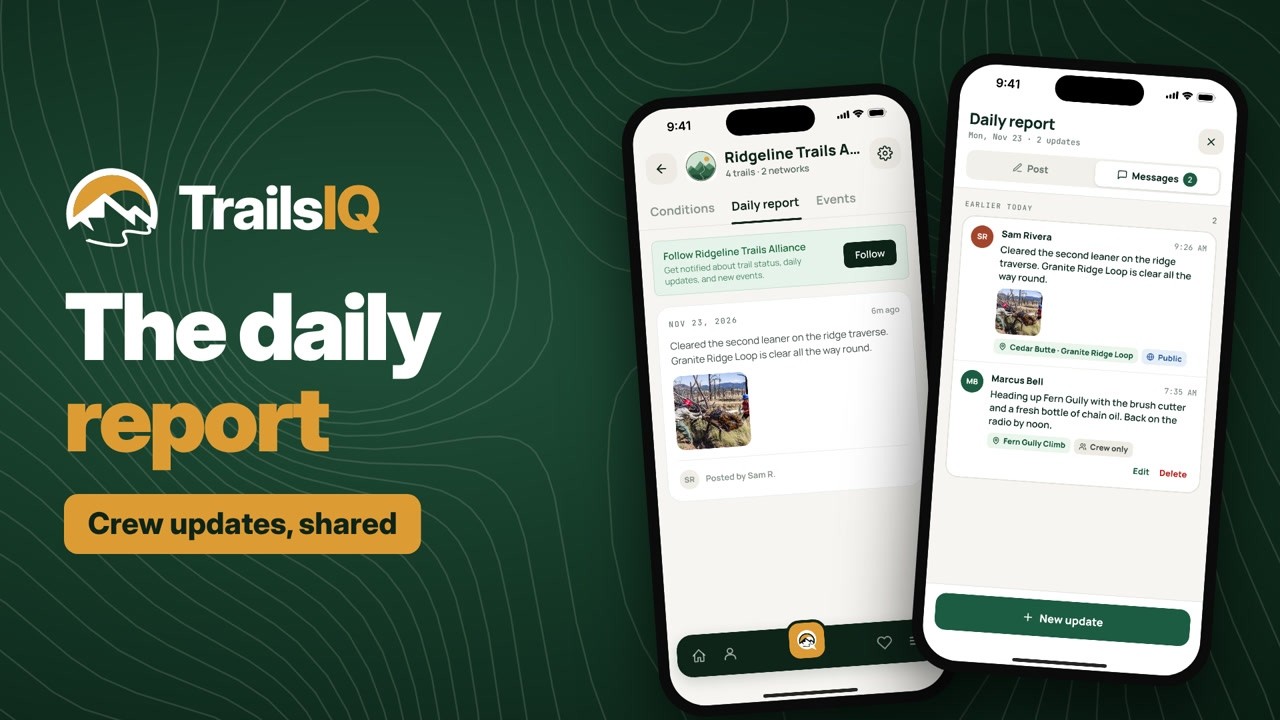
Post a daily report
Post a crew update from the dashboard or the field app, and watch the day fill in on its own with status changes, tasks and weather.
 2 min
Run a volunteer event
Run a trail work day from start to finish: sign-ups and waivers, the attendee list, check-in on the day, and everyone's hours afterward.
 2 min
Public reports with TrailsIQ Go
See how a hiker or rider reports a problem with the free app, and how you approve or reject what comes in.
 2 min
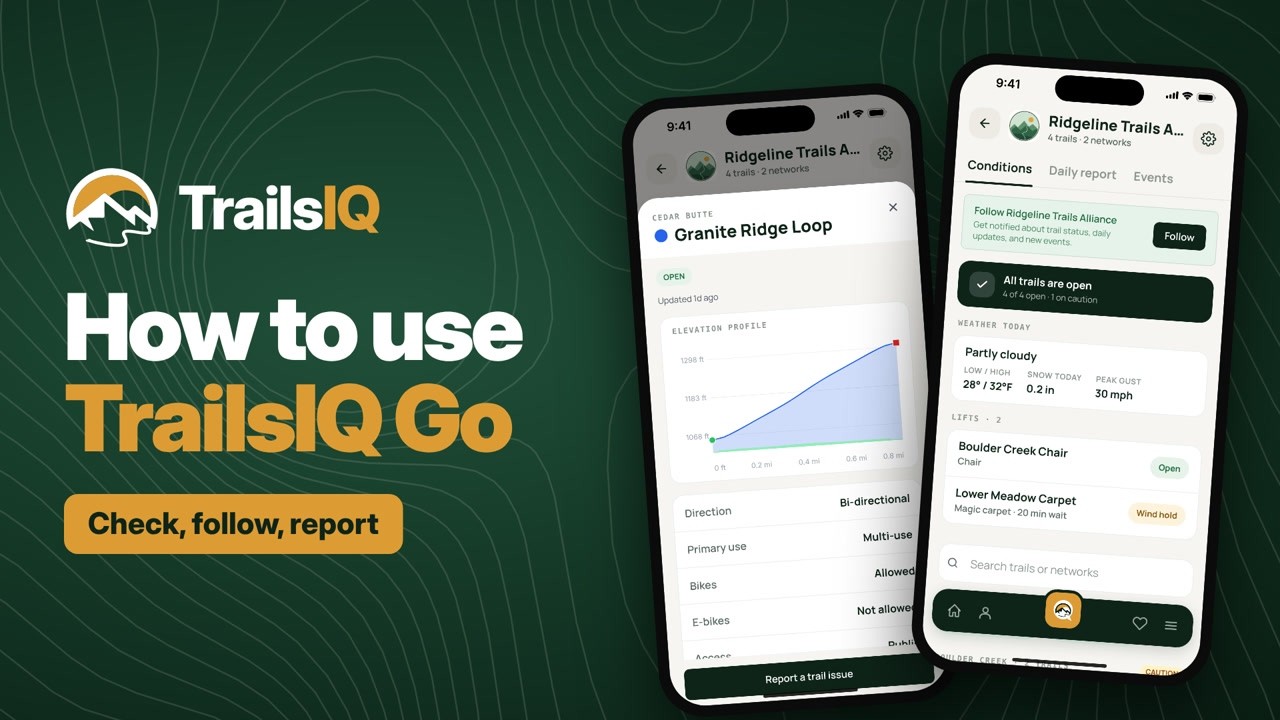
How to use TrailsIQ Go
What riders, hikers and runners see in the free app: trail conditions, following the places they love, events, and reporting a problem.
Documentation
Video tutorials
Short videos that show TrailsIQ at work. Pick one and it plays right here.
TrailsIQ overview
Follow one fallen tree from a public report to a finished task, with inspections, work hours and the annual report along the way.
All tutorials 13 videos
3 min
TrailsIQ overview
Follow one fallen tree from a public report to a finished task, with inspections, work hours and the annual report along the way.
2 min
Getting started
Create your account, set up your organization and work through the setup guide.
2 min
Invite your team
Invite people by email with the right role, see how they accept on their phone, and change what a person or a whole role can do.
3 min
Your first task
File a maintenance task in the field app with every option explained, then open it on the phone and on the dashboard.
4 min
Adding a trail
Import a file, draw the line in the Trail planner or walk it with the field app, then go through every option a trail has.
3 min
Bridges, signs and gates
Add a bridge in the field app, inspect it, and see its history, materials calculator and plans on the dashboard.
4 min
Plan a new trail
Walk a new line, read the half rule and grade analysis, price the build, and share a proposal before turning it into a trail.
3 min
Working offline
Lose signal and keep working: check tasks, change a trail's status and file a task with a photo, then download a whole network before a backcountry trip.
2 min
Trail status and weather
Set each network to Open, Caution or Closed, see how the forecast suggests a change and why, and choose how much to automate.
2 min
Post a daily report
Post a crew update from the dashboard or the field app, and watch the day fill in on its own with status changes, tasks and weather.
2 min
Run a volunteer event
Run a trail work day from start to finish: sign-ups and waivers, the attendee list, check-in on the day, and everyone's hours afterward.
2 min
Public reports with TrailsIQ Go
See how a hiker or rider reports a problem with the free app, and how you approve or reject what comes in.
2 min
How to use TrailsIQ Go
What riders, hikers and runners see in the free app: trail conditions, following the places they love, events, and reporting a problem.