Release notes 6 min read
Check in at the trailhead
Workdays get a check-in code, every volunteer you have met lands on one page, and the year they gave you becomes a report for your board. Plus repeating checklists, report-app accounts and a faster Log hours.
Shipped the week of September 28.
This week is about the people who turn up. A workday now has a code to check in with, every volunteer you have ever met lands on one page, and the year they gave you comes out as a report you can hand to your board. Around it: checklists that come round on a schedule, trail users who can follow what they reported, and a faster way to log a day's hours.
Check in at the trailhead
Events are in the field app. Create a workday from your phone, see who is coming, tick off who came and add the people who just showed up — a walk-in needs only a name, and one added with no signal is saved and sent when the phone is back in range.
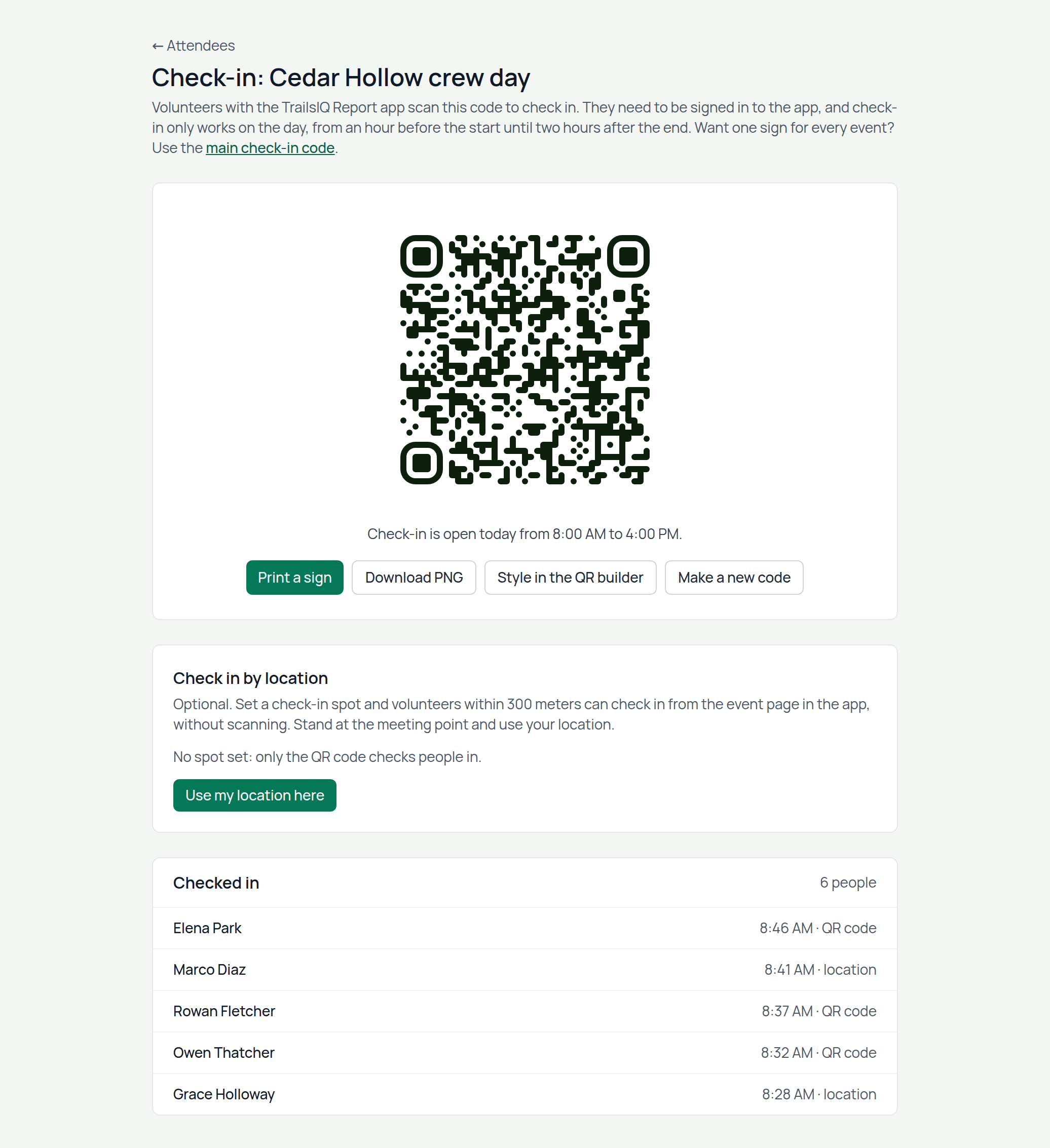
Every workday has a check-in code. Hold up the QR code, or print it as a one-page sign for the trailhead kiosk, and volunteers scan it with the TrailsIQ Report app. Set a check-in spot and anybody within a few hundred meters can check in from the event itself, no scan needed. Your organization also has one code for every event: put it on the tool shed door and it checks people into whatever is on that day, or asks which when two are. A scan made in a dead zone is kept and counted once the phone finds signal.
Attendance becomes volunteer time. Once the day has come, everyone who said they were going counts for the length of the event. Untick a no-show or change one person's hours, and the total follows into your work report, your annual report and HQ. A team member who signs up gets the hours on their own timesheet, already approved.
Events have types — Volunteer day, Meeting, Group ride, Race, Fundraiser, Social, Training, or your own — with a color each, on your website and in the app.
Events are on the Pro plan and above.
Everybody who helps, on one page
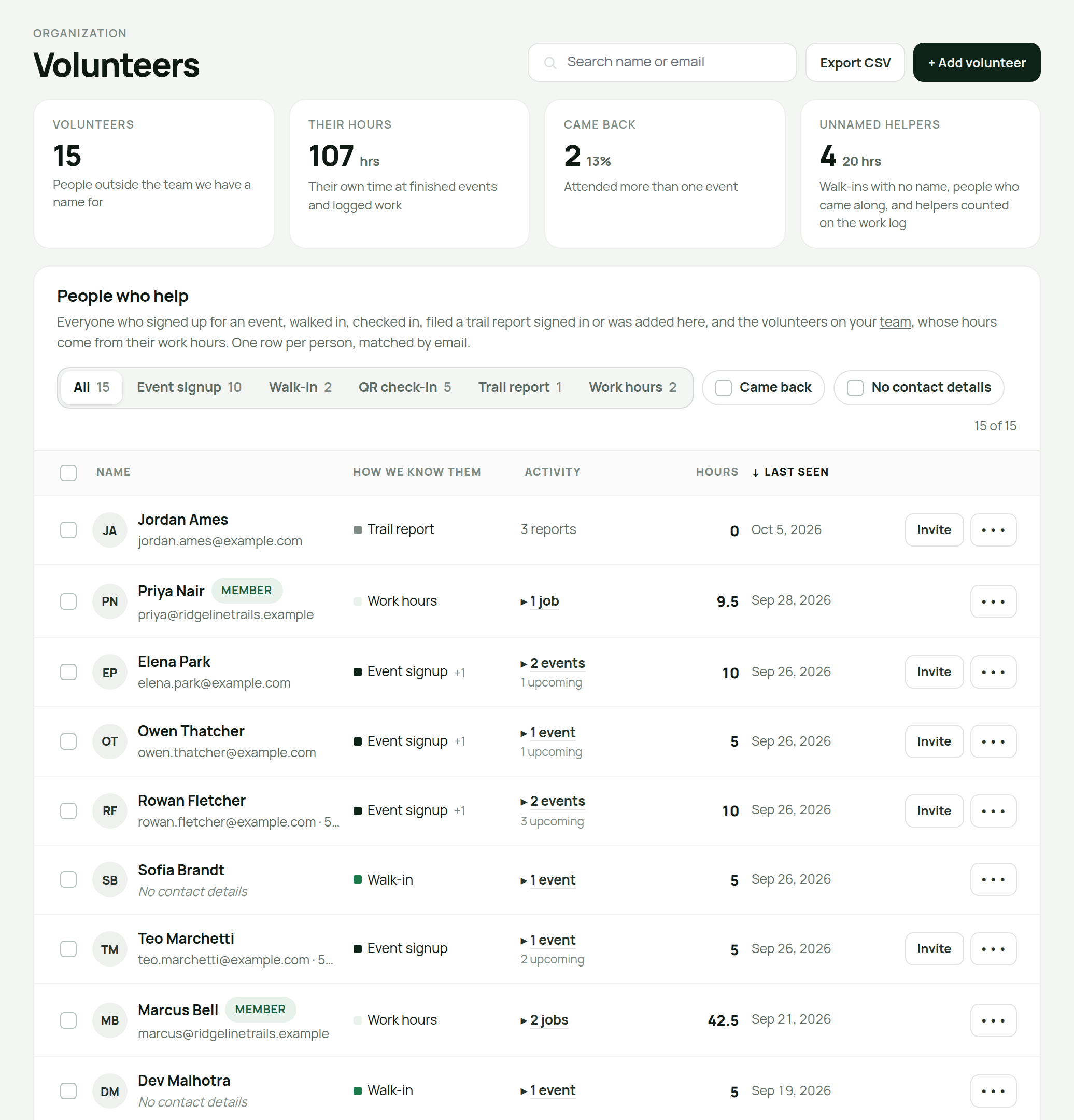
Organization → Volunteers lists every person who has given you time without being on the team: event signups, walk-ins, check-ins and the trail users who report from the app, matched up by email so one person is one row. Each row carries their hours, their last visit and how they found you, with tabs by source and filters for the people who came back and the ones you have no way to reach.
Add somebody by hand, fix a misspelled name, give a person a second email address, or merge the two rows that turn out to be the same neighbor — and undo it if they were not. Add hours credits time to a finished event, or to a day of work on a trail on their own, and Came with covers the friend whose name nobody wrote down. When somebody becomes a regular, Invite opens the team invitation with their email already in it, and their history comes with them.
Export the whole list as a spreadsheet for the thank-you cards.
Your year, ready for the board
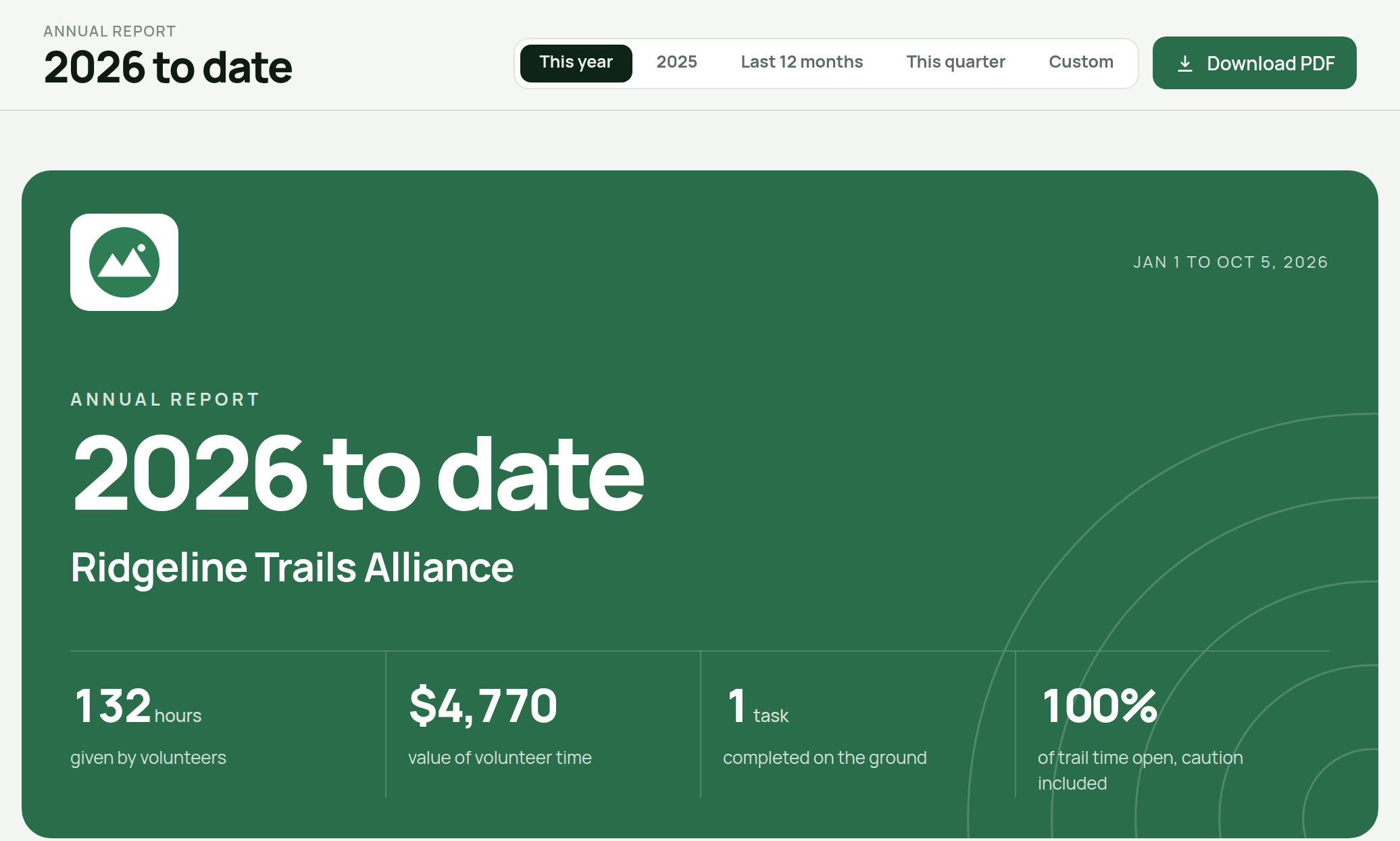
Reports → Annual report gathers one period on one page: volunteer hours and what that time is worth, crew hours, tasks filed and finished, the days your trails were open, the weather that decided them, inspections, events, trail counter totals and what you spent. Pick this year, last year, the last twelve months, this quarter, or any range up to two years.
Download PDF makes an eight-page report in your organization's color with your logo on the cover — at a glance, people, work, trails, weather, costs, and a closing page thanking your volunteers by name. Names can be switched off for a report that goes somewhere public.
Checklists that come round again
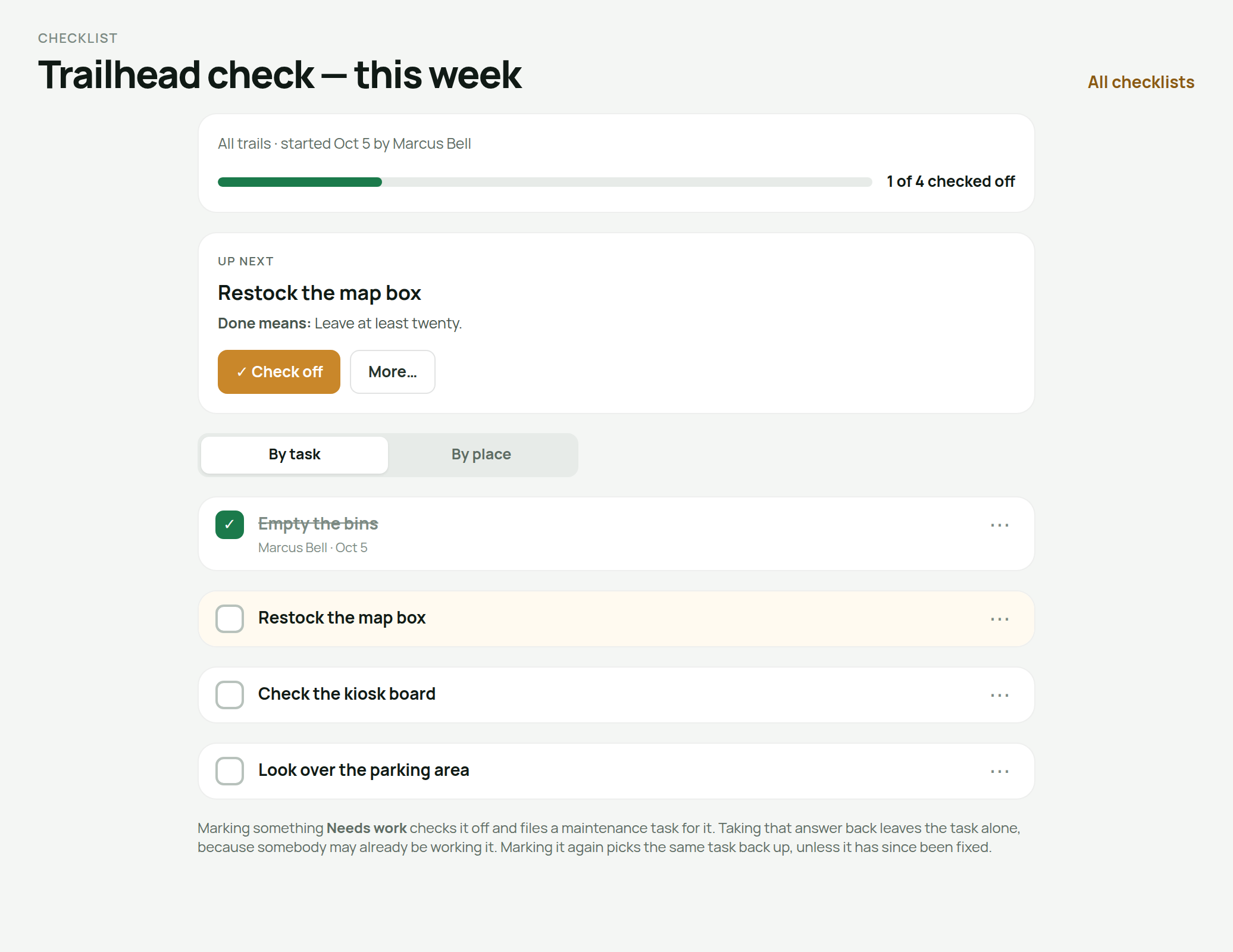
A checklist can repeat — every two weeks, every month, every spring. It shows when it is next due, managers get a reminder that morning, and the field app puts it under Due to start. Nothing starts without somebody pressing Start.
Say where each task needs doing in plain words: just once, on every trail, on every structure, or only the ones you pick. A started checklist opens on an Up next card, a box per line, and Done, Not needed or Needs work a tap away.
A machine can follow one for its service. Name a checklist on the chainsaw or the mini-excavator, start the service from the machine, and checking off the last line records the service at the hour reading and moves the next one on.
And a new checklist can now be written on the phone, schedule and all.
Trail users can follow what they reported
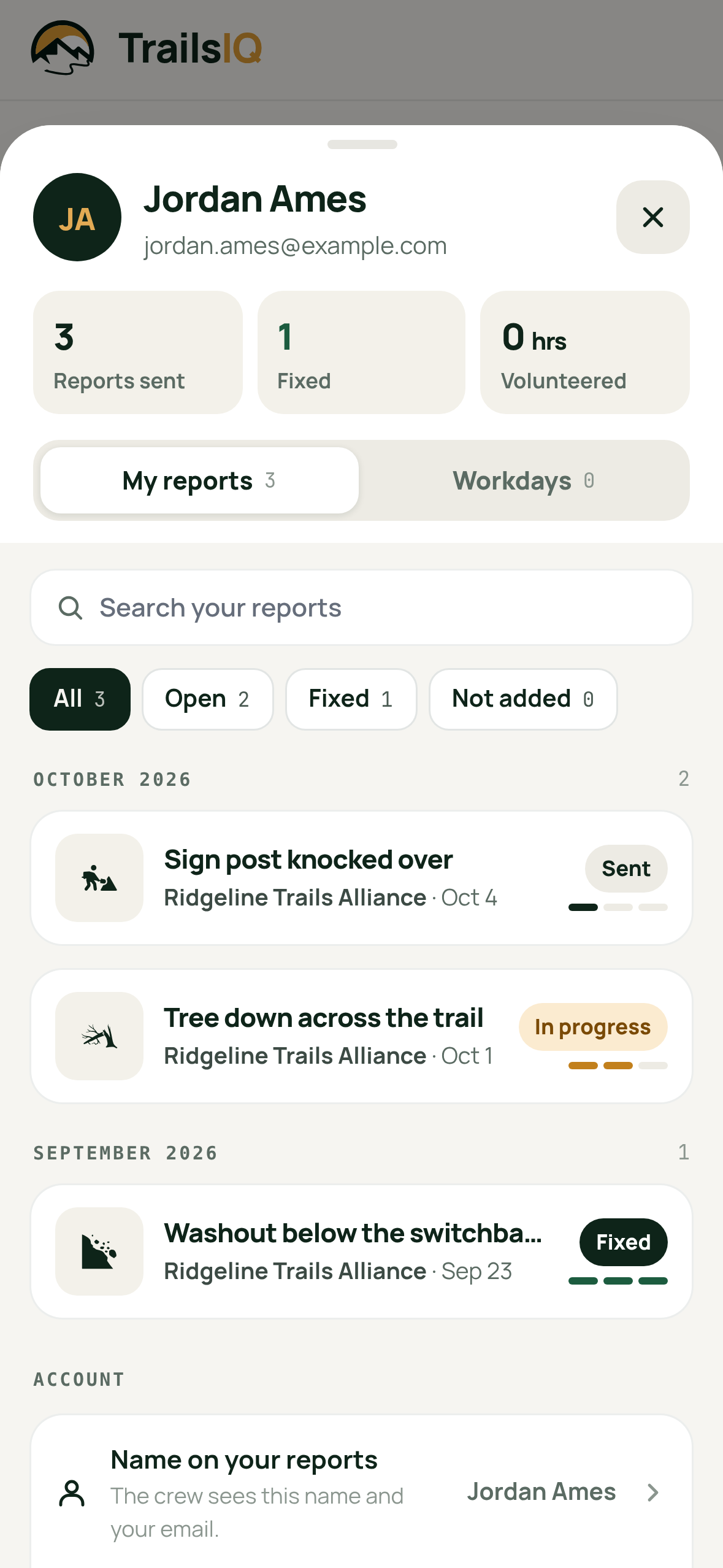
The TrailsIQ Report app takes an optional account, with a six-digit code by email instead of a password. Signed in, My reports lists everything they sent and where it stands — waiting for review, accepted, being worked on, fixed — and the app tells them each time it moves. If you decide not to take one on, you can say why, and they see your reason.
Somebody who reports without an account is offered Follow this report right after sending it. Either way they stay anonymous to your crew unless they choose otherwise.
The app's events show how many people are going, and your public daily posts say who posted them — with a Show my name switch for anybody who would rather they did not.
Log a day's hours in seconds
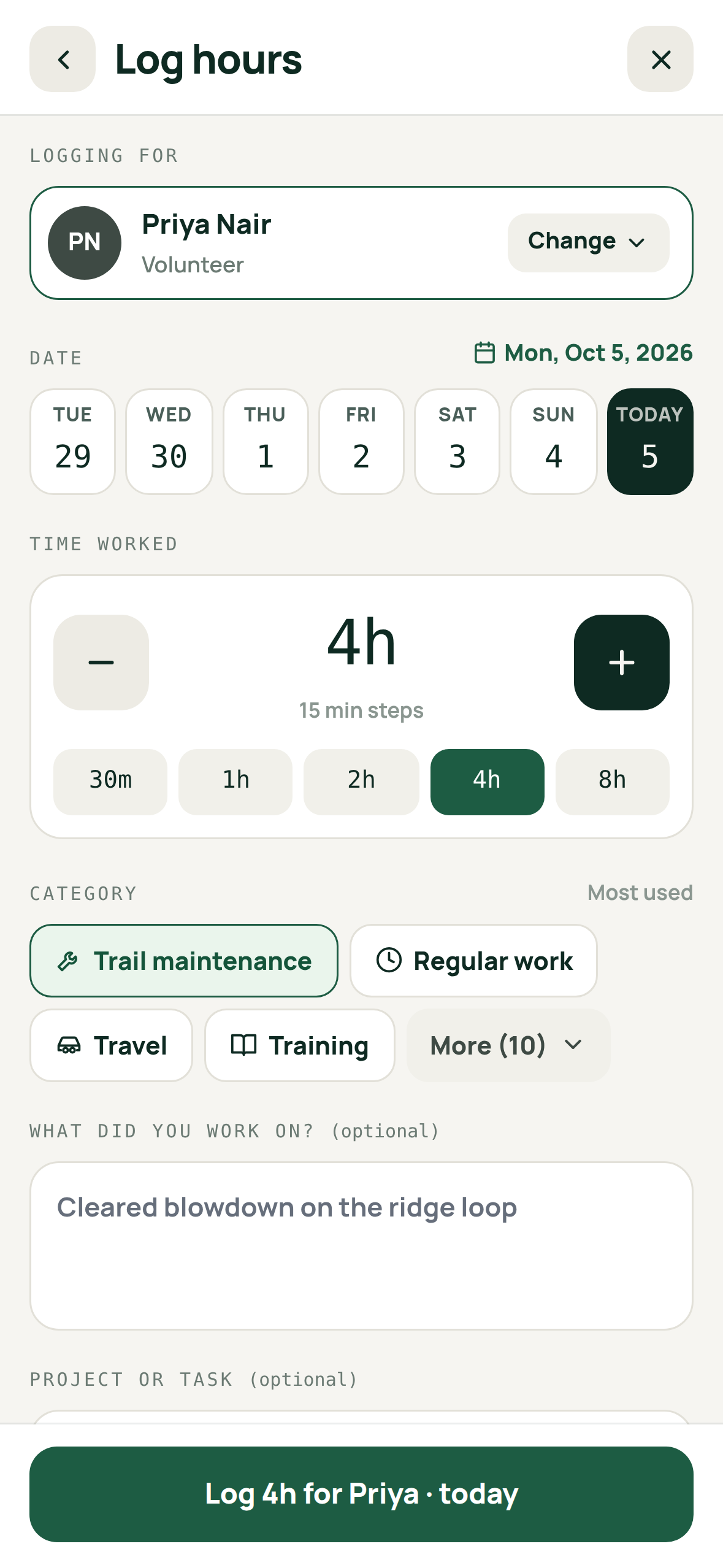
Log hours in the field app is redrawn. Tap the day on a strip of dates, step the time in quarter hours, and pick the work from your four most-used kinds, with the rest one tap further. Anybody who approves work hours can log hours for a team member — the crew lead filling in for three volunteers who left their phones in the truck — and the entry says who typed it in.
Work categories follow the role. Settings → Work hours is a table now, a row per category and a column per role, so volunteers pick from volunteer work and the paid crew from theirs. Add your own categories too.
Drafts gathers every draft entry of yours, whatever its date, with one button to submit them all.
Also this week
The planner's Draw and Suggest tools share one layout — a big map with the terrain chips over it, and a side column in the order the work happens. Draw lists every point with the segment lengths; Suggest puts the line's sustainability and build cost at the top and flies the map to each flagged section.
The overview goes trail by trail. Pick one trail and the week or month shows its days, closures, weather and tasks alone. Every member can open it now, like the daily report it rolls up.
Email has a new look. Invitations, sign-in codes, reminders and notices share one clean layout with the next step on a single button. A new account starts with a six-digit code sent to its email address, and an invitation that ran out can be resent for another 30 days.