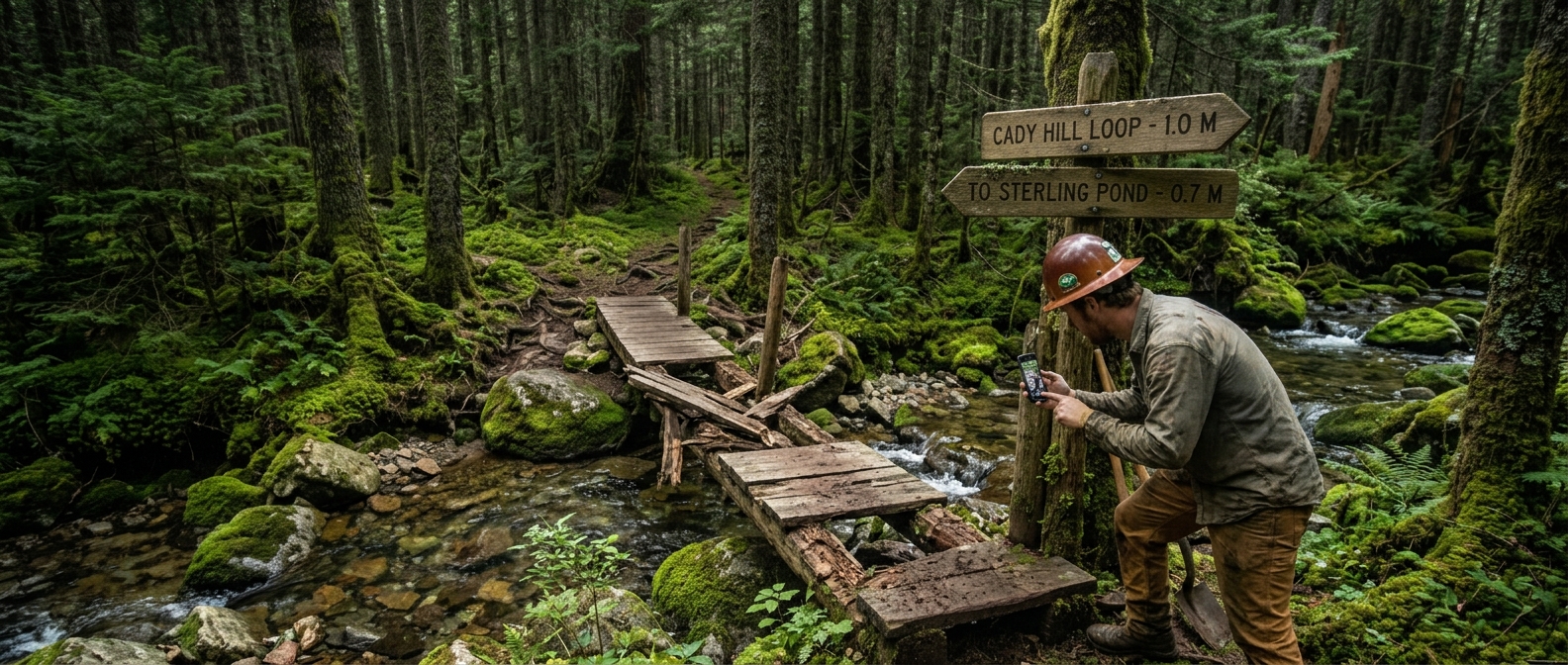
Photo, location, done
The field app takes the picture and the GPS fix together, so an item arrives already located on the right trail and already showing what the problem looks like.
Maintenance
A blowdown gets reported from the trail, not remembered until Sunday. The item carries its own photo, its own location and its own history, so the person who fixes it three weeks later knows what they are walking to.
Filing one
The reason maintenance logs go stale is that filing costs more effort than remembering. This is built to cost less.
The field app takes the picture and the GPS fix together, so an item arrives already located on the right trail and already showing what the problem looks like.
Filed items queue on the phone and send themselves when it next sees a tower. The badge in the header says how many are still waiting, so nobody has to wonder.
Blowdown, erosion, drainage, signage, tread, broken structure and the rest, each with a priority — so a queue can be sorted into what has to happen this week.
To a trail, to a bridge or gate, or to a climbing route. A bridge that keeps generating items is a bridge with a history you can read on the bridge itself.
The app checks for items already open nearby before it saves, so the same downed tree reported by four people is one item rather than four.
Gloves on, in the rain, one hand on the bars. Talking is faster than typing and the item still ends up written down.
Moving it along
Four states, and the one that matters is the one before the others: anything a member of the public files waits for somebody on your team to accept it.
A report from a trail user lands in a moderation queue, not in your crew's work list. Approve it and it becomes an ordinary item; reject it and it is gone. Nothing your crew sees as work is work nobody accepted.
Accepted and waiting. Visible on the map, in the list, in the counts on your dashboard and in the offline download a crew takes with them.
Somebody has it. Hours logged against it from the field roll up as they go, so the cost of the fix is known without anybody reconstructing it afterwards.
Closed with the photos, the discussion and the time still attached. Next season, when the same corner washes out again, the last repair is right there.
Keeping it together
The reason detail gets lost is that the item is in one system and the talking about it is in a group chat nobody can search six months later.
Ask a question, post what you found when you got there, agree the fix. It stays with the item instead of scrolling away.
Time is recorded on the item it was spent on, from the field, so a season report is a rollup rather than a reconstruction.
Crew and costsGroup a reroute or a season of bridge work into a project and watch it against its own progress and its own budget.
A spring sweep as a repeatable run: walk the list, tick what is fine and flag what is not — and a flagged row opens a maintenance item automatically, linked back to the row.
In the documentation
Step-by-step guides for setting each of these up.
Start free, file your first item from a phone, and see it on the map before you get back to the truck.