
Volunteer signups
A form that asks new volunteers what they would like to help with, and sends it to whoever runs your crews.
Your website, if you want one
For the trail club with no website, or one nobody can update any more. Pick a theme, drag in what you need, and run your events, news, fundraising and volunteers from one site that already knows your trails. It is optional: keep the site you have if it works. Included with the Pro plan, $49 a month.
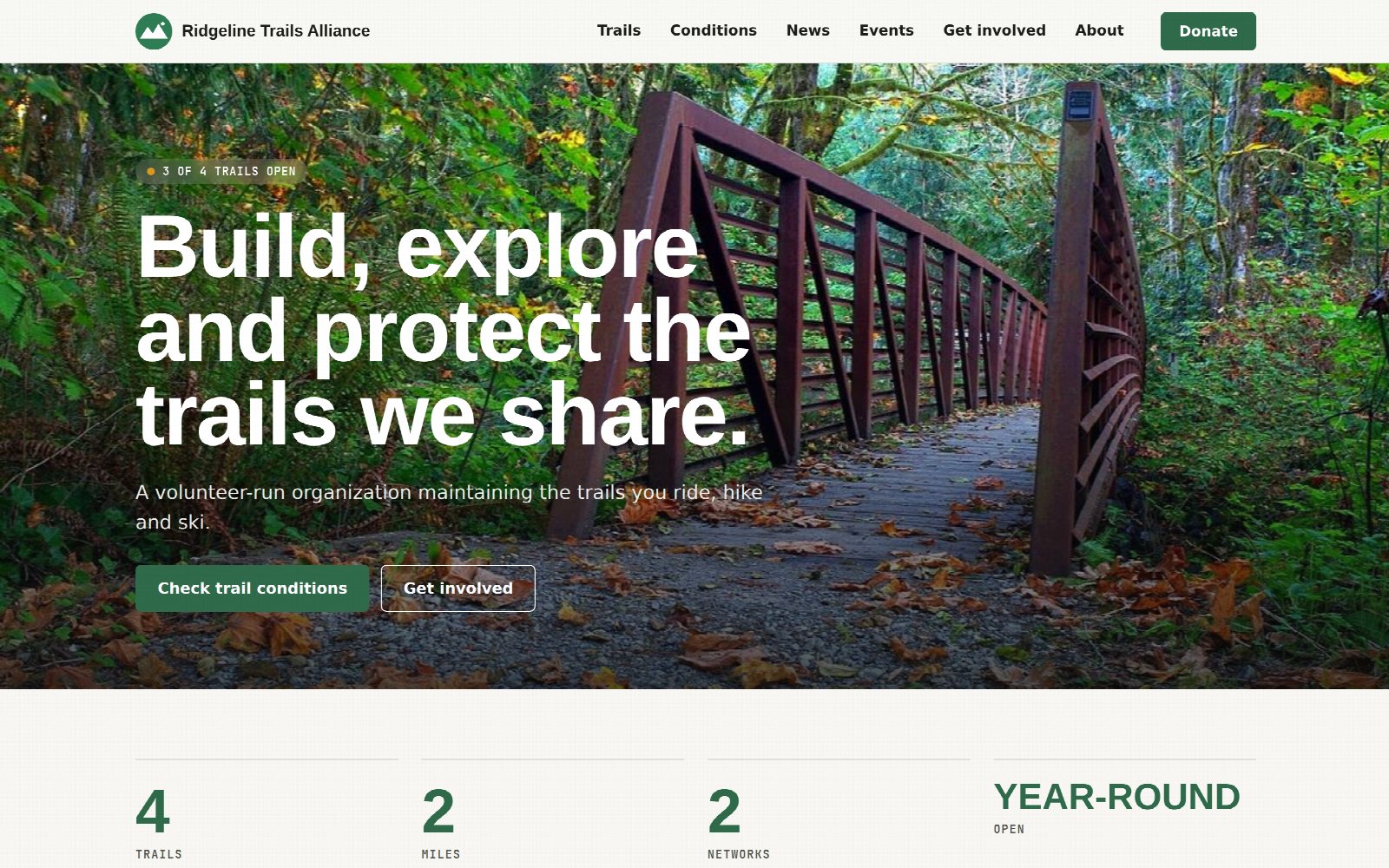
The builder
Nobody on a volunteer board should need to know what a plugin is. You build pages from blocks, see the page change as you type, and press Save when it looks right.
A hero with a photo, live trail conditions, a trail map, news, events, a gallery, sponsors, a donate box, a shop, a volunteer form, questions and answers. Add one, drag it where you want it, and type into it. Each block has its own colors and spacing when you want to change them, and good defaults when you do not.
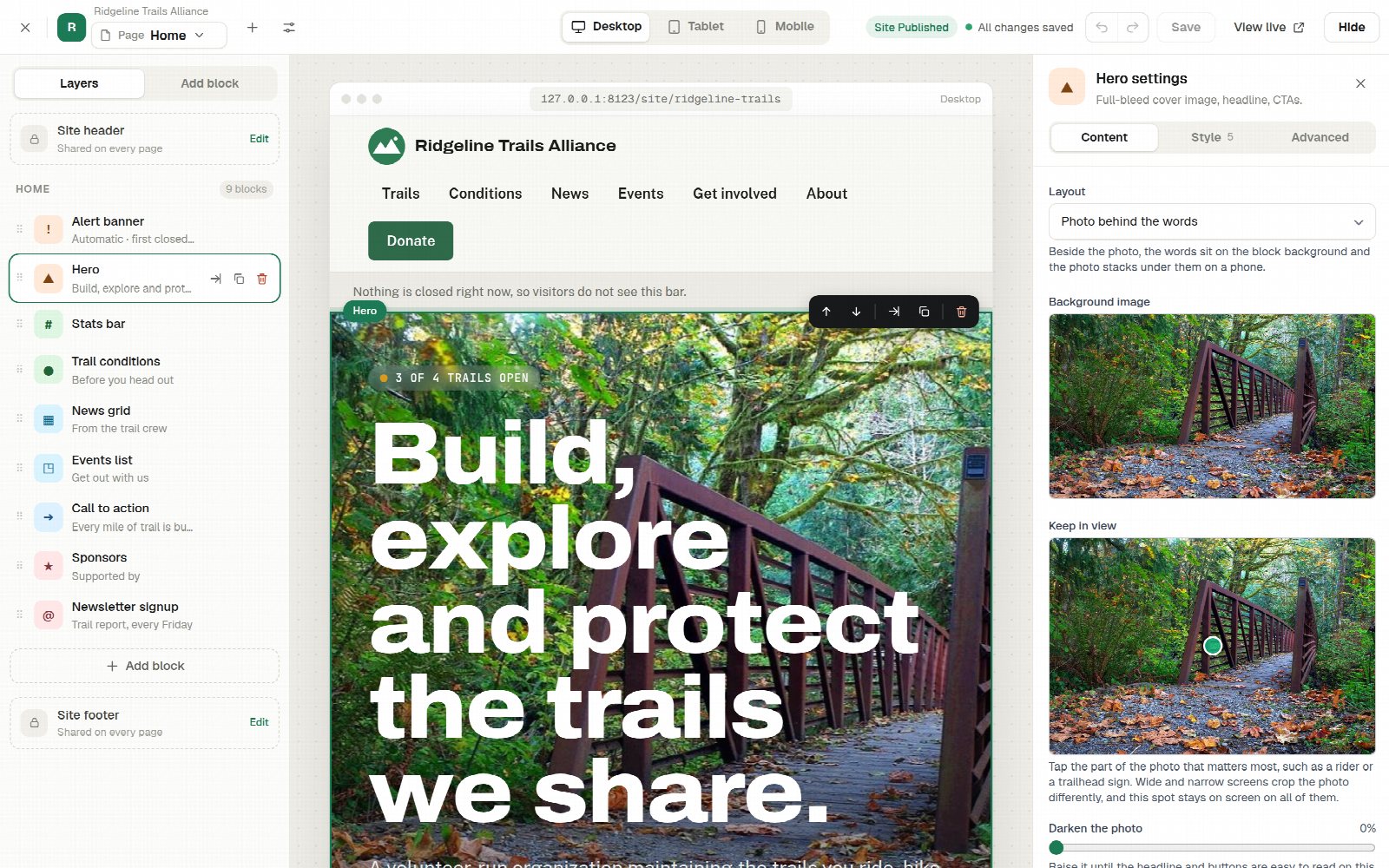
Themes
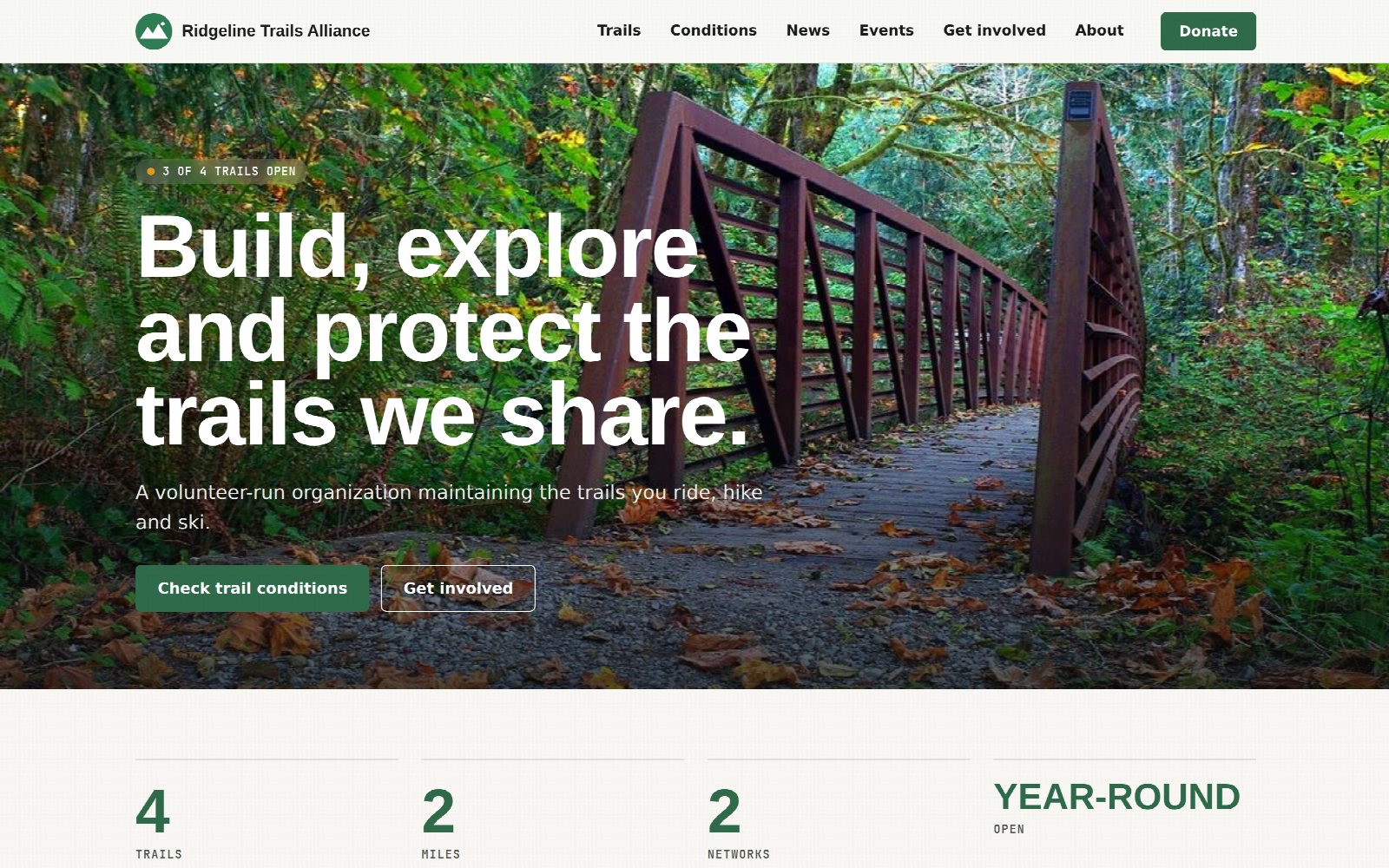
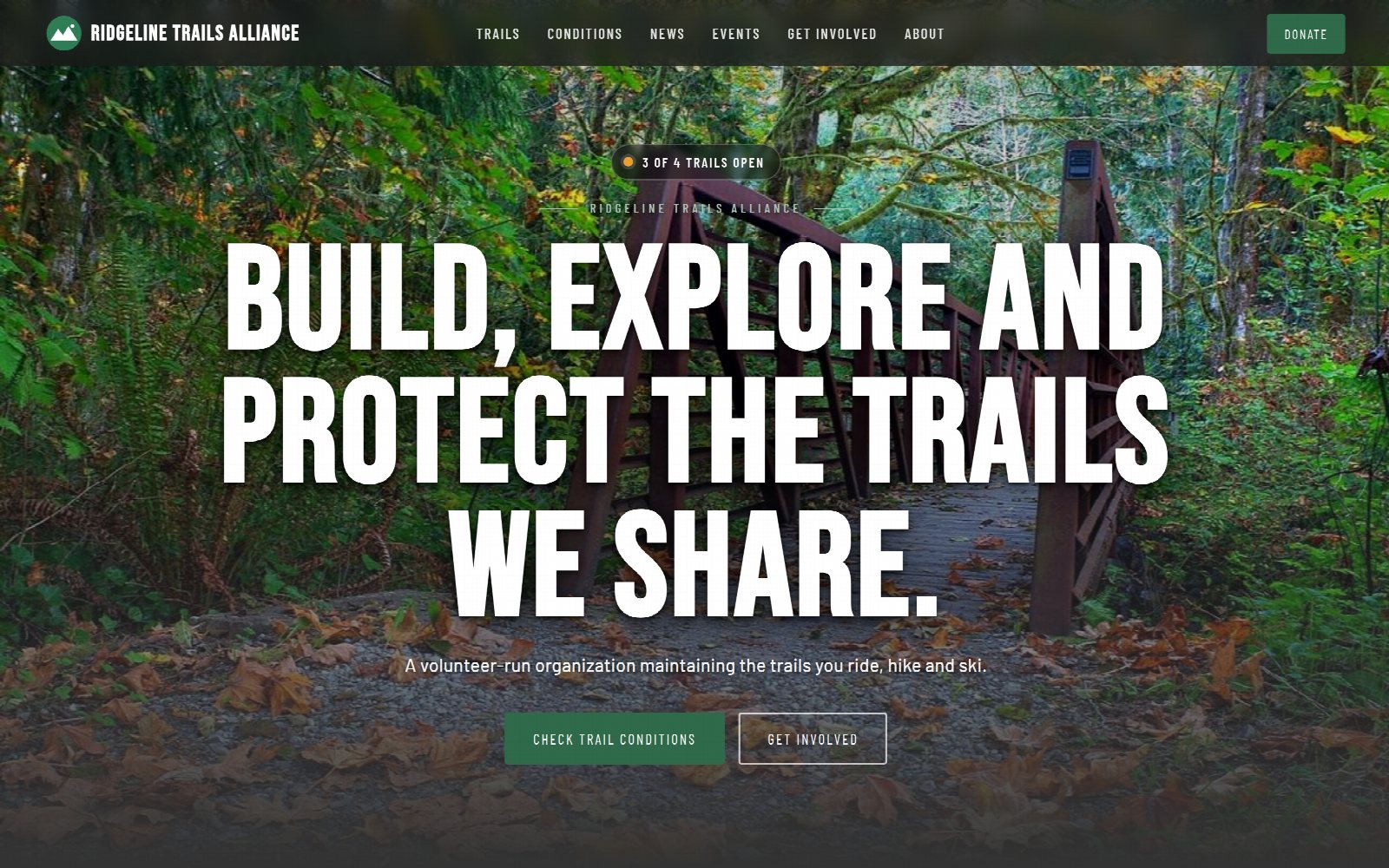
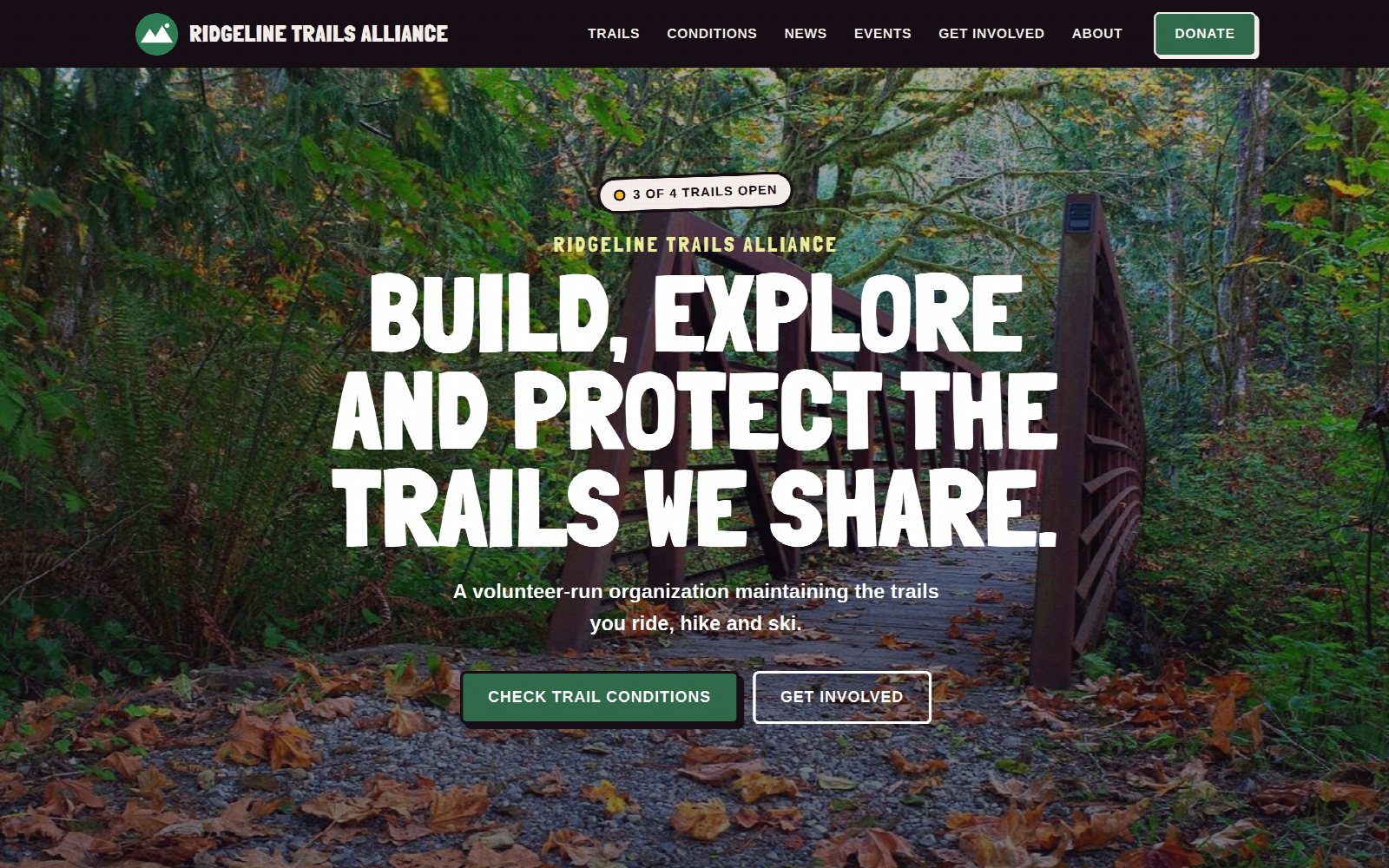
Choose a theme and your accent color, then change your mind whenever you like. You can preview your whole site in another theme first, while visitors keep seeing the one you have.
Fundraising
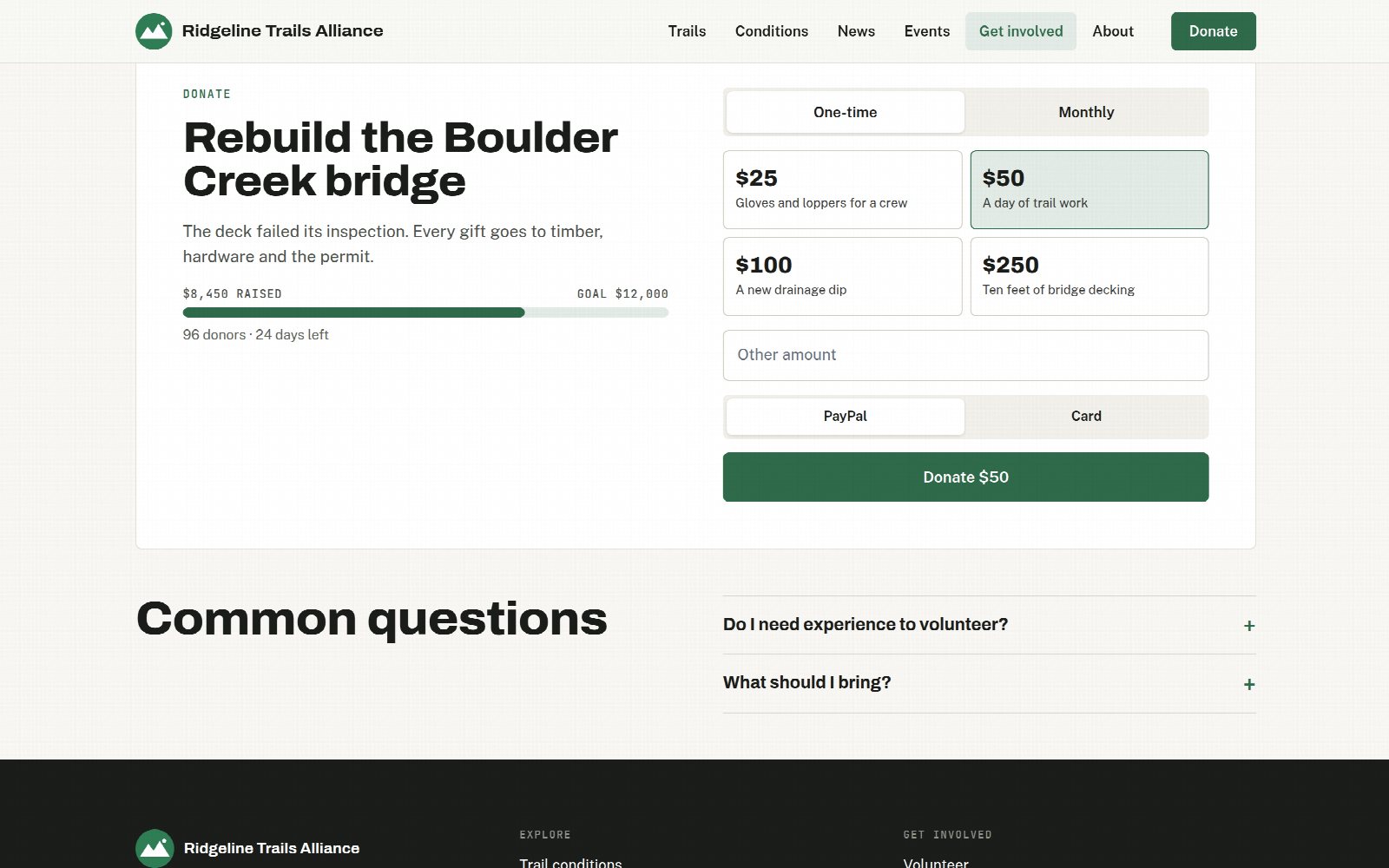
Every block that takes money sends it to your own account. You keep your donors, your payouts and your receipts where they already are.
Set the amounts and say what each one pays for: gloves for a crew, a day of trail work, ten feet of bridge decking. Add a goal and an end date, and the bar fills as you raise it.
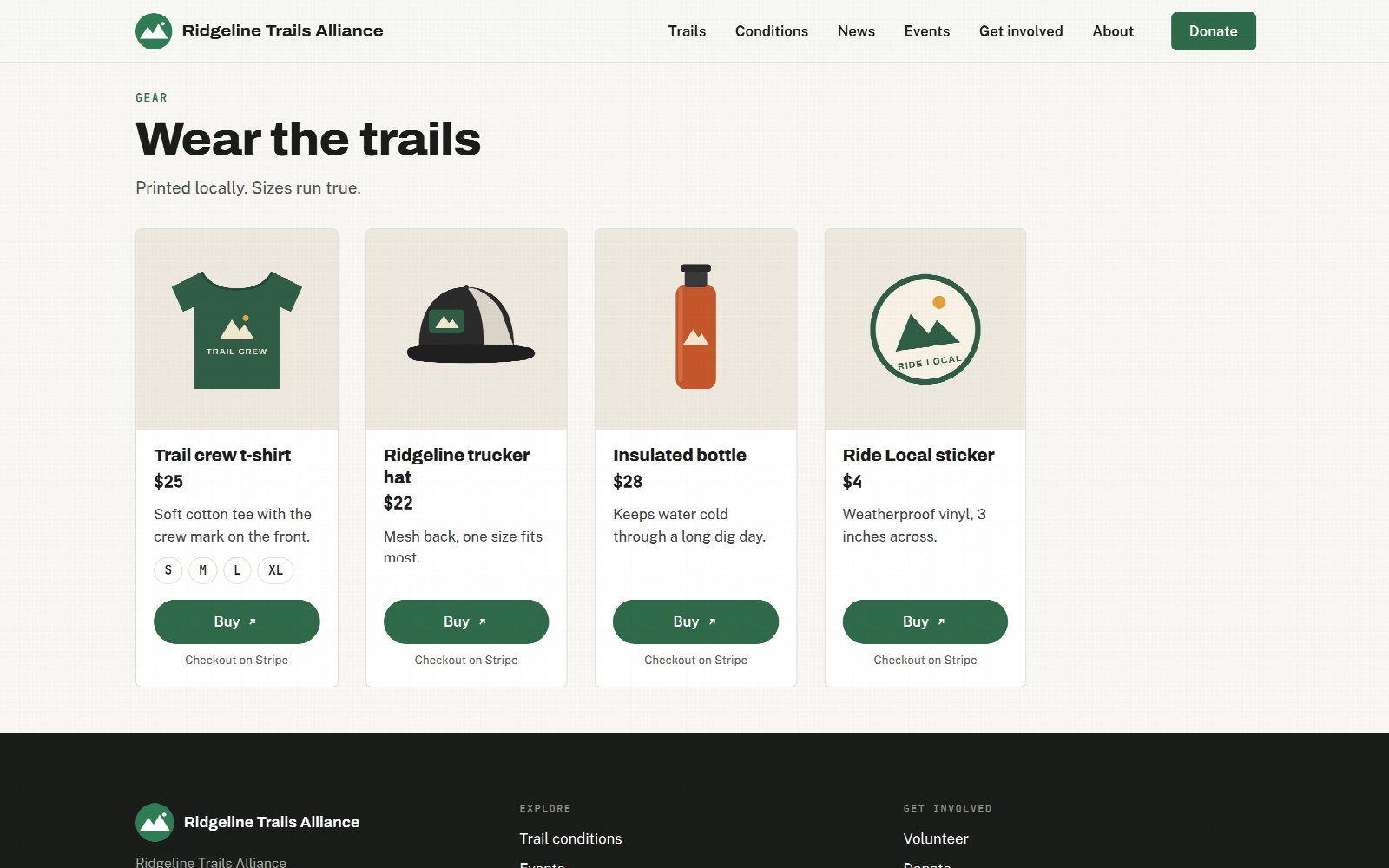
Shirts, hats, bottles and stickers with photos, prices and sizes. With Stripe connected, visitors fill a cart and pay once, and each order lands in your Payments list with the size and the address. Or give a product a link to a checkout you already use.
Events
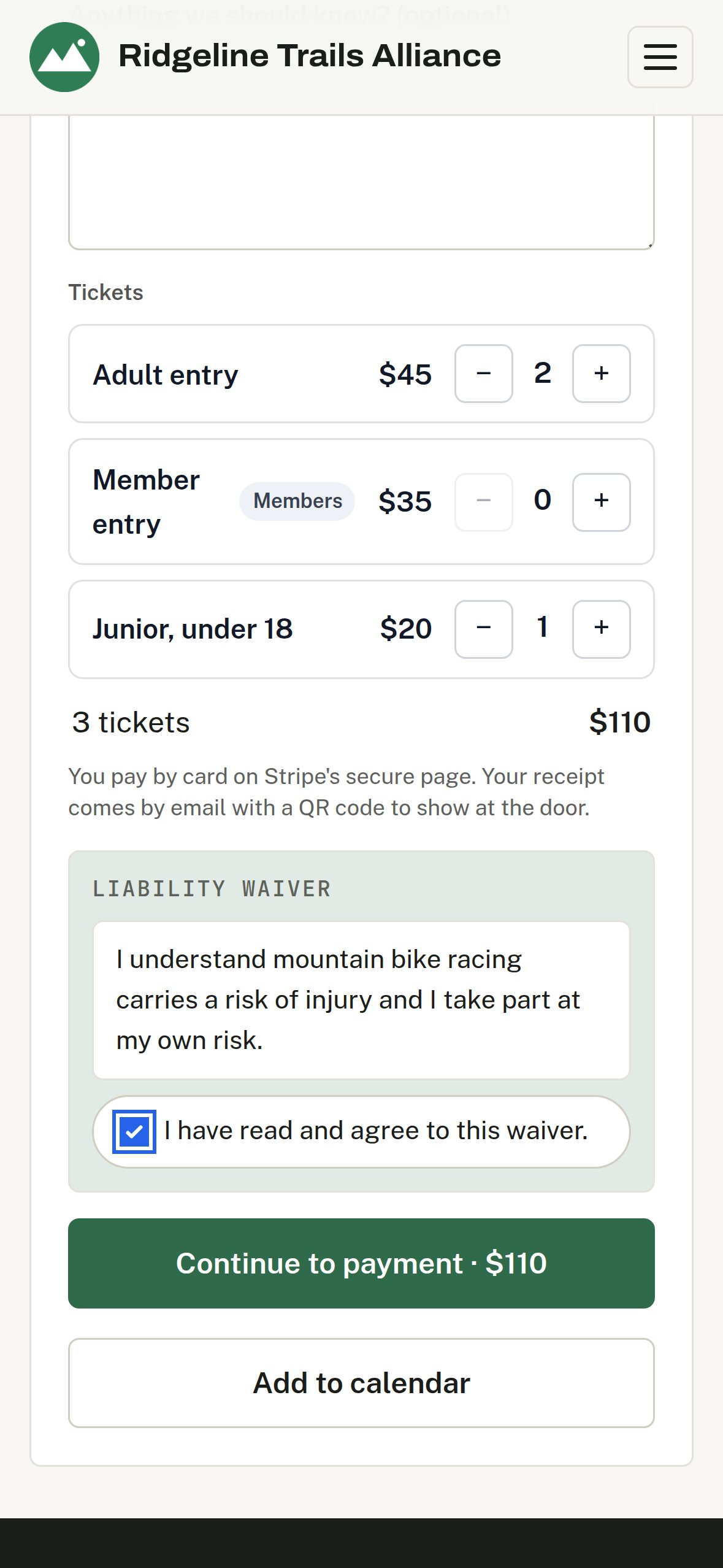
Events live on your site with their own pages, a calendar people can subscribe to, and a signup form that does the admin for you.
A work party takes signups with a waiver and a waitlist. A race or a fundraiser dinner sells tickets: set the ticket types and prices, visitors pay by card on Stripe's page, and each one gets a receipt with a QR code.
Community
The same site that tells people the trails are open is where they join, sign up to help and find out what is going on in town.
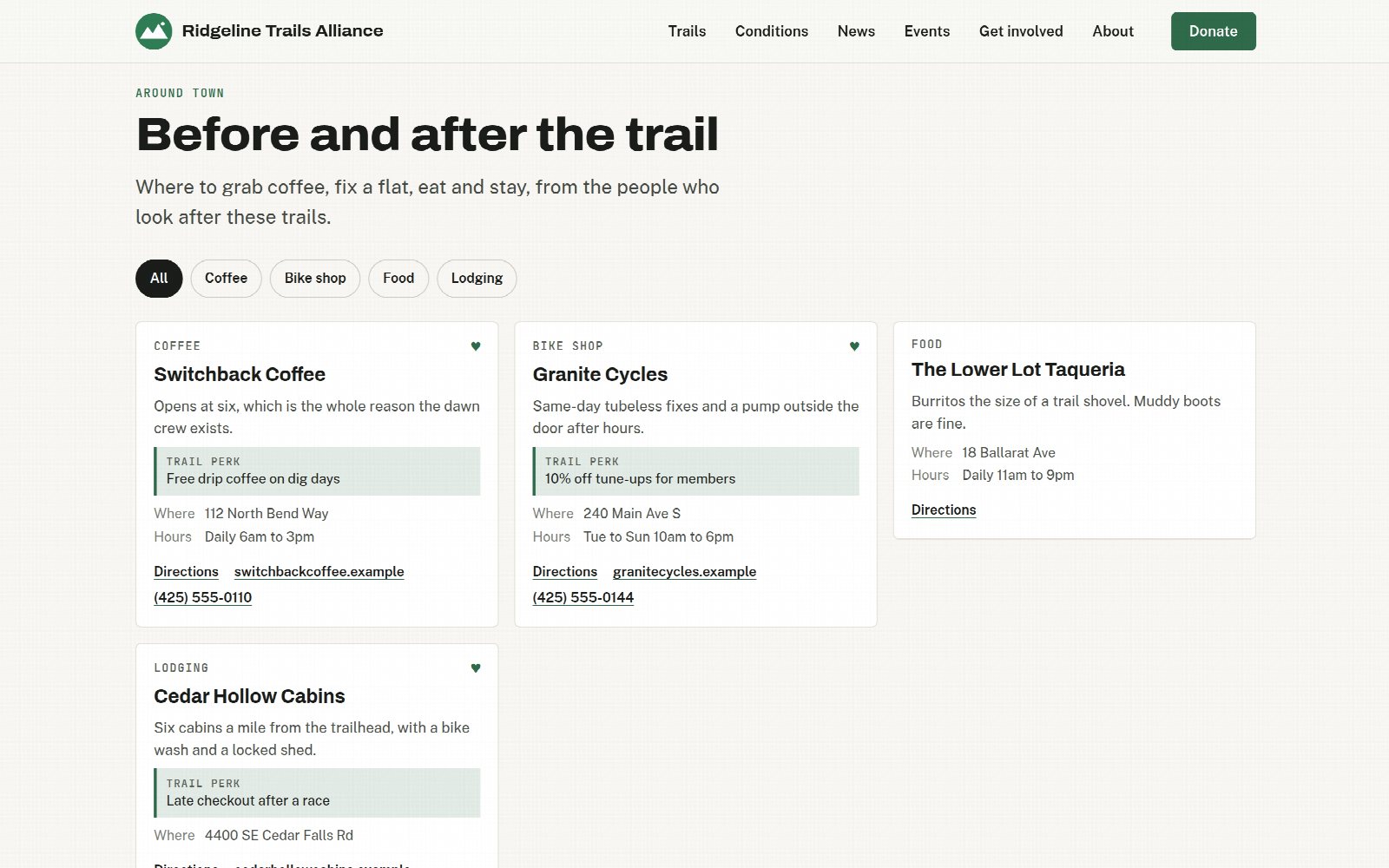
A logo row thanks a sponsor. A guide to the coffee, bike shops, food and places to stay around town sends them customers. Visitors read it because it is useful, and a heart marks the businesses that help pay for the trails.
A form that asks new volunteers what they would like to help with, and sends it to whoever runs your crews.
Post an update from where you manage the trails, and grow a list of people who want it in their inbox.
The trail status your crew sets from the trailhead is what the site shows. Nobody has to remember to update the website after a storm.
Codes that open a trail, a network or your report page, for a kiosk, a trailhead sign or the back of a printed map.
Closing the loop
The people using your trails see more than anybody on your crew does. The site is where that becomes useful to you.
A trail user opens your report page on their own phone, marks where they are, adds a photo and describes it. No account and no install.
Reports land in a review queue, not in your crew's work list. Approve one and it becomes an ordinary maintenance item; reject it and it is gone. Nothing goes live unreviewed.
Somebody who cares about a network gets a push when a condition changes or you post the day's report, rather than checking a page that has not moved since Tuesday.
A daily report collects the day's condition changes, work and notes into one page your visitors can read, assembled from what already happened rather than typed out again.
In the documentation
Step-by-step guides for setting each of these up.
The website is included with Pro. Start free with the rest of TrailsIQ, and turn the website on when you move to Pro.